



Speedify 10.7.2 Is Now Available
Introducing the latest and greatest version of Speedify for Android, iOS, macOS, Windows, and Linux. For the fastest, most reliable, and most secure VPN experience, update Speedify on all of your devices right now!
Updated: Speedify 10.7.2 Improvements
- Windows
- Fixes slow speeds when used with Connectify Hotspot
- Fixes WebView2 Runtime installation errors
Updated: Speedify 10.7.1 Improvements
- All platforms
- Improvements to detection of streams in Streaming Mode
- Stability fixes
- Windows
- Fixed UI becoming unresponsive after reboot
- Fixed blank icon in taskbar
New Features in Speedify 10.7
- Premium Servers: Users with unlimited accounts now have access to additional servers in popular locations worldwide.
- New Statistic – “Stream Saves”: Keep track of the number of times Speedify has intervened to prevent streaming emergencies.
- Header Compression: By default, Speedify will now shrink the headers on data packets to reduce network overhead and data usage. This can lead to increased performance with online games, VoIP, and video conferencing.
- UI Optimization: Under the hood we’ve further optimized our CPU utilization to increase performance and decrease power draw.
Speedify Works Even Better on the New Apple Silicon ARM Based MacBooks
Exciting news for Mac users: the new laptops featuring the ARM based M1 processor are out now. And we got some of ourselves. First thing we did is run tests with Speedify (which supports all devices running macOS, including the new ones).
TLDR: performance is even better. Follow us on Instagram, Twitter and Facebook – we’ll update you soon with more on this.

Update Speedify Now
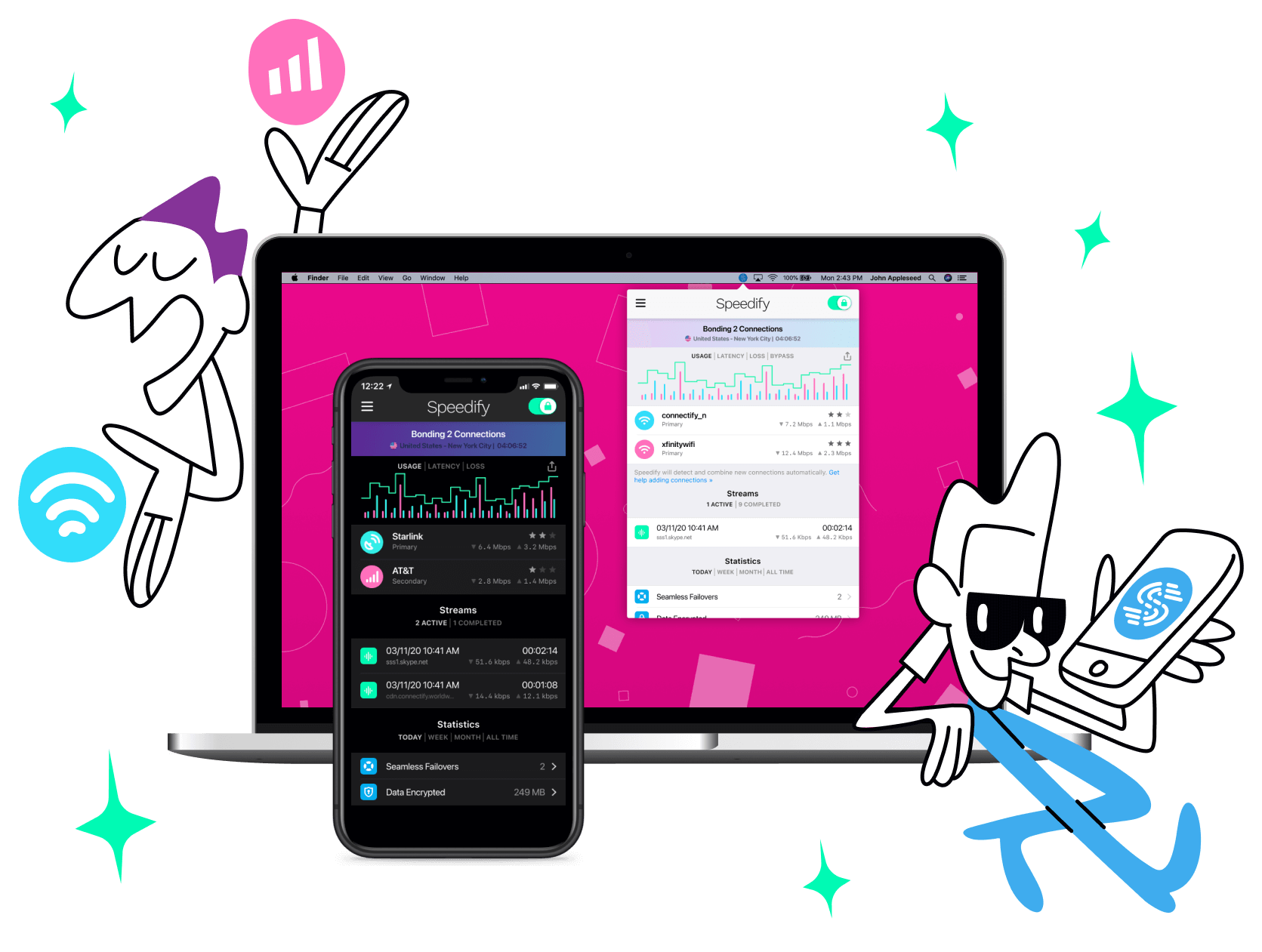
Speedify is the only app that seamlessly combines all of your connections, including WiFi, 4G, 5G, Ethernet, and Starlink, into one stronger connection to keep you online and secure with increased bandwidth, reduced latency, and failover protection.
You can easily share and combine LTE, 4G and 5G cellular connections between devices to create a faster, more reliable connection for everyone using Speedify’s cellular sharing feature, Pair & Share
Make sure you update Speedify on all your devices, including computers, mobile devices and supported routers!




Should you have a backup 4G, 5G, Starlink, or cable internet connection?
Yes — every internet connection goes down, including Starlink, which drops for ~34 minutes a day on average. A backup connection from a different provider means one outage never takes you fully offline. The most common options are a 4G/5G cellular hotspot, a cable or DSL line, or a second satellite dish.
4G/5G cellular
Works anywhere. Just a SIM or hotspot — no installation needed.
Learn more →Cable / DSL
Best for fixed locations. Different network, so outages rarely overlap.
Learn more →Second Starlink
Adds redundancy and throughput for remote sites or heavy usage.
Learn more →Speedify bonds any two connections into one — automatic failover, more speed, no dropped calls.
Try Speedify free →