



Speedify 11.9.2 Is Now Available
Introducing the latest and greatest version of Speedify for Android, iOS, macOS, Windows, and Linux. For the fastest, most reliable, and most secure VPN experience, update Speedify on all of your devices right now!
Improvements in Speedify 11.9.2
IOS
- Toggle off IP Leak Protection.
Android
- Removing support for Android Lollipop and Marshmallow as of 11.9.2, last supported release is 11.9.0.
- Multicast Discovery Support has been renamed to IP Leak Protection.
Mac
- Toggle off IP Leak Protection.
- Fixed issues when toggling between docked and undocked windows.
- Fix for showing Cellular connections as sleeping.
Windows
- Fix saving UI window position.
- Improve messaging when WebView2 is not installed.
Linux
- Fix for occasional UI crashes.
- Fix saving UI window position.
Improvements and New Features in Speedify 11.9
- NEW – New & Events section – you will be able to get the latest from our blog, find out what’s cool on Speedify Live and receive release notes such as this right from the app. Just click on the main app menu and bring that section up.
- Fixed bugs with HTTPS transport establishment and stability.
- Added UI support for servers in Budapest, Hungary.
- Improved handling of failures during server selection process.
IOS
- Prevent WebRTC based apps (i.e. Google Meet) from bypassing the VPN.
- Fixes with handling of captive portal networks.
Android
- Hide offline Wi-Fi adapters from the Dashboard.
- Allow Android RCS messaging to bypass the VPN.
Mac
- Prevent WebRTC based apps (i.e. Google Meet) from bypassing the VPN.
- Fixed handling of multiple tethered phones.
Windows
- Fixed WebView component and Windows 7 KB package downloads during install process.
Linux
- Removed unnecessary KillMode from service configuration.

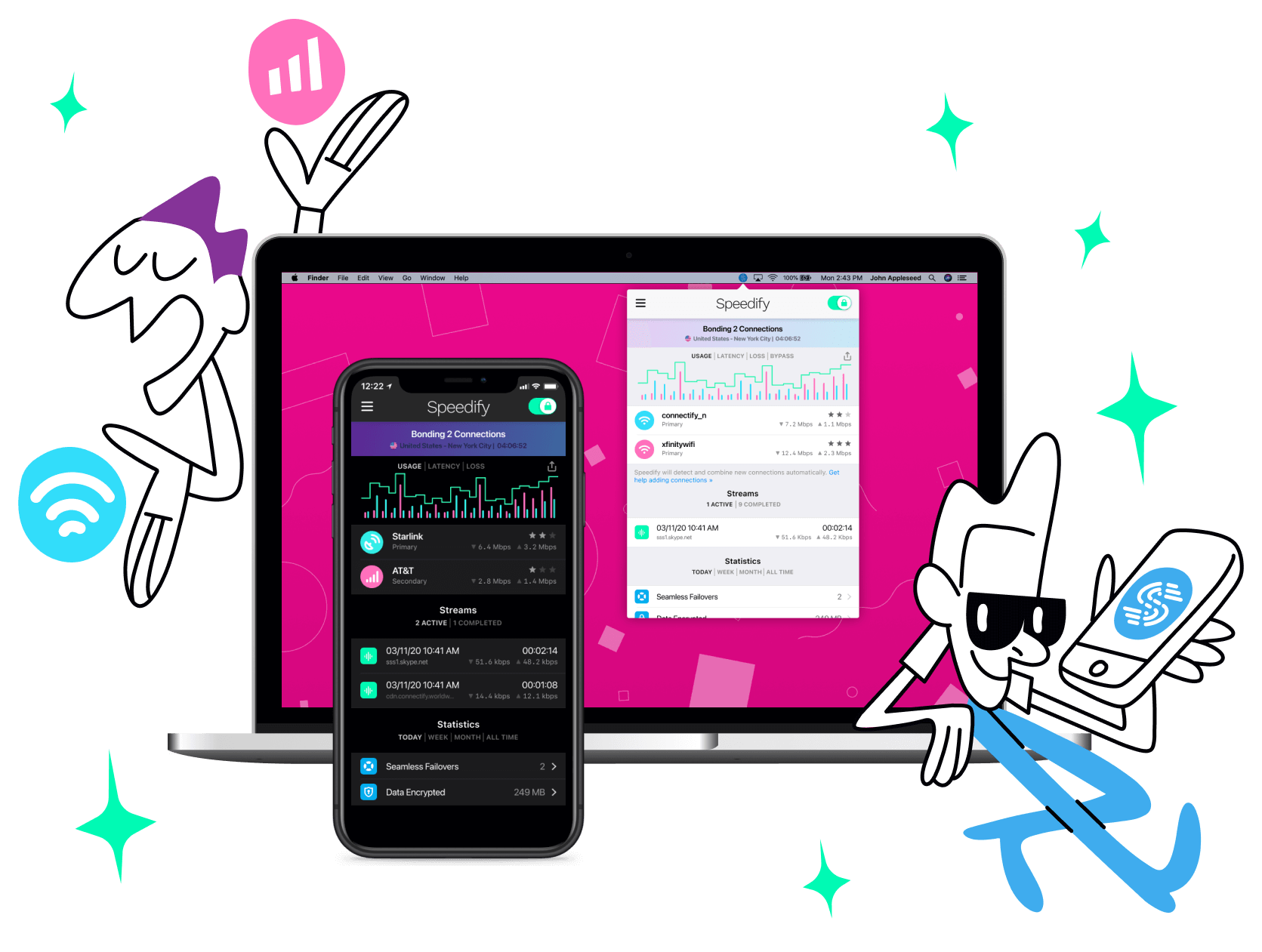
Update Speedify Now
Speedify is the only app that seamlessly combines all of your connections, including WiFi, 4G, 5G, Ethernet, and Starlink, into one stronger connection to keep you online and secure with increased bandwidth, reduced latency, and failover protection.
You can easily share and combine LTE, 4G and 5G cellular connections between devices to create a faster, more reliable connection for everyone using Speedify’s cellular sharing feature, Pair & Share
Make sure you update Speedify on all your devices, including computers, mobile devices and supported routers!




Should you have a backup 4G, 5G, Starlink, or cable internet connection?
Yes — every internet connection goes down, including Starlink, which drops for ~34 minutes a day on average. A backup connection from a different provider means one outage never takes you fully offline. The most common options are a 4G/5G cellular hotspot, a cable or DSL line, or a second satellite dish.
4G/5G cellular
Works anywhere. Just a SIM or hotspot — no installation needed.
Learn more →Cable / DSL
Best for fixed locations. Different network, so outages rarely overlap.
Learn more →Second Starlink
Adds redundancy and throughput for remote sites or heavy usage.
Learn more →Speedify bonds any two connections into one — automatic failover, more speed, no dropped calls.
Try Speedify free →