



Speedify 5.6 Is Now Available
Introducing Speedify 5.6, the latest and greatest version for Android, iOS, macOS and Windows. For the fastest, most reliable, and most secure VPN experience update to Speedify 5.6 on all of your devices right now!
New Features in Speedify 5.6
- Rate Limiting: In the connection’s settings there is now an optional Rate Limit. When set this will prevent the connection from going faster on average than the speed you select. Why would you want to slow down your internet? Most people won’t want to, of course, but if you are trying to not use too much of an expensive cellular or satellite connection, then this could be a real money saver.
- Performance Improvements: Reduces the amount of latency that Speedify introduces into the network and over the Speedify tunnel.
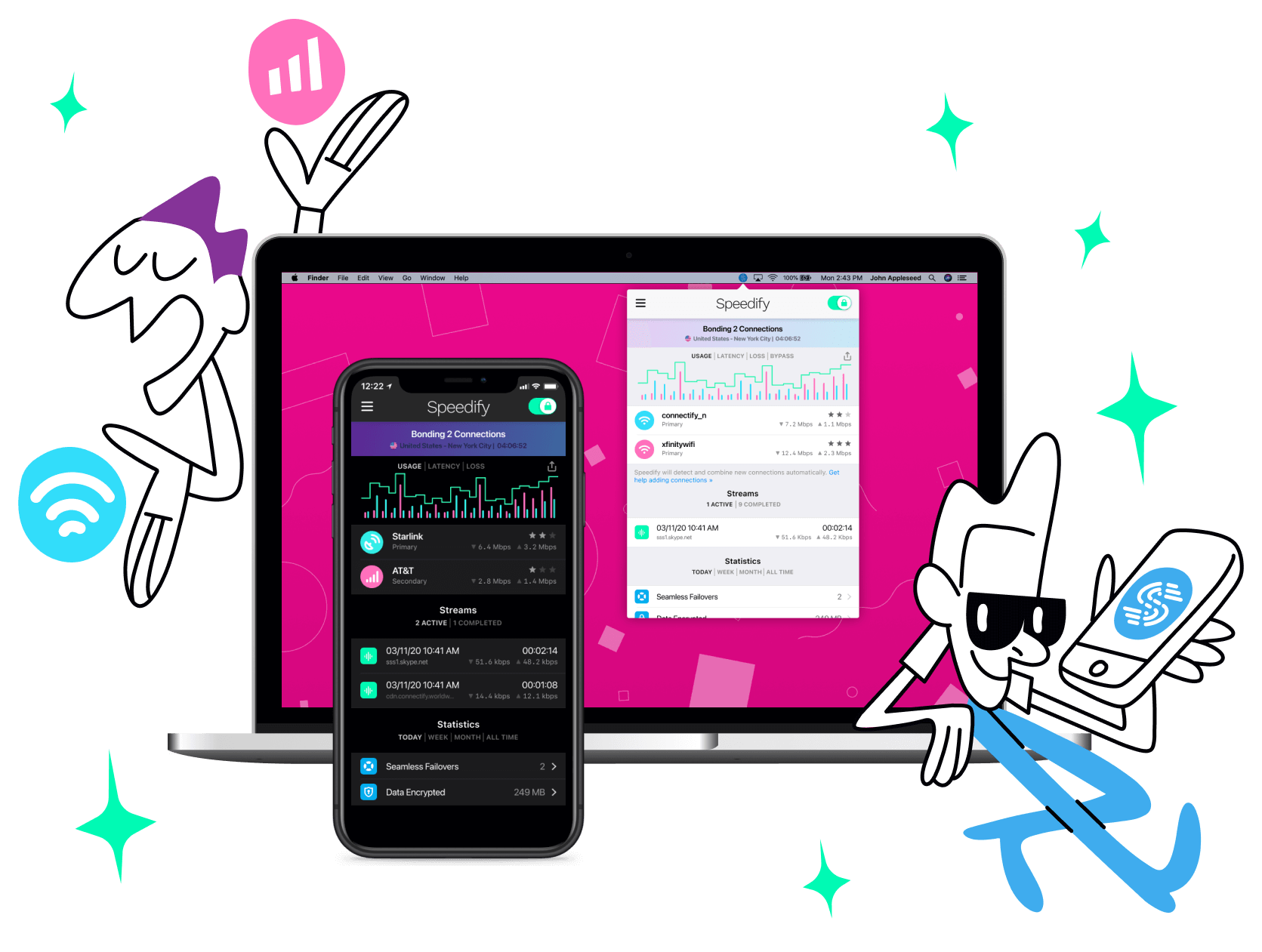
- User Interface Improvements: Improved color palette on connections to avoid hard to read combinations. On the Desktop versions, when you only have one connection, a new faux connection called “Add Connection” appears which when clicked on offers guidance on how to set up new internet connections.

Update Speedify Now
Speedify is the only app that seamlessly combines all of your connections, including WiFi, 4G, 5G, Ethernet, and Starlink, into one stronger connection to keep you online and secure with increased bandwidth, reduced latency, and failover protection.
You can easily share and combine LTE, 4G and 5G cellular connections between devices to create a faster, more reliable connection for everyone using Speedify’s cellular sharing feature, Pair & Share
Make sure you update Speedify on all your devices, including computers, mobile devices and supported routers!




Should you have a backup 4G, 5G, Starlink, or cable internet connection?
Yes — every internet connection goes down, including Starlink, which drops for ~34 minutes a day on average. A backup connection from a different provider means one outage never takes you fully offline. The most common options are a 4G/5G cellular hotspot, a cable or DSL line, or a second satellite dish.
4G/5G cellular
Works anywhere. Just a SIM or hotspot — no installation needed.
Learn more →Cable / DSL
Best for fixed locations. Different network, so outages rarely overlap.
Learn more →Second Starlink
Adds redundancy and throughput for remote sites or heavy usage.
Learn more →Speedify bonds any two connections into one — automatic failover, more speed, no dropped calls.
Try Speedify free →