


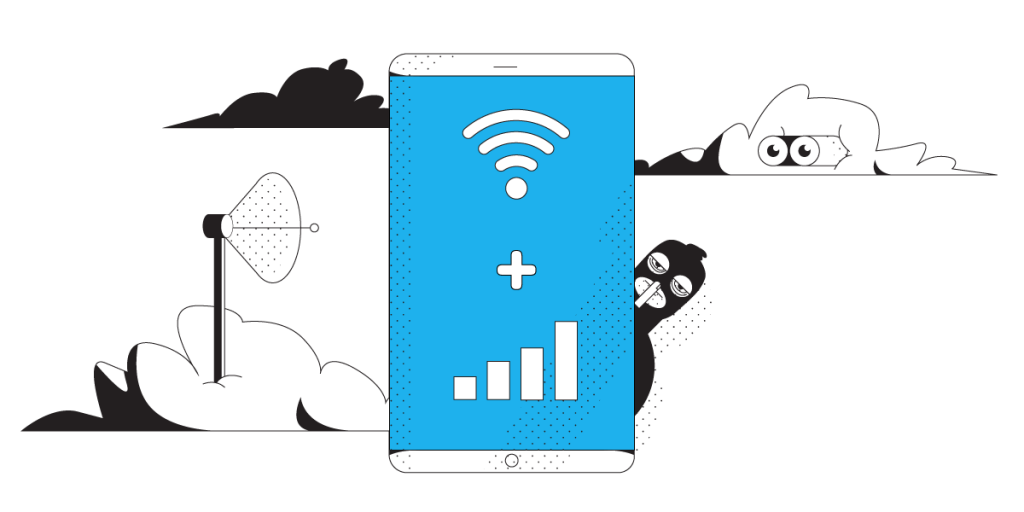
Unbreakable VPN Connection for Android by Combining Wi-Fi and 4G / 5G Cellular with Speedify
Yes, an Android phone needs a VPN, and public Wi-Fi is the clearest reason: whatever you send over a coffee shop network can be read by anyone else on it.
Speedify scrambles all of it, and it goes past what a standard VPN app does by carrying your Android traffic over Wi-Fi and 4G/5G cellular data at the same time.
Security, blocked content and speed each get a section here, and all three land in the same place – with Speedify on your Android phone your traffic stays private, uploads and downloads get faster, and losing one internet connection does not put you offline.
Why Use VPN on Android? To Enhance Your Online Security
As discussed above, VPNs offer you online security. If you want to hide your activities from a hacker, a VPN can help you out. You might think why a hacker would be interested in your activities. It could be anyone, an ex or a disgruntled employee. Make sure your activities are safe and private.
And it’s not just the hackers that are after your data – even your ISP wants to see what you’re doing. This data is used to send targeted ads your way.
Do you live in a repressive country where there’s a constant risk to journalists, activists, and bloggers? You need to keep your identity hidden. Your IP address gives away your true identity, which is why it’s important to go anonymous.
A VPN running on your Android smartphone will protect your identity and keep you safe and secure. Since it encrypts the traffic, nobody will be able to see what you’re doing online.
Do I Need a VPN on My Android Phone? Sure, to Bypass Geo Blocks
Some countries ban specific websites. Depending on the status of online freedom in that country, the government might ban social media websites, email programs, and news related websites.
If you live in a country where there’s a lot of online censorship, the ISP will make sure you don’t visit any websites that are blocked. The only way to get complete online freedom in such cases is by using a VPN.
A VPN will encrypt all your traffic. This way, ISPs and authorities will not be able to see which websites you’re accessing. So, you will be able to bypass that blocked content.
Just make sure you connect to a server that’s located in a less restrictive country and you’ll be able to visit the websites that are blocked in your country.
You Can Get Faster, More Reliable Internet When Using a VPN on Android
When people wonder why use VPN on Android, increasing the speed is a factor that never pops in their minds. Mainly because VPNs are known to slow speeds down. With all the encryption and rerouting going on, the connection gets slower.
Sure, if you’re getting a broadband speed of 100 Mbps via Wi-Fi and the speed goes down to 85 Mbps, you might not notice a drop. But mobile internet speeds can be limited to about 10-20 Mbps. If these speeds drop, your browsing will be affected.
You can fix this problem by using Speedify bonding VPN. It’s an app available for Android and other operating systems which offers:
- a VPN that provides online security and anonymity AND
- a channel bonding service that combines Wi-Fi and mobile data on your Android smartphone. This provides faster, more stable Internet.
Speedify helps you enhance your online security, bypass geo-restrictions, and get faster speeds. Get it now on your Android!
Speedify
Get started with Speedify today.
Combine Wi-Fi, 4G/5G cellular, Ethernet, Starlink, and more into one faster, steadier connection. Free to try — no credit card required.
🚀 Speed
Faster uploads and downloads by bonding all your connections at once.
📶 Stability
Automatic failover in under a second when any connection drops.
🔒 Security
AES-256 encryption on every connection, on every network you join.





15M+ downloads worldwide. 75K+ five-star reviews on iOS and Android.