
Site icon Speedify

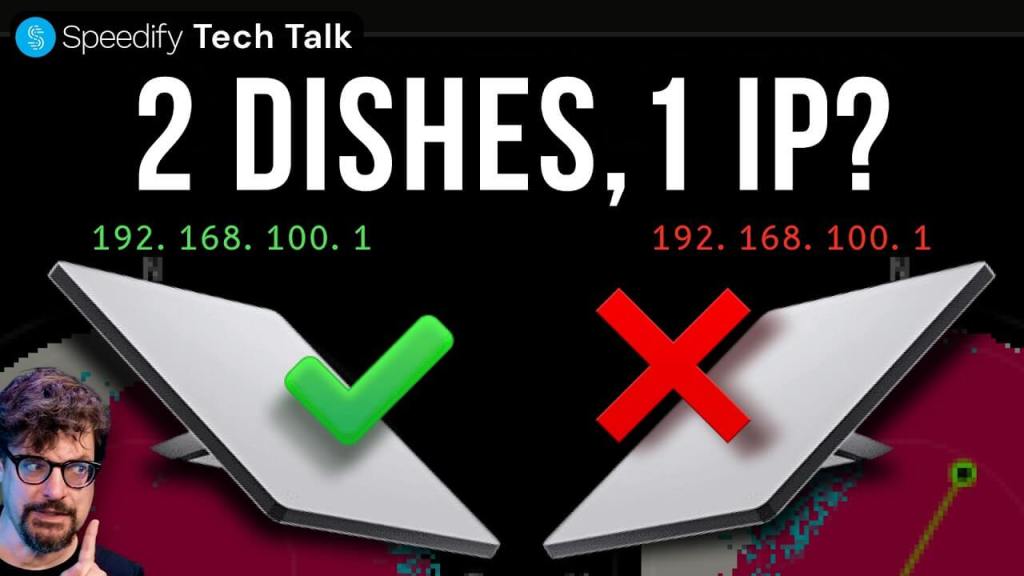
Watch Now: Why Does Starlink’s App Fail When You Run 2 Dishes on the Same Network?

Every Starlink dish takes the same default IP address — 192.168.100.1.

Run two Starlink dishes on the same network and the Starlink app can only see one of them. Starlink setup also recommends keeping dishes 30cm apart, but Starlink internet speed testing shows 8 feet of separation makes a measurable difference.

Engineers discuss our findings about Starlink setup with multiple dishes, and how to make sure they connect to different satellites for faster upload and download speeds when bonding Starlink with Speedify. Tilt Starlink dishes northeast and northwest so each dish grabs different satellites. Speedify has new features for tracking your Starlink performance, including dish obstuction maps, dish alignment, IP conflicts, signal strength, and why a radio powerful enough to reach indoors from orbit would be dangerous to stand next to.

Should you have a backup 4G, 5G, Starlink, or cable internet connection?

Yes — every internet connection goes down, including Starlink, which drops for ~34 minutes a day on average. A backup connection from a different provider means one outage never takes you fully offline. The most common options are a 4G/5G cellular hotspot, a cable or DSL line, or a second satellite dish.

Speedify bonds any two connections into one — automatic failover, more speed, no dropped calls.

Try Speedify free →

How do I use Wi-Fi and 4G/5G cellular at the same time with Speedify?

Pick your two internet connections and your device below and we'll take you to the step-by-step setup guide.

I want to combine

Use the selectors below to find the setup guide for your exact combination of connections.

Or view articles for

Get started with Speedify today

Free to try on every device. No credit card required.

15M+ downloads worldwide · 75K+ five-star reviews · 500TB+ bonded per week

Alex and the Speedify team are always exploring the latest in networking and security technology—like 5G, 6G, WiFi 7, laser and satellite internet—and sharing it in new discussion content across YouTube, TikTok, Instagram, and LinkedIn every week.

Got a tech question? Let's go deeper! Pop into Speedify Office Hours live every Wednesday at 10 AM Eastern. Speedify CEO Alex Gizis and our network engineers are standing by to break down your questions about networks, tech updates, and Speedify features.

Speedify

Get started with Speedify today.

Combine Wi-Fi, 4G/5G cellular, Ethernet, Starlink, and more into one faster, steadier connection. Free to try — no credit card required.

🚀 Speed

Faster uploads and downloads by bonding all your connections at once.

📶 Stability

Automatic failover in under a second when any connection drops.

🔒 Security

AES-256 encryption on every connection, on every network you join.

15M+ downloads worldwide. 75K+ five-star reviews on iOS and Android.

Exit mobile version

