



First Impression: Blown Away by the New Apple M1 Chip on ARM Architecture
It’s been one day since the new MacBook Air with the ARM based M1 processor chip arrived, and we are blown away. Since Apple first announced its transition from Intel’s x86-64 to its own designed chips using the ARM64 architecture, we’ve been making sure our apps will be fully compatible with this new generation of devices. And now they’re finally here for us to play with use and test.
<1 sec
With Speedify, your internet stays on when one connection fails.
When one of your internet connections drops, Speedify shifts your traffic to your remaining connections in under a second — so calls don’t cut out and downloads don’t stall.
Should you have a backup 4G, 5G, Starlink, or cable internet connection?
Yes — every internet connection goes down, including Starlink, which drops for ~34 minutes a day on average. A backup connection from a different provider means one outage never takes you fully offline. The most common options are a 4G/5G cellular hotspot, a cable or DSL line, or a second satellite dish.
4G/5G cellular
Works anywhere. Just a SIM or hotspot — no installation needed.
Learn more →Cable / DSL
Best for fixed locations. Different network, so outages rarely overlap.
Learn more →Second Starlink
Adds redundancy and throughput for remote sites or heavy usage.
Learn more →Speedify bonds any two connections into one — automatic failover, more speed, no dropped calls.
Try Speedify free →


Testing Speedify on MacBook Air with Apple M1 Chip
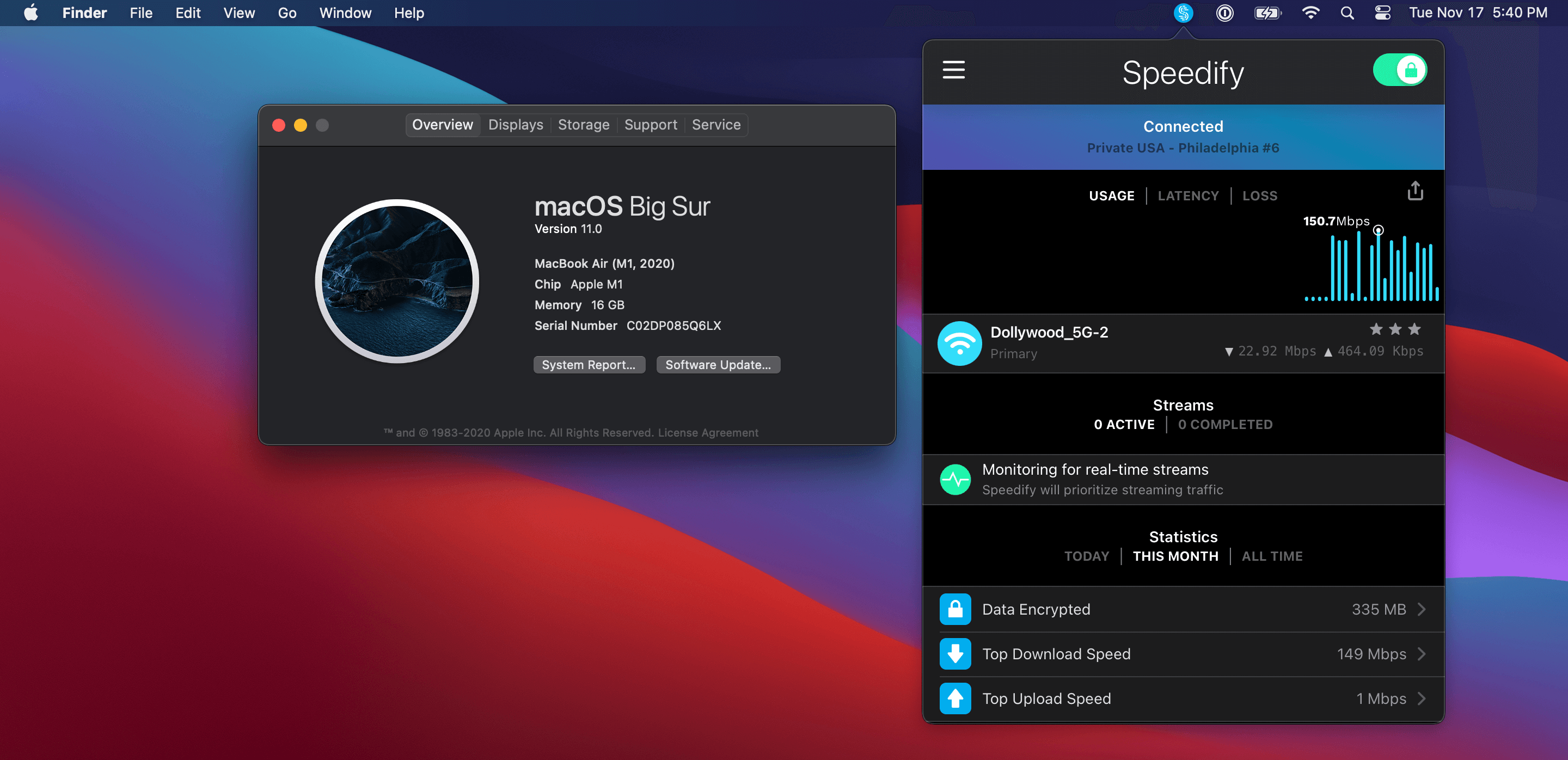
The first thing we did, of course, was install Speedify (built for Intel processors) out of the Mac App Store. It just worked. And it’s fast, really, fast. On our first speed test it hit the full 350 Mbps of our Wi-Fi network. It showed 40% of one of the M1’s 8 cores busy with Speedify during this test.
So we decided to push the M1 processor a bit harder, by actually compiling the Chromium web browser on the computer, while running the speed test. Building Chromium is a stress test for any computer, involving turning millions of lines of code in machine instructions.
But again, the M1 processor delivered: hitting 350 Mbps on a speed test while churning through building thousands of files of source code.
iOS Compatibility at Its Best
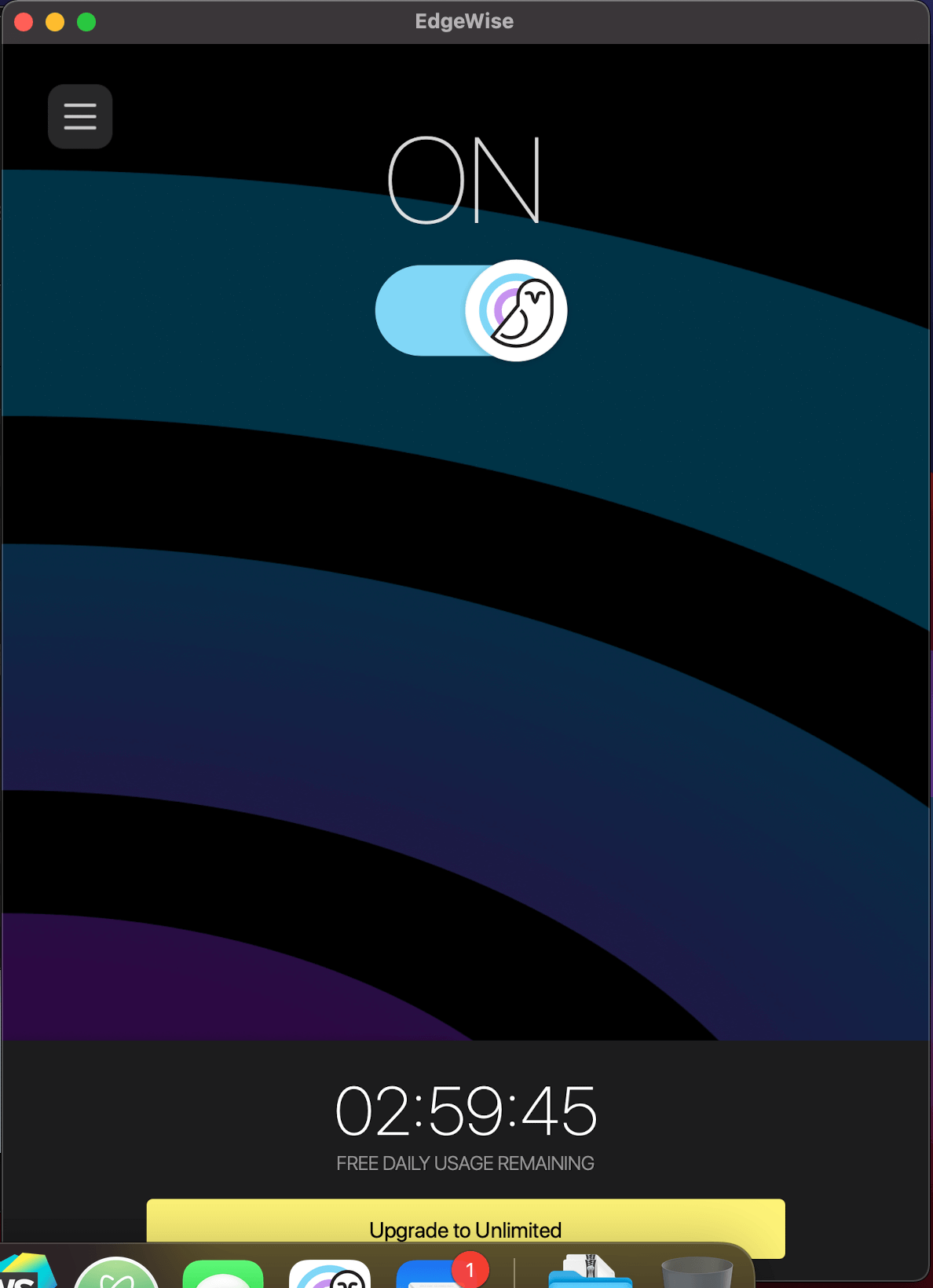
Then we decided to try the iOS compatibility, and used the App Store to install EdgeWise Connect, one of our mobile-only VPN apps. It not only installed smoothly, but when we connected the VPN, it actually showed up as a macOS VPN and successfully encrypted and protected all the traffic from the native macOS apps running on the computer.
I think we’re about done testing. Next we’ll start building ARM optimized builds for the M1 processor (not that it isn’t fast enough without it!)
Testing Speedify and EdgeWise Connect with the Apple M1 Chip
The first time you install any app that hasn’t been built for the M1 processor, you get a dialog like this:

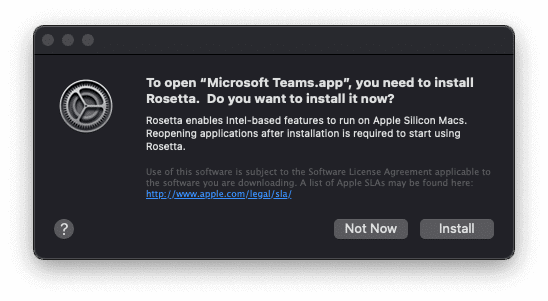
Installing Rosetta takes about a second or two, and then you won’t be prompted again even if you run different apps.
Here’s Speedify running on the Apple M1 chip:

And here’s EdgeWise Connect running on the same system:

Alex and the Speedify team are always exploring the latest in networking and security technology—like 5G, 6G, WiFi 7, laser and satellite internet—and sharing it in new discussion content across YouTube, TikTok, Instagram, and LinkedIn every week.
Got a tech question? Let's go deeper! Pop into Speedify Office Hours live every Wednesday at 10 AM Eastern. Speedify CEO Alex Gizis and our network engineers are standing by to break down your questions about networks, tech updates, and Speedify features.


Speedify
Get started with Speedify today.
Combine Wi-Fi, 4G/5G cellular, Ethernet, Starlink, and more into one faster, steadier connection. Free to try — no credit card required.
🚀 Speed
Faster uploads and downloads by bonding all your connections at once.
📶 Stability
Automatic failover in under a second when any connection drops.
🔒 Security
AES-256 encryption on every connection, on every network you join.




15M+ downloads worldwide. 75K+ five-star reviews on iOS and Android.