
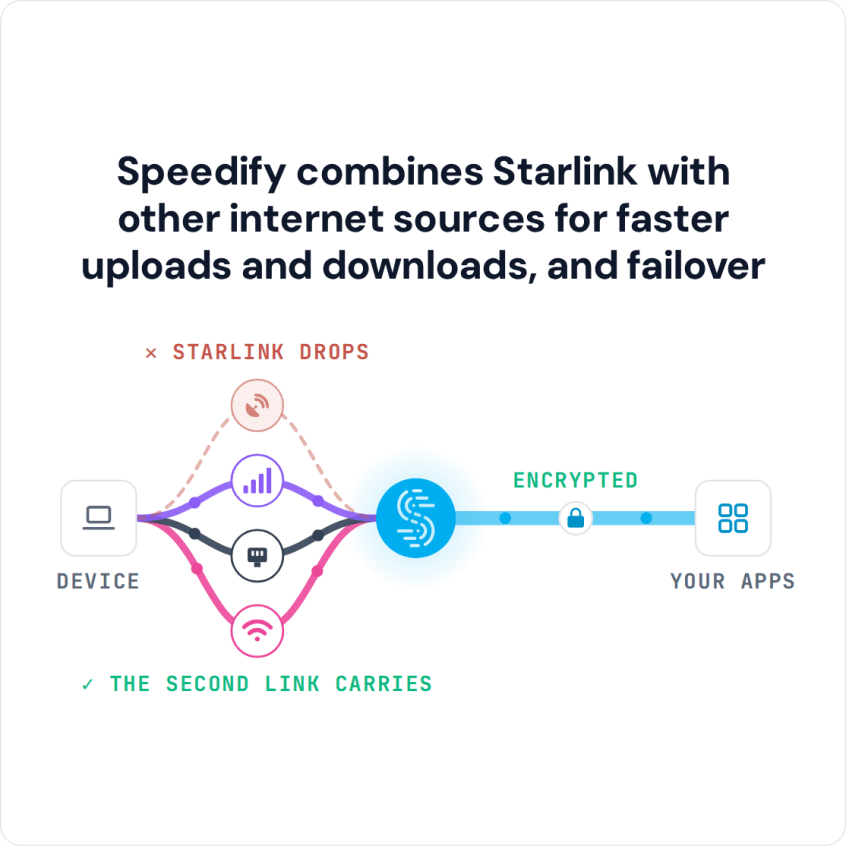
Speedify Uses a Tethered Android Phone as Backup for Starlink on Mac to Keep You Online Turn on your Android phone’s Wi-Fi hotspot, connect your Mac to it, and plug your Mac into the Starlink router with an Ethernet cable. Speedify uses your Starlink internet connection and your Android phone’s 4G/5G cellular at the same time, and if Starlink drops, … Read More
Mac or MacBook Keeps Disconnecting from Wi-Fi: Speedify Keeps You Online
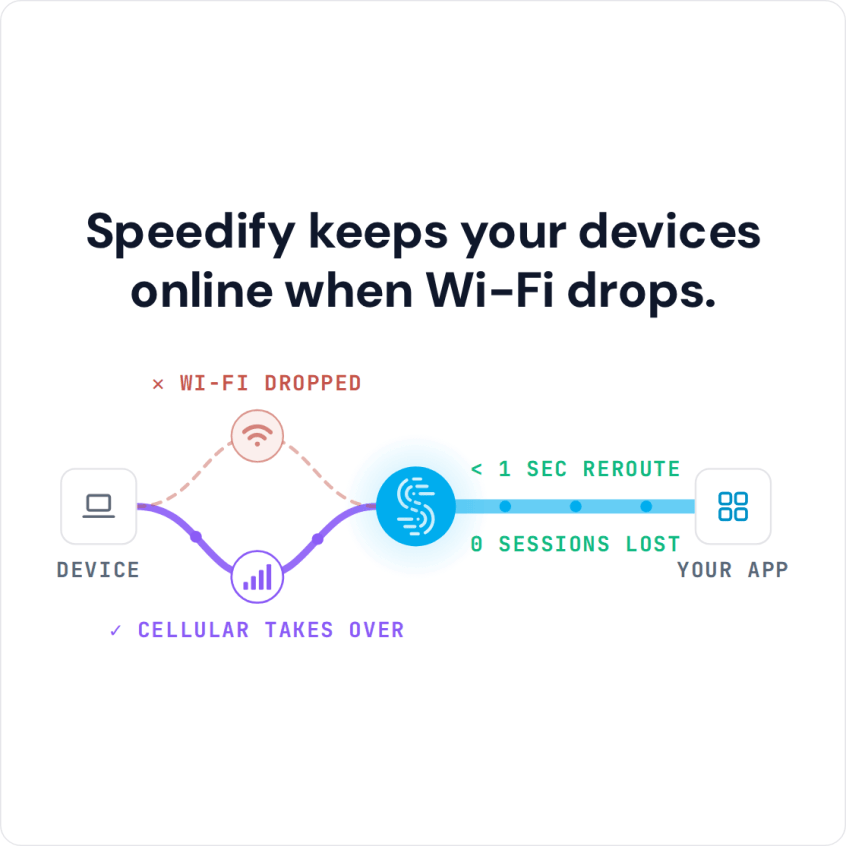
Speedify Stops MacBooks from Losing Wi-Fi by Adding 4G/5G Cellular to the Connection. Find out why your MacBook keeps dropping Wi-Fi and fix it with proven macOS settings, hardware tips, and Speedify channel bonding — combining Wi-Fi and 4G/5G cellular simultaneously for a connection that never drops.
How to Fix Slow Internet on Mac: Speedify Combines Wi-Fi with Another Internet Connection
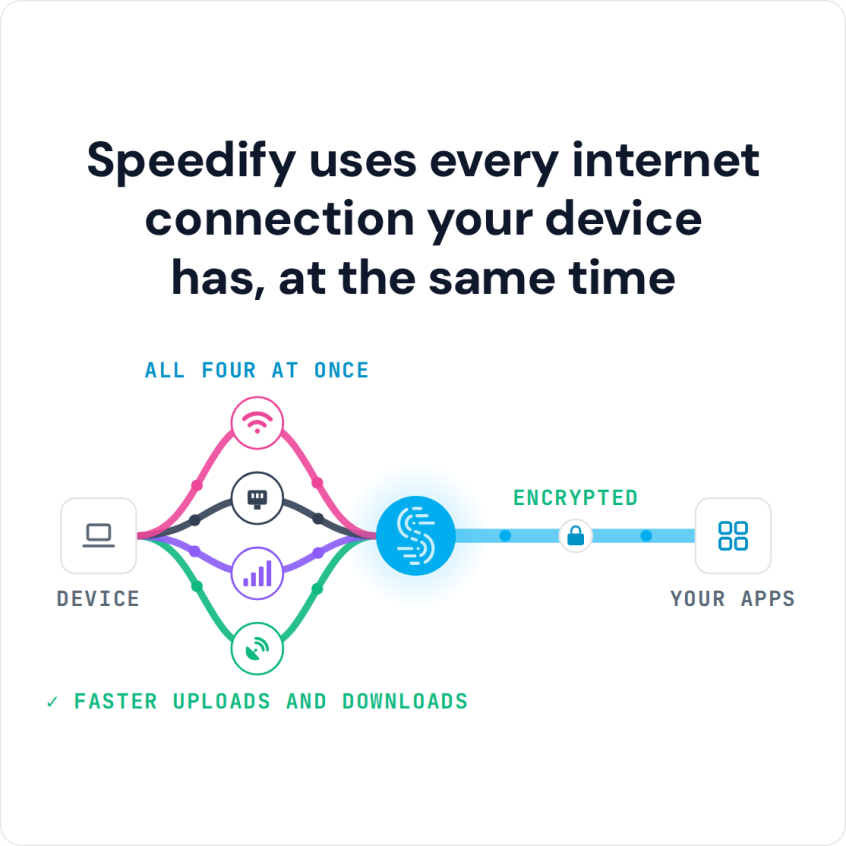
Speedify Helps Mac Wi-Fi Work Faster by Adding 4G/5G Cellular to the Connection. Fix slow Mac Wi-Fi with proven macOS settings, hardware tips, and Speedify channel bonding — combining Wi-Fi and 4G/5G cellular simultaneously for faster downloads, faster uploads, and automatic failover.
Starlink App for Mac or MacBook? How Speedify Works with Starlink on a Mac

Speedify Helps You Get Faster Upload and Download Speeds from Starlink on a Mac. Connect Starlink to a Mac and bond it with Wi-Fi or 4G/5G cellular using Speedify channel bonding for maximum speed, automatic failover, and encrypted traffic.
Can I Use 2 Personal Hotspots on a Mac? Yes, with Speedify, for Faster Uploads and Downloads
Speedify Lets You Use 2 Personal Hotspots on a Mac for Faster Uploads and Downloads. macOS can only use one hotspot at a time — but Speedify bonds two personal hotspots simultaneously using channel bonding, doubling available bandwidth and providing automatic failover.
Two Starlink Dishes on One Mac: How Speedify Uses Both Dishes at Once

Speedify Lets You Use 2 Starlink Internet Connections on a Mac for Faster Uploads and Downloads Yes, you can use two Starlink dishes on a Mac at the same time, but not with macOS alone: a Mac only sends your traffic through one internet connection at a time. Speedify, an app for Mac, uses both Starlink dishes at once, so … Read More