


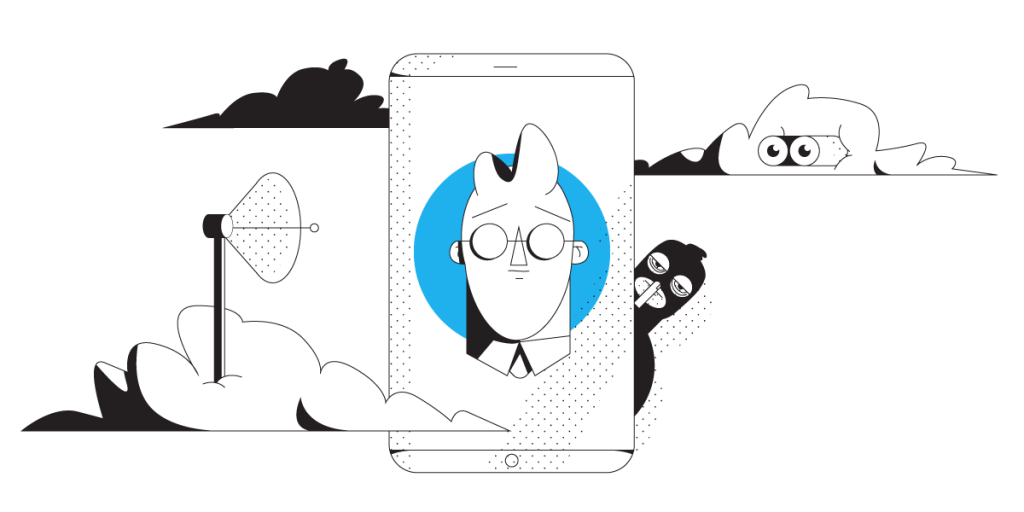
Unbreakable VPN Connection to Stop Verizon from Tracking You by Combining Starlink, Wi-Fi, 4G, 5G, and DSL with Speedify
In fall 2014, the news broke that Verizon Wireless is tracking all of their customers with what’s being called a “perma-cookie” and it’s a major privacy concern. They’ve devised a slick way to capture your browsing data with an “X-UIDH header” and sell it to advertisers.
To see if they’re tracking you, visit request.urih.com.
This site dumps out all of your HTTP headers. It shows you everything your browser tells web servers about you. If you’re on Verizon Wireless you should see something like this somewhere in your header data:
X-uidh: Mzc5Njg5MTIzAPwNaEMd4PlIP/
That’s the “perma-cookie” that Verizon Wireless is inserting into my web requests so they can track me. In this case, I’m using a Verizon Jetpack MiFi. I tried doing this on a few other Verizon devices, and I see similar headers.
Should you have a backup 4G, 5G, Starlink, or cable internet connection?
Yes — every internet connection goes down, including Starlink, which drops for ~34 minutes a day on average. A backup connection from a different provider means one outage never takes you fully offline. The most common options are a 4G/5G cellular hotspot, a cable or DSL line, or a second satellite dish.
4G/5G cellular
Works anywhere. Just a SIM or hotspot — no installation needed.
Learn more →Cable / DSL
Best for fixed locations. Different network, so outages rarely overlap.
Learn more →Second Starlink
Adds redundancy and throughput for remote sites or heavy usage.
Learn more →Speedify bonds any two connections into one — automatic failover, more speed, no dropped calls.
Try Speedify free →How Perma-Cookies Work for Tracking
While it’s not a traditional cookie, Verizon is injecting a unique ID into your HTTP requests on the way out. But, their approach is sort of clever: if you look at the cookies and headers leaving your browser, you won’t see it. Turns out, they’re tacking the ID on in routers on their network. That way, there’s nothing that AdBlock or other browser plugins can do about it.
I played around with this for awhile, and noticed several things:
- Verizon Wireless perma-cookies every HTTP request going through their networks. Cell phones running 3G or LTE, and computers on MiFi are all fair game.
- This is just a Verizon Wireless thing; Verizon FIOS doesn’t seem to have any tracking perma-cookies that I can see (yet!)
- They’re tracking all of your HTTP requests, but they can’t track your HTTPS requests. These days Facebook, Google, Yahoo and Twitter are all HTTPS, so Verizon can’t see your activity on those, and many other sites.
- The X-UIDH header is added on their wireless network, so when your device is on WiFi, they can’t add the header, and they’re not able to track you.
- Their hard-to-find opt-out, does not opt you out of the tracking. Apparently, it just prevents them from accepting advertiser money for your data.
On one hand, I’m outraged at this invasion of privacy by a vendor I pay a lot of money to every month. On the other hand, I’m confused as to why they’re bothering. Unless there’s another evil mechanism going on here, they’re trying to sell the demographics that they gather from the portion of our web browsing history that happens on our mobiles, when we’re hitting unsecured sites, and Wi-Fi isn’t available… it’s hard to imagine that this data will offer a complete enough picture to be of value to advertisers.
But, whether my data is of value to them or not, I don’t want to be tracked.
Stop Verizon from Tracking You with Speedify
I fired up Speedify, running over my Verizon MiFi, and instantly the X-UIDH cookie is gone. That’s because Speedify, as a next generation VPN for mobility, wraps your traffic so Verizon and other ISPs can’t recognize or edit it without trashing your data altogether. I could have used any VPN, but Speedify is blazing fast and I have the peace of mind that my connection is as reliable as it can get, not getting any interruptions whatsoever. It’s also great for staying safe while using public Wi-Fi networks and, as we don’t log any data, you can be sure your online data remains private.
Speedify has the revolutionary technology of combining multiple Internet connections simultaneously for their aggregated bandwidth while using a top encryption algorithm with almost no effect on the speed. While I wanted to hide myself from Verizon’s prying eyes (and any other snooping ISP for that matter), I didn’t want my web browsing to slow to a crawl.
In the end, my advice for folks that don’t want Verizon to track and sell their data using perma-cookies:
- Opt-out from the program: Even if you can’t opt-out from Verizon’s traffic mining, you can at least prevent them from selling your data.
- Watch for the lock by the URL box: Web sites that do *anything* with your personal information should be all HTTPS. Watch for the lock by your browser’s address bar.
- Use a VPN: If you don’t want to be spied on when hitting other sites and also benefit from increased bandwidth and lower latency, Speedify is the VPN for Mobility you should use, available on all platforms: Windows, macOS, Android and iOS.
Now that you know how to stop Verizon and other Internet service providers from tracking you – Get started with Speedify for FREE – no strings attached, no email sign-up and absolutely no logging of data!
Alex and the Speedify team are always exploring the latest in networking and security technology—like 5G, 6G, WiFi 7, laser and satellite internet—and sharing it in new discussion content across YouTube, TikTok, Instagram, and LinkedIn every week.
Got a tech question? Let's go deeper! Pop into Speedify Office Hours live every Wednesday at 10 AM Eastern. Speedify CEO Alex Gizis and our network engineers are standing by to break down your questions about networks, tech updates, and Speedify features.


Speedify
Get started with Speedify today.
Combine Wi-Fi, 4G/5G cellular, Ethernet, Starlink, and more into one faster, steadier connection. Free to try — no credit card required.
🚀 Speed
Faster uploads and downloads by bonding all your connections at once.
📶 Stability
Automatic failover in under a second when any connection drops.
🔒 Security
AES-256 encryption on every connection, on every network you join.





15M+ downloads worldwide. 75K+ five-star reviews on iOS and Android.