


Cutting Edge Wedding Ceremony
A moment like this, some people wait a lifetime for a moment like this. Congratulations, you’ve been through all the planning stages for your wedding and are now at the final countdown! Now that the big day is almost here, the venue was booked, bridal party picked, outfits are bought and save the dates were sent out, you are almost ready. Here’s what can you do to make sure your virtual wedding works well for your streaming guests and for replaying your service on your anniversary for many years to come.
Will you have an indoor wedding, with an intimate group of live guests in your abode, or is your wedding planned for a Church, Synagogue or Chapel? Perhaps your special day planned at a park or a beach with nature being your natural backdrop? So many fine choices to pick from and all will be great places to stream from, or so we hope and you’ll soon find out! Many Religious groups are streaming their services these days, so they even have the set-ups that you may link into, as for parks and beaches – many municipalities offer free Wi-Fi hotspots.
Should you have a backup 4G, 5G, Starlink, or cable internet connection?
Yes — every internet connection goes down, including Starlink, which drops for ~34 minutes a day on average. A backup connection from a different provider means one outage never takes you fully offline. The most common options are a 4G/5G cellular hotspot, a cable or DSL line, or a second satellite dish.
4G/5G cellular
Works anywhere. Just a SIM or hotspot — no installation needed.
Learn more →Cable / DSL
Best for fixed locations. Different network, so outages rarely overlap.
Learn more →Second Starlink
Adds redundancy and throughput for remote sites or heavy usage.
Learn more →Speedify bonds any two connections into one — automatic failover, more speed, no dropped calls.
Try Speedify free →Find a Stream Coordinator
A new role in a Virtual Wedding is so important, it’s your Stream Coordinator. This person should be a techie and someone who can handle all aspects of this role. Something important to remember is that the two of you won’t be able to field calls of help that day, so your Steam Coordinator will also be the contact person for your guests too. Make sure this person is available for a trial run and the Rehearsal day as well as THE big day itself.
Wedding Live Streaming Checklist
- Pick your “Web Venue” or use them all! There is no reason you couldn’t have over one option for your guests to choose from to ensure everyone has accessibility. Bring on Zoom, Facebook Live and YouTube Live and steam across them all.
- Get what you’ll use to stream, include tripods and microphones if necessary. Check your venue to see if they have AV equipment you may use.
- Choose a friend or family member who is a techie and ask them to be your Steaming Coordinator. Be sure to get them a boutonniere or bouquet!
- Have a rehearsal and steam it, there’s no better way to work out the kinks before the big day. You’ll know lighting, sound and other needs after this. Your guests, some of whom could be tech challenged, have time to practice this way as well.
- Test your WiFi connection at the Rehearsal Stream to make sure it’s fast and strong. You and your guests can use Speedify to ensure there are no bumps or missed footage.
- Start the Streaming early enough on your Big Day for all to join in, 30 minutes before the ceremony. Allowing them to mingle just as they would at a live event and then mute guests a few minutes before with some of your wedding music playing in the background.
- Enjoy the replay on each of your many, many anniversaries, Congratulations to the newest Married Couple!!!!
Secure Your Wedding Live Stream Quality with Speedify
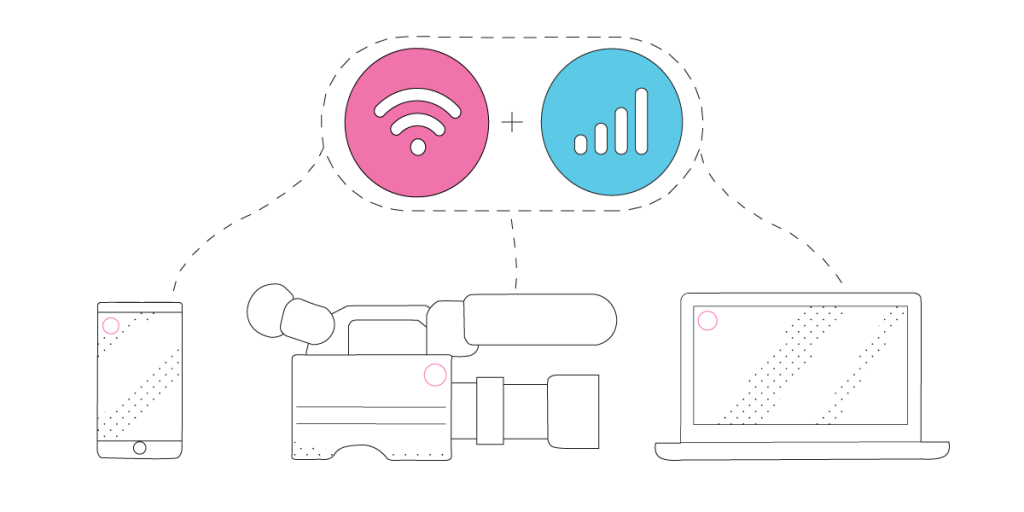
As a fast bonding VPN, Speedify acts like a power-up for your device. Instead of only using a single Internet connection at a time, Speedify allows your device to use multiple connections simultaneously. You’ll get more bandwidth and more stable live streaming for your wedding.
Speedify constantly monitors the quality of your Internet connections. If, for example, the Wi-Fi becomes unreliable, it’ll automatically reroute data through other connections (e.g. cellular data) until Wi-Fi is available again.
Moreover, it automatically optimizes audio and video streams, and provides quality of service (QoS) by prioritizing streams over other traffic. Web browsing and software updates can’t mess up your calls and live streams.
Wondering how to live stream your wedding and not get into any connectivity trouble? Try Speedify at the rehearsal for live streaming your Big Day! Get it here!
Alex and the Speedify team are always exploring the latest in networking and security technology—like 5G, 6G, WiFi 7, laser and satellite internet—and sharing it in new discussion content across YouTube, TikTok, Instagram, and LinkedIn every week.
Got a tech question? Let's go deeper! Pop into Speedify Office Hours live every Wednesday at 10 AM Eastern. Speedify CEO Alex Gizis and our network engineers are standing by to break down your questions about networks, tech updates, and Speedify features.


Speedify
Get started with Speedify today.
Combine Wi-Fi, 4G/5G cellular, Ethernet, Starlink, and more into one faster, steadier connection. Free to try — no credit card required.
🚀 Speed
Faster uploads and downloads by bonding all your connections at once.
📶 Stability
Automatic failover in under a second when any connection drops.
🔒 Security
AES-256 encryption on every connection, on every network you join.





15M+ downloads worldwide. 75K+ five-star reviews on iOS and Android.