


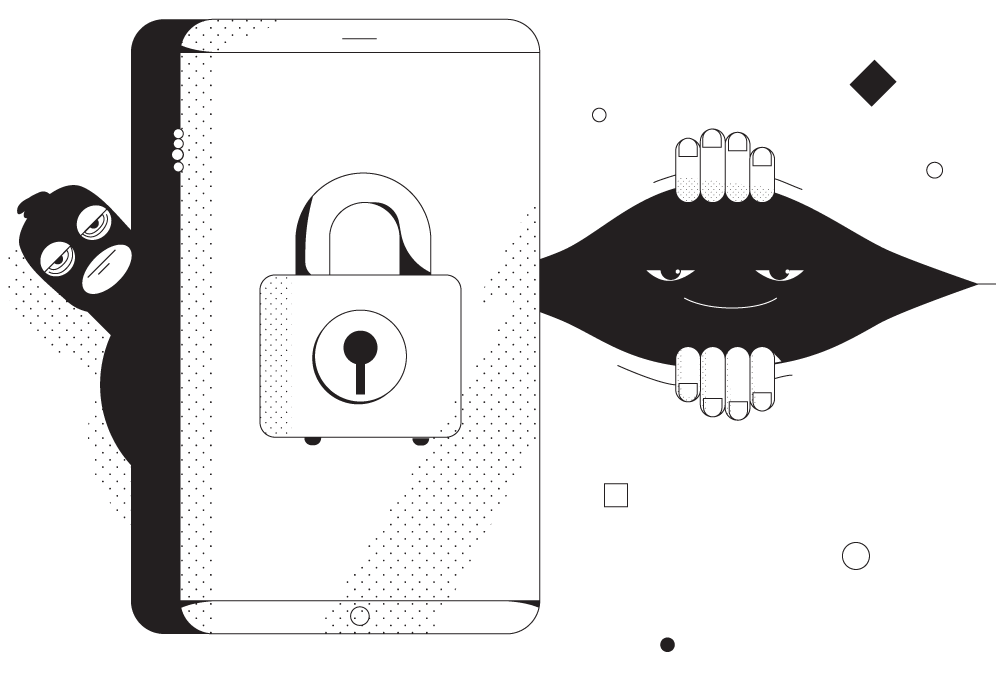
Unbreakable VPN Connection to Protect Your Online Privacy by Combining Starlink, Wi-Fi, 4G, 5G, and DSL with Speedify
Advertisers build a profile of you out of the sites you visit, and the company you pay for internet access keeps its own record of the same thing.
Speedify is an app that encrypts everything your device sends, so neither your internet provider nor a stranger on the same Wi-Fi can read it, and it spreads that encrypted traffic across Wi-Fi and 4G/5G cellular data at once. The sections ahead show how that tracking works, and what using Speedify hands back to you: internet traffic your provider cannot log, and one less trail for advertisers to follow.
Should you have a backup 4G, 5G, Starlink, or cable internet connection?
Yes — every internet connection goes down, including Starlink, which drops for ~34 minutes a day on average. A backup connection from a different provider means one outage never takes you fully offline. The most common options are a 4G/5G cellular hotspot, a cable or DSL line, or a second satellite dish.
4G/5G cellular
Works anywhere. Just a SIM or hotspot — no installation needed.
Learn more →Cable / DSL
Best for fixed locations. Different network, so outages rarely overlap.
Learn more →Second Starlink
Adds redundancy and throughput for remote sites or heavy usage.
Learn more →Speedify bonds any two connections into one — automatic failover, more speed, no dropped calls.
Try Speedify free →Is Someone Looking at You Through Your Window? Time to Learn How to Stay Under the Tracking Radar
Alright so maybe not your window, but your screen for sure. There are so many people keen on knowing what you do online. You think your ex stalking your Facebook profile was annoying enough? Your device’s inbuilt mic can be listening to your conversation, picking up keywords so it can send you the most relevant ads.
Your ISP monitors all your activities. The government is tracking you. And if that wasn’t enough, there might even be a hacker trying to spy on you.
You may not think anyone would be interested in the online activities you do – after all, you spent the weekend just watching DIY videos. But they’re interested. They want to know everything you do. Your ISP or the government won’t commit bank fraud, hopefully. But a hacker would.
It’s important to keep your device secure so any unethical entity cannot access the files on your system. But what about the data that travels on the internet? When you enter your username and password on a website, this data travels on the unsecured internet. Or when you enter your credit card number while online shopping. How do you protect this data?
Protect Your Online Privacy with a VPN – Practical and Efficient
A VPN or a Virtual Private Network is a service that encrypts your data and reroutes it through one of its own servers. Since your data is encrypted, anyone that’s snooping on your network (your ISP, the government, or a hacker) will not be able to read what you’re sending or receiving.
And since it will be rerouted through another server, your real IP address will be hidden. This means nobody on the internet will know your real location. So you can access geo-blocked websites with a VPN.
Using a VPN is super simple. It’s an app that can be installed on your computer or smartphone. All you have to do is install the app, open it, and connect to a server. That’s it.
Easy, simple, convenient. But slow. That’s a problem. A VPN is a great thing to have but it does make the connection a bit slow – what with the rerouting and encryption, it’s natural for the speeds to drop a bit.
If you have a high speed connection, a little speed drop won’t matter to you. But if you’re on a slow Wi-Fi, you’d need something to boost your speeds. Something like Speedify. Speedify is a bonding VPN that makes your connection secure and also increases the reliability and speed of your connection.
Online Security 101: Protect Your Privacy Online with Speedify
Speedify is a VPN service that uses channel bonding technology. This means that apart from performing regular VPN functions (encrypting your traffic), it can also combine multiple connections at once. This gives you a more reliable and faster Internet connection. And if you only use one connection, Speedify can still make the Internet better by automatically minimizing packet loss.
But just using Speedify won’t cover you 100% for online privacy. Here’s some other things you should do:
- Use strong passwords on all your accounts
- Activate two-factor authentication.
- Pay attention for phishing attempts.
- Always verify the authenticity of the website before you enter your username and password on it.
Combine Speedify with some precautionary measures to protect your privacy online. Securing your data isn’t very difficult. Make sure you switch on Speedify when connecting to a public Wi-Fi.
Want to protect your privacy online while experiencing the best Internet speeds? Try Speedify.
Alex and the Speedify team are always exploring the latest in networking and security technology—like 5G, 6G, WiFi 7, laser and satellite internet—and sharing it in new discussion content across YouTube, TikTok, Instagram, and LinkedIn every week.
Got a tech question? Let's go deeper! Pop into Speedify Office Hours live every Wednesday at 10 AM Eastern. Speedify CEO Alex Gizis and our network engineers are standing by to break down your questions about networks, tech updates, and Speedify features.


Speedify
Get started with Speedify today.
Combine Wi-Fi, 4G/5G cellular, Ethernet, Starlink, and more into one faster, steadier connection. Free to try — no credit card required.
🚀 Speed
Faster uploads and downloads by bonding all your connections at once.
📶 Stability
Automatic failover in under a second when any connection drops.
🔒 Security
AES-256 encryption on every connection, on every network you join.





15M+ downloads worldwide. 75K+ five-star reviews on iOS and Android.