


What Is the Ugliest Router?
It’s mid March and we thought: why not combine the traditional March Madness basketball season with one of the most ignored devices in your home? So here it is – the March Router Madness!
Let’s face it: you barely interact with your router after you put it in place and configure it. Every now and then you may dust it off, if it doesn’t lie in a cabinet. So why not showcase it? Now it’s the best time to do this and nobody will think you’re weird or anything.
We’re offering a Speedify Subscription and a Cool T-shirt with Your Router on It
Who wouldn’t want this? And this is not sarcasm!
Here’s what you have to do:
- the contest takes place on our Instagram and Twitter accounts – make sure you follow them.
- send us your ugly, weird or wacky router photos on Instagram or Twitter by Wednesday, March 17, 2021, 11:59 PM EST.
- multiple entries are accepted.
- voting will start after this on the Speedify Instagram stories.
- there is no purchase necessary!
- Winners will be messaged via DM on Instagram / Twitter at the close of the final poll.
Good luck! May the ugliest router win!
FOR IMMEDIATE RELEASE: We are proud to announce the commencement of the 63rd Annual Speedify Ugly Router Bracket, aka, “ROUTER MADNESS”!
Submit photos of your ugly router via Twitter or Instagram for your chance to be included in the Great-Grandfather of all Tournaments. pic.twitter.com/gsz3jSUqch— Speedify (@speedify) March 15, 2021

Update Speedify Now
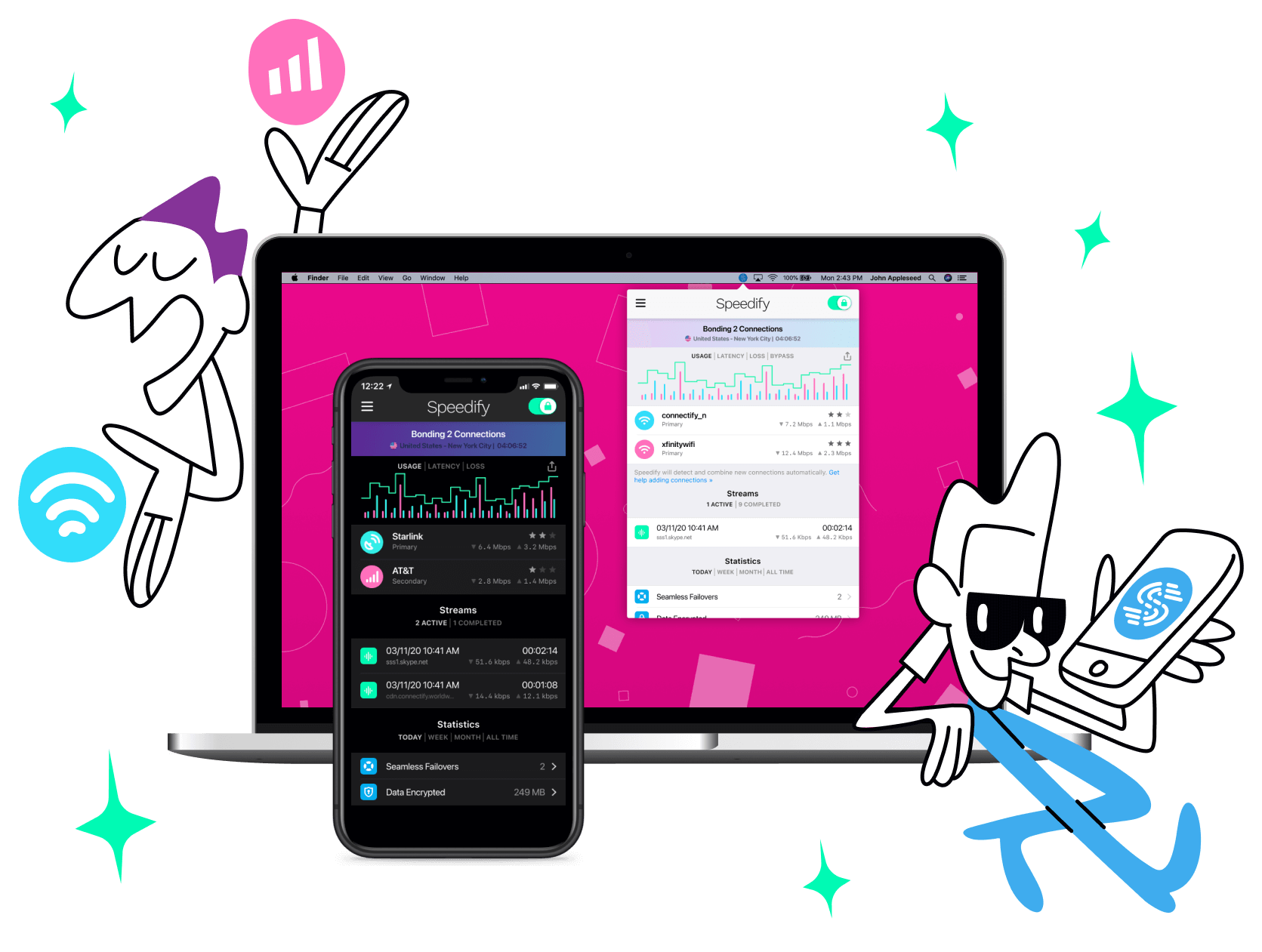
Speedify is the only app that seamlessly combines all of your connections, including WiFi, 4G, 5G, Ethernet, and Starlink, into one stronger connection to keep you online and secure with increased bandwidth, reduced latency, and failover protection.
You can easily share and combine LTE, 4G and 5G cellular connections between devices to create a faster, more reliable connection for everyone using Speedify’s cellular sharing feature, Pair & Share
Make sure you update Speedify on all your devices, including computers, mobile devices and supported routers!




Should you have a backup 4G, 5G, Starlink, or cable internet connection?
Yes — every internet connection goes down, including Starlink, which drops for ~34 minutes a day on average. A backup connection from a different provider means one outage never takes you fully offline. The most common options are a 4G/5G cellular hotspot, a cable or DSL line, or a second satellite dish.
4G/5G cellular
Works anywhere. Just a SIM or hotspot — no installation needed.
Learn more →Cable / DSL
Best for fixed locations. Different network, so outages rarely overlap.
Learn more →Second Starlink
Adds redundancy and throughput for remote sites or heavy usage.
Learn more →Speedify bonds any two connections into one — automatic failover, more speed, no dropped calls.
Try Speedify free →

