
Are your iCloud backups Slow? Does Syncing to iCloud take forever?
A slow or stuck iCloud backup is usually an upload problem. iCloud backs up automatically only when the iPhone is on Wi-Fi, charging and locked, and the backup shares that Wi-Fi upload with everything else on the network.
Most fixes are free and take a few minutes, from plugging the phone in to trimming what gets backed up. Speedify is an app that combines Wi-Fi and 4G/5G cellular for a steadier connection on bad Wi-Fi, but Speedify cannot promise a faster iCloud upload, for the reason explained below. On Wi-Fi alone, Speedify works as an encrypted VPN and can be a little slower.
This post covers why iCloud backups and syncing take so long, the free fixes to try first, what Speedify can and cannot do, and how Speedify protects your connection on public Wi-Fi.
iCloud Backup Slow or Stuck: Common Causes and Free Fixes
The first iCloud backup is the slowest because it uploads everything; later backups only send what changed. Home internet plans usually upload much slower than they download, and the backup shares that upload with everything else on the network. To speed up an iCloud backup, keep the iPhone on Wi-Fi and plugged in, check that iCloud has enough free storage, and turn off backup for large apps you do not need in Settings > [your name] > iCloud > Manage Account Storage > Backups. Then tap Back Up Now in Settings > [your name] > iCloud > iCloud Backup. If a backup stays stuck, move closer to the router or join a less crowded network, restart the iPhone and try again. On iPhone models with 5G, your carrier may offer Back Up Over Cellular in the iCloud Backup settings.
Any signal disruption during a sync or backup delays all iCloud activity: photos may not upload, videos may not transfer, and backups can take hours or fail. Bad weather, heavy use of the network, or interference from other wireless devices can all weaken the signal.
How to Set Up Speedify for a Steadier Connection on Bad Wi-Fi
- Download Speedify on your iPhone or iPad from the App Store (it needs iOS 17 or later).
- Open Speedify and create a free account (the free tier includes 5 GB per month), or sign in.
- Keep Wi-Fi on and turn on Cellular Data, so the device has a second internet connection.
- Tap Connect and allow the VPN configuration when iOS asks. Speedify sends traffic over Wi-Fi and 4G/5G cellular at once and moves it to the working connection when one weakens.
What Speedify Can and Cannot Do for iCloud Backup
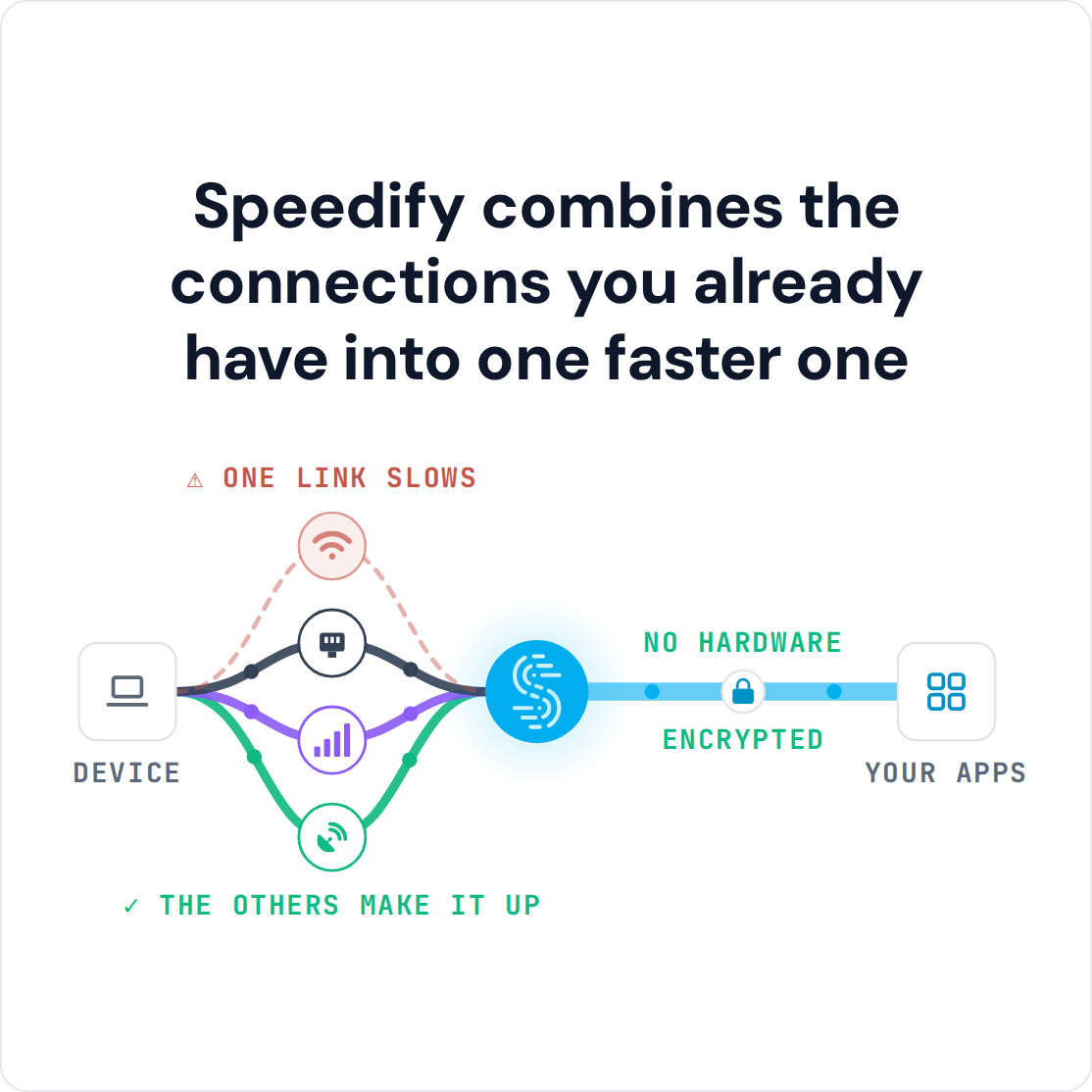
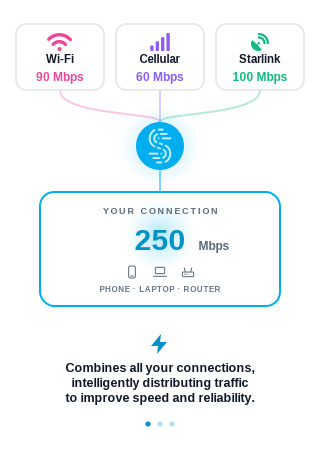
Instead of limiting your device to just Wi-Fi or just cellular, Speedify lets your iPhone or iPad use both connections at the same time, with up to 95% of their combined upload speed for the traffic it carries. Apple does not say whether iCloud Backup traffic goes through a VPN app such as Speedify, so Speedify cannot promise a faster iCloud backup; a weak or crowded Wi-Fi network is the usual reason a backup crawls. Uploads sent over cellular count against your data plan.
Speedify continuously monitors your internet connections and signal strength as it runs in the background. If one of your connections fails, Speedify uses its auto failover to reroute all the data traffic to the other internet connection until the first connection can safely be reestablished.
This means a short drop in your Wi-Fi signal does not cut off the apps and calls running through Speedify: Speedify keeps that traffic flowing over cellular until the Wi-Fi is back.
How Speedify Protects Your Connection on Public Wi-Fi
Your iCloud account holds your photos, messages and backups. Speedify encrypts the traffic it carries between your device and the Speedify server, which protects it from snoops on compromised Wi-Fi networks.
If you want a steadier connection on bad Wi-Fi and a more secure connection on public Wi-Fi, download Speedify and use Wi-Fi and 4G/5G cellular together.
Speedify
Get started with Speedify today.
Speedify combines Wi-Fi, 4G/5G cellular, Ethernet, Starlink and satellite into one faster, more reliable internet connection. Free to try: 5 GB a month with a free account. No credit card required.
🚀 Speed
Faster uploads and downloads, because Speedify uses all your internet connections at once.
📶 Stability
If one internet connection drops, Speedify moves your traffic to the others in milliseconds.
🔒 Security
AES-256 encryption on every internet connection, on any network you join.


15M+ downloads worldwide. 75K+ five-star reviews on iOS and Android.