
Unbreakable VPN Connection for Android TV Box by Combining Wi-Fi and 4G / 5G Cellular with Speedify
Most Android TV boxes have more than one way online – a wired Ethernet port, Wi-Fi, sometimes a USB cellular modem – and use exactly one of them at a time.
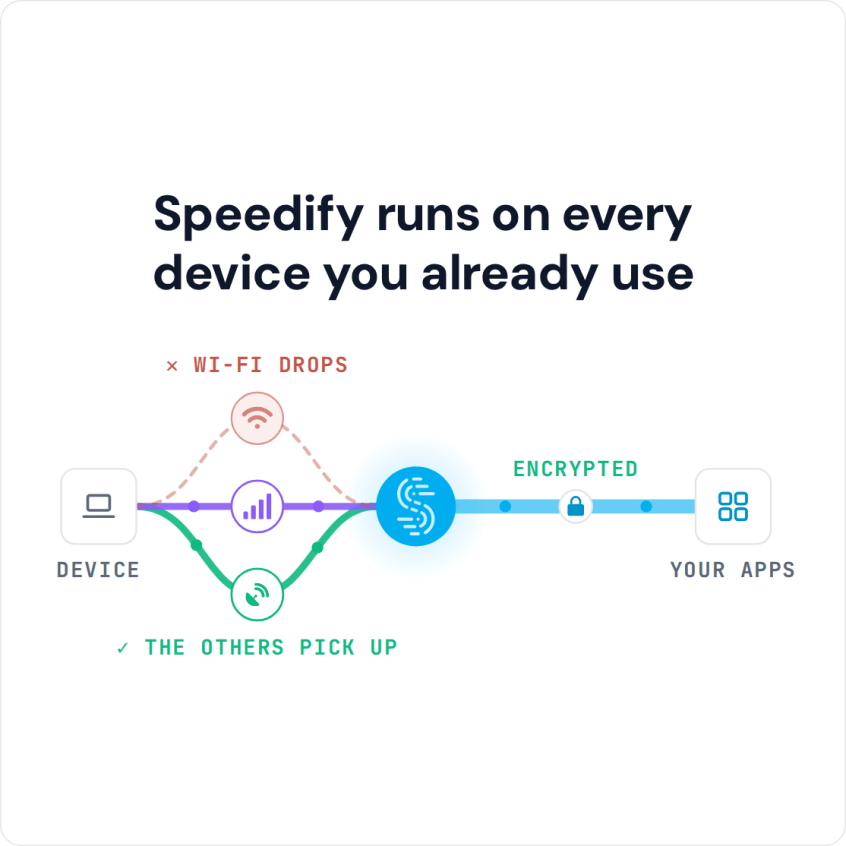
Speedify uses several of those internet connections at the same time and encrypts everything travelling over them, so the Android TV box has more speed available for a 4K stream and nobody on the network can see what you are watching.
Once Speedify is installed on your Android TV box the buffering stops – the five setup steps, and how to use Speedify on the box afterwards, are below.
Speedify runs on every device you already use
How to Use a Fast VPN for Android TV Box
We recommend using Speedify as your VPN for Android TV box. That’s because, compared to other VPN solutions, you get three things at once:
- Fast advanced encryption with no logging of data. Your online traffic will be 100% secure from any snoops plus we don’t sell any data to other companies so you can get “relevant” ads served to you.
- Channel bonding technology to combine multiple Internet connections at once. You get better bandwidth and a more reliable Internet connection for your streaming videos.
- Up to 5 of your devices can be protected with a single Speedify subscription. You can use the same subscription for your Android TV box, iPhone, Windows or Mac laptop, Android smartphone, etc.
5 Steps to Setup Speedify Fast Bonding VPN for Android TV Box
You don’t need to sideload Speedify fast bonding VPN on your Android TV box. We’re assuming you have Google Play Store installed and set up on your Android TV box. We’re illustrating this guide below with screenshots from an Amazon Fire TV stick. So, let’s get this guide going – shouldn’t take more than 5 minutes:
- Register for a Speedify account on any of your devices – iPhone, iPad, Android smartphone, Windows or Mac PCs.
- From your Android TV box, go to the Google Play store and install Speedify
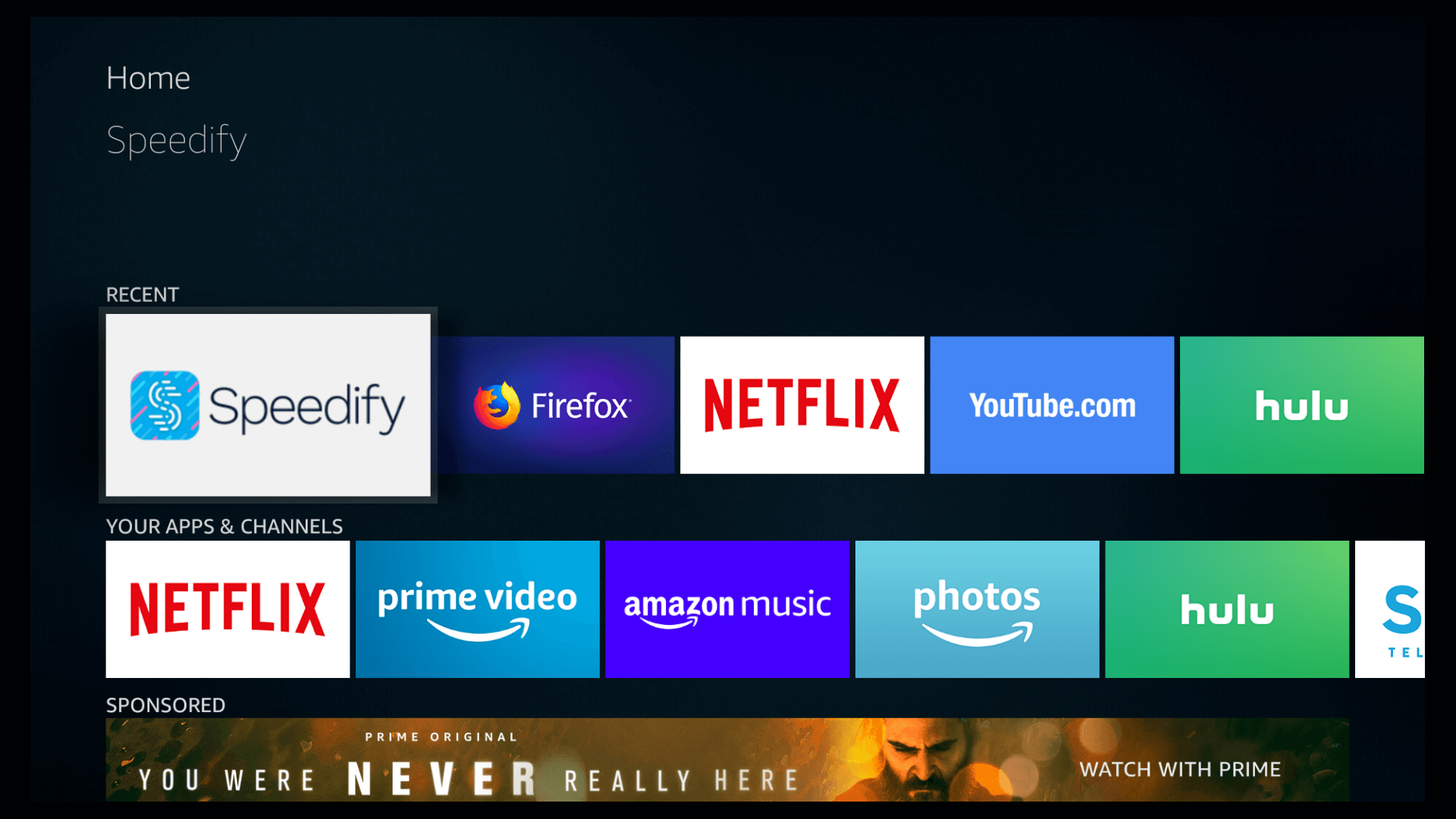
- If you have multiple Internet connections from different ISPs available, now is the time to connect your Android TV box to them. You may have WiFi, wired, 4G/LTE dongles, Bluetooth, and so on – depending on what kind of connectivity your specific Android TV box supports.
- Launch Speedify and login with your email and password from step 1.
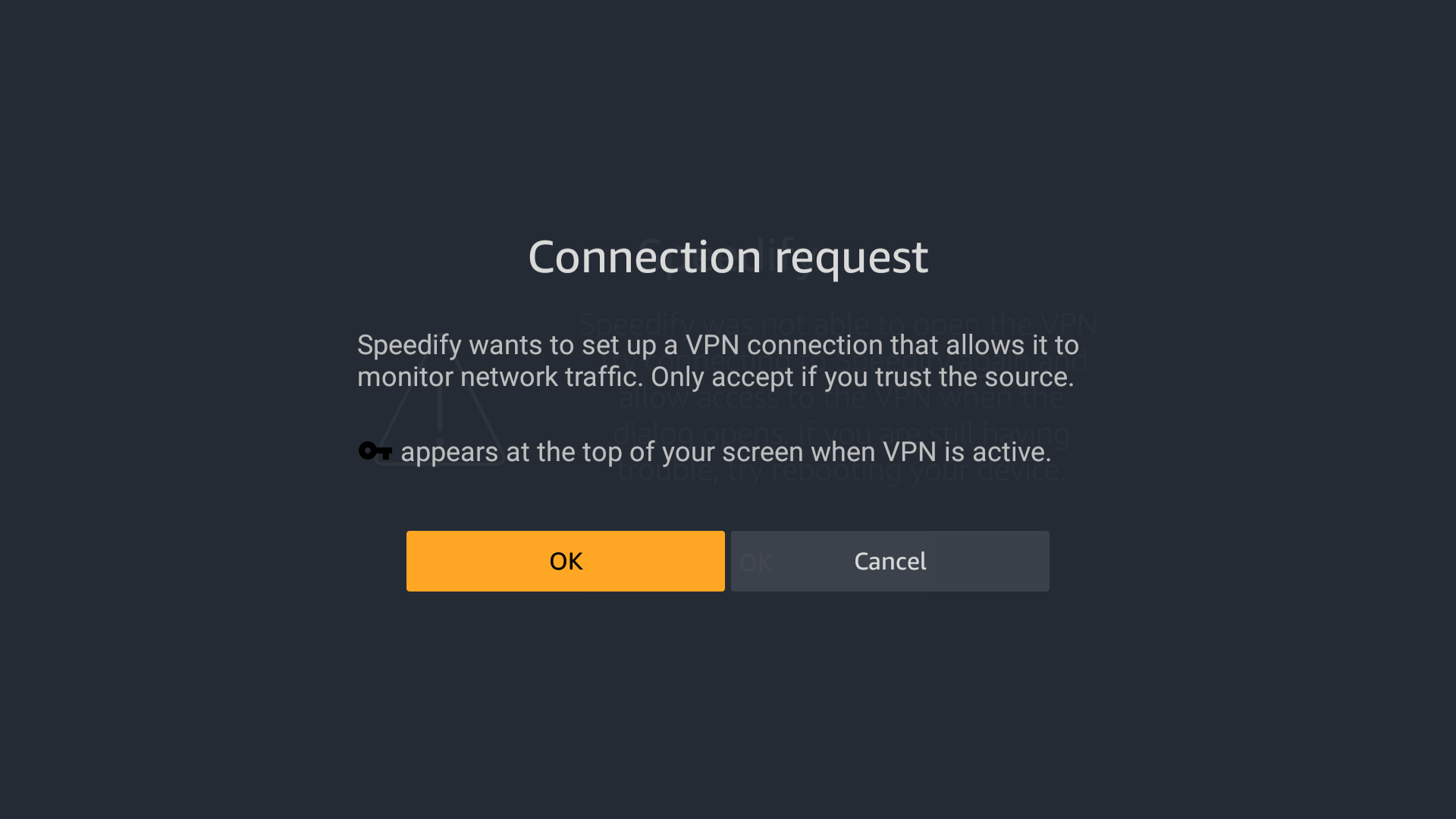
Be sure you accept the Android “Connection request” for VPN connections. And remember – while the “key’ symbol appears on the top of your screen, Speedify VPN is active and your online privacy is protected.
Speedify should detect all your connections and start using them simultaneously for increased bandwidth.
- By default, Speedify will connect to the fastest server available. Need to unblock region restricted services such as Hulu, BBC iPlayer and others? Just choose a server in a country or region that is not blocked by that service.
You can navigate the whole Speedify user interface with a remote control, if you don’t have any “mouse”-like functionality for your Android TV box.
Speedify Is the Best VPN for Android TV Boxes
Unlike other VPN solutions, Speedify doesn’t slow down your Internet or just protect your online privacy.
Speedify fast bonding VPN improves your Internet experience. It combines all available Internet connections on your Android TV box, so you’ll get better bandwidth. This means no more buffering screens or dropped connections for your favorite videos.
The app also monitors the quality of your connections while encrypting your data. If one of your connections disconnects, Speedify automatically reroutes all your traffic through the remaining active connections. Once the lost Internet link is stable again Speedify automatically reconnects. You may not even notice anything has happened; you will be always connected and able to enjoy your streaming videos.
Don’t settle for buffering videos or unreliable service. Get a fast bonding VPN for your Android TV box. Get Speedify today and see what you have been missing.
Speedify
Get started with Speedify today.
Combine Wi-Fi, 4G/5G cellular, Ethernet, Starlink, and more into one faster, steadier connection. Free to try — no credit card required.
🚀 Speed
Faster uploads and downloads by bonding all your connections at once.
📶 Stability
Automatic failover in under a second when any connection drops.
🔒 Security
AES-256 encryption on every connection, on every network you join.



15M+ downloads worldwide. 75K+ five-star reviews on iOS and Android.