


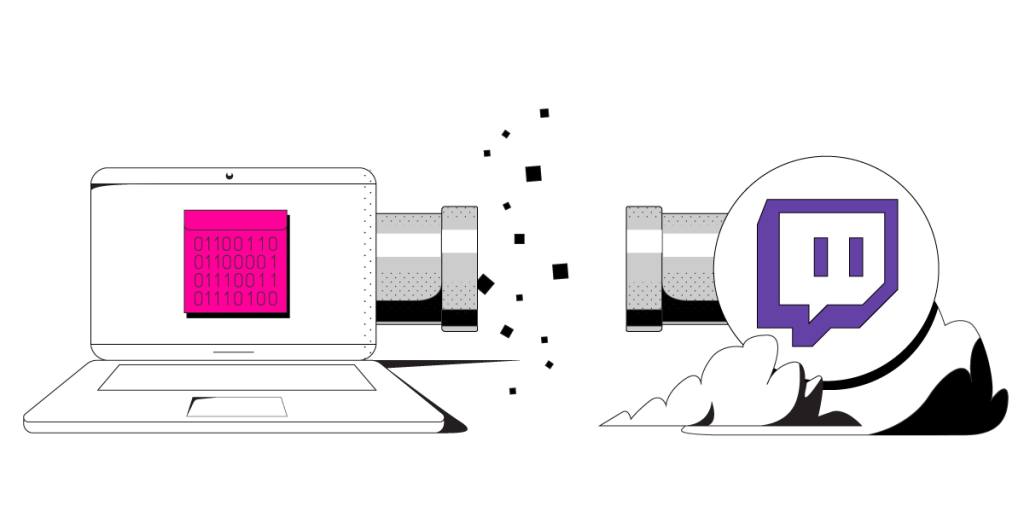
How to Fix Dropped Frames when Streaming with OBS
OBS (Open Broadcaster Software) is free and open source software for video recording and live streaming. It allows you to stream to Twitch, YouTube and many other platforms. With its relatively low system requirements, it makes it easier for people to join the streaming craze.
Even though OBS works good on lower end hardware, it doesn’t mean you won’t get any dropped frames. Apart from hardware, your Internet connection is an important piece that influences the quality of your stream, more specifically the upload speeds.
Keep reading as we go over some potential solutions for fixing dropped frames in OBS.
Should you have a backup 4G, 5G, Starlink, or cable internet connection?
Yes — every internet connection goes down, including Starlink, which drops for ~34 minutes a day on average. A backup connection from a different provider means one outage never takes you fully offline. The most common options are a 4G/5G cellular hotspot, a cable or DSL line, or a second satellite dish.
4G/5G cellular
Works anywhere. Just a SIM or hotspot — no installation needed.
Learn more →Cable / DSL
Best for fixed locations. Different network, so outages rarely overlap.
Learn more →Second Starlink
Adds redundancy and throughput for remote sites or heavy usage.
Learn more →Speedify bonds any two connections into one — automatic failover, more speed, no dropped calls.
Try Speedify free →What Causes Dropped Frames in OBS
Dropped frames can have multiple causes:
- hardware limitations – when you are trying to stream in a higher quality than your CPU and GPU can achieve.
- software load – if you have other apps running on your device using up resources.
- slow internet speeds – this is the most common cause of OBS dropped frames.
When you’re having Internet connection issues, OBS can’t upload / broadcast your content fast enough. So, OBS will drop frames to compensate for your slow connection. And, as you probably know, this makes your video appear choppy. If you have too many dropped frames, you may be disconnected from the streaming server. According to this Streamer’s Haven blog post, the minimum recommended upload speed for streaming to Twitch is 8 Mbps. That is – a stable 8 Mbps connection, not one that peaks at 8 Mbps.
Ways to Fix OBS Dropped Frames
First of all – you should definitely check OBS’ suggestions here on their website.
Here are some tricks you can use to stream online through OBS without any dropped frames:
- If you are using low-end hardware, you need to lower the video streaming quality so OBS wouldn’t drop frames to compensate. Lower your video resolution and video bitrate until you find what your machine can handle reliably with no OBS dropped frames.
- If you are working with a low upload speed, set the video bitrate lower to require less bandwidth to broadcast/stream.
But what if you want to keep the stream quality high even though your upload speed doesn’t allow it?There is a solution to that: using multiple Internet connections at once. And Speedify is the best solution for that.
How Speedify Fixes Dropped Frames in OBS
Speedify allows you to combine multiple Interne connections at once. This creates one “super” connection – you get faster and more reliable Internet. No more connectivity issues while streaming either!
For example, you can bond wired Ethernet and WiFi on your Mac or PC. The combined speeds will allow give you a faster upload speed and failover protection. That way, your stream stays live even if you lose one of the connections.
As a bonding VPN, Speedify encrypts your web traffic and changes your IP address. This doesn’t allow your ISP or government to know which website or service you’re accessing. It also eliminates the possibility of ISP throttling.
The faster upload speed Speedify provides will resolve the OBS dropped frames once and for all. It also allows you to maintain the highest video quality your hardware can handle. All you have to do is start using Speedify now!
Alex and the Speedify team are always exploring the latest in networking and security technology—like 5G, 6G, WiFi 7, laser and satellite internet—and sharing it in new discussion content across YouTube, TikTok, Instagram, and LinkedIn every week.
Got a tech question? Let's go deeper! Pop into Speedify Office Hours live every Wednesday at 10 AM Eastern. Speedify CEO Alex Gizis and our network engineers are standing by to break down your questions about networks, tech updates, and Speedify features.


Speedify
Get started with Speedify today.
Combine Wi-Fi, 4G/5G cellular, Ethernet, Starlink, and more into one faster, steadier connection. Free to try — no credit card required.
🚀 Speed
Faster uploads and downloads by bonding all your connections at once.
📶 Stability
Automatic failover in under a second when any connection drops.
🔒 Security
AES-256 encryption on every connection, on every network you join.





15M+ downloads worldwide. 75K+ five-star reviews on iOS and Android.