
Improve Bandwidth and Latency by Combining Two Starlink Connections on Android Smartphones and Tablets
This guide shows how to use two Starlink connections together on an Android phone or tablet for faster, steadier internet. You connect to your first Starlink over Wi-Fi and your second over a wired Ethernet adapter. Results vary by device: some Android phones turn Wi-Fi off when Ethernet is plugged in, which stops Speedify from using both.
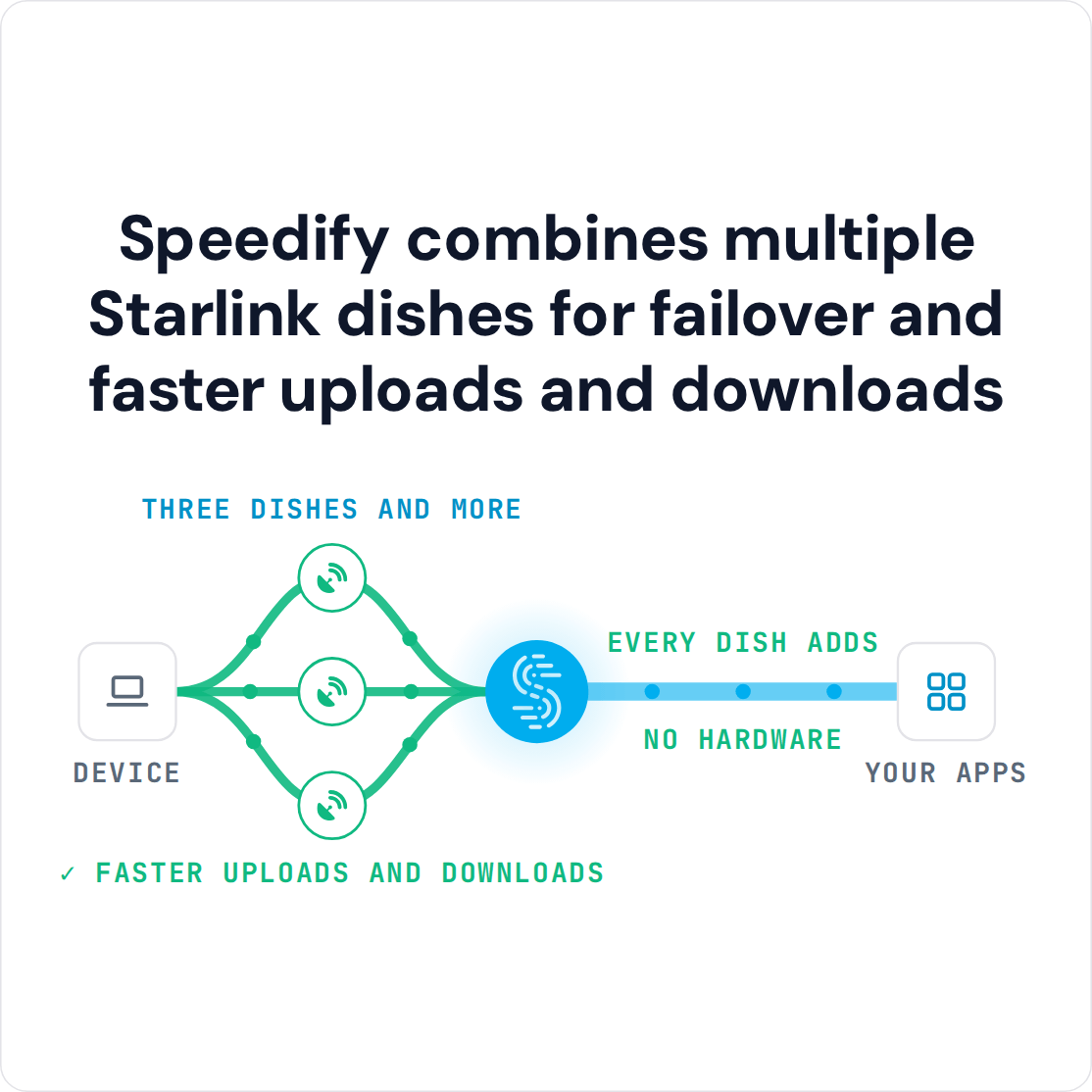
Speedify is an app that combines two or more internet connections at once, like two Starlink dishes, so you get their combined upload and download speed and stay online if one dish goes down. Every Starlink dish switches satellites on the same 15-second schedule, so for the short dropout at each switch, add 4G/5G cellular as well. With a single Starlink internet connection, Speedify still encrypts your traffic like a VPN, but cannot stop Starlink itself from dropping. Here are the three steps to set it up on Android.
Note: Combine internet connections from different sources. Connecting to the same router over both Wi-Fi and Ethernet does not add speed, because both share one internet connection.
3 Steps to Combine Two Starlink Internet Connections on Android
Step 1: Connect to Your First Starlink’s Wi-Fi Hotspot
First, set up your Starlink with the instructions that came in the box. This includes your Starlink Wi-Fi network name and password.
On your Android phone or tablet, open Settings and go to Connections > Wi-Fi (Samsung Galaxy) or Network & internet > Internet (Google Pixel). Other Android phones use similar menus. Turn Wi-Fi on, tap your Starlink Wi-Fi network, and enter its password.
Step 2: Connect Your Second Starlink via Ethernet Cable to Your Android Phone or Tablet
To connect your second Starlink by Ethernet cable, your Android phone or tablet needs a USB Ethernet adapter that fits its port. Check the adapter's specifications or reviews to make sure it works with your phone or tablet.
Plug the adapter into your phone or tablet and connect an Ethernet cable from the adapter to an Ethernet port on your Starlink router. The Starlink Gen 2 router has no Ethernet port and needs the Starlink Ethernet Adapter.
Step 3: Download and Install Speedify
Download and install Speedify. Speedify is an app that combines two or more internet connections, like your two Starlink dishes, so your internet is faster, more reliable, and more secure.
Once running, Speedify finds both Starlink connections on its own and splits your traffic across them. If one Starlink drops, Speedify moves your traffic to the other. Video calls and live streams get priority over background downloads and updates.
To see how each Starlink connection is doing, click or tap it in Speedify.
To add 4G/5G cellular as well, use Speedify's cellular sharing: phones and computers running Speedify on the same local network share their 4G/5G cellular with each other.
Speedify
Get started with Speedify today.
Speedify combines Wi-Fi, 4G/5G cellular, Ethernet, Starlink and satellite into one faster, more reliable internet connection. Free to try: 5 GB a month with a free account. No credit card required.
🚀 Speed
Faster uploads and downloads, because Speedify uses all your internet connections at once.
📶 Stability
If one internet connection drops, Speedify moves your traffic to the others in milliseconds.
🔒 Security
AES-256 encryption on every internet connection, on any network you join.



15M+ downloads worldwide. 75K+ five-star reviews on iOS and Android.