

Speedify 6.1 Is Now Available
Introducing Speedify 6.1, the latest and greatest version for Android, iOS, macOS and Windows. For the fastest, most reliable, and most secure VPN experience update to Speedify 6.1 on all of your devices right now!
New Features in Speedify 6.1
- All operating systems: Performance Improvements: Improves performance in certain bonding scenarios.
- All operating systems: Security Improvements: Updated to latest BoringSSL, which brings many fixes and improvements to our encryption engine.
- Windows: Improved Internet Kill Switch: We’ve improved the behavior and messaging around the Internet Kill Switch. When activated, it ensures that Speedify stays connected, and other programs are blocked from accessing the Internet if Speedify is disconnected. If security is your top concern, this setting will keep you from ever accidently going online without the protection of Speedify”s VPN. To activate, go to Settings > Privacy > Internet Kill Switch.
- Android: Android Oreo, Speedify notifications can now be managed individually from Android’s Notification settings.
- Android: Fixed issue with clicking on settings on TV devices.
- Android: Fixed issues restoring old purchases.
- Android: Android KitKat (4.4) is no longer supported. KitKat users can still use Speedify 6.0.
- iOS: Hardware accelerated encryption: Speedify now uses hardware acceleration for encryption, on iPhone 5S or later devices. On fast Internet connections, this can a big speed up!
- iOS: Internet Kill Switch: In Settings > Privacy, Speedify now has an Internet Kill Switch. When activated, it ensures that Speedify stays connected, and other programs are blocked from accessing the internet if Speedify is disconnected. If security is your top concern, this setting will keep you from ever accidently going online without the protection of Speedify’s VPN.
Update Speedify Now
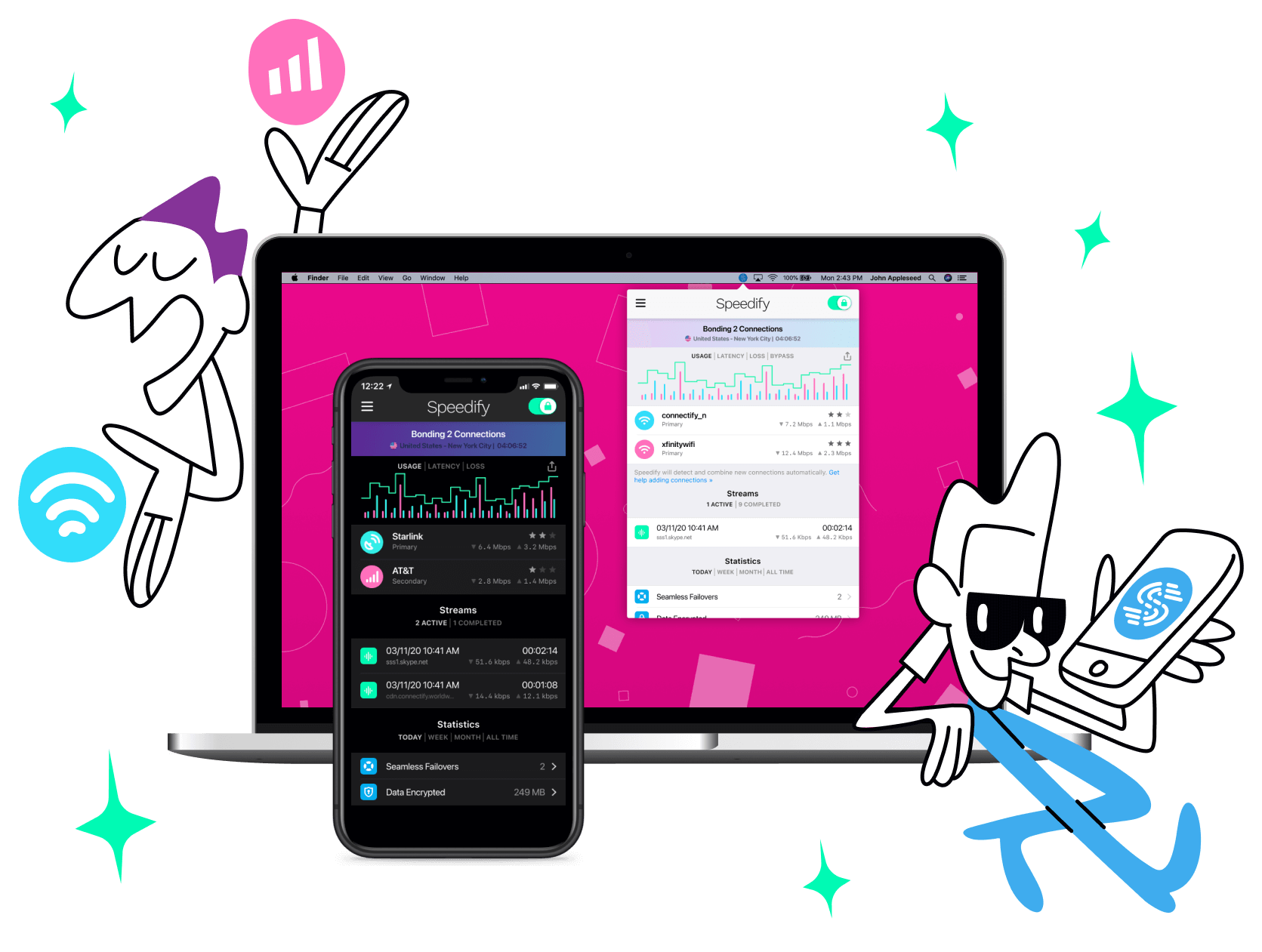
Speedify is the only app that seamlessly combines all of your connections, including WiFi, 4G, 5G, Ethernet, and Starlink, into one stronger connection to keep you online and secure with increased bandwidth, reduced latency, and failover protection.
You can easily share and combine LTE, 4G and 5G cellular connections between devices to create a faster, more reliable connection for everyone using Speedify’s cellular sharing feature, Pair & Share
Make sure you update Speedify on all your devices, including computers, mobile devices and supported routers!


