
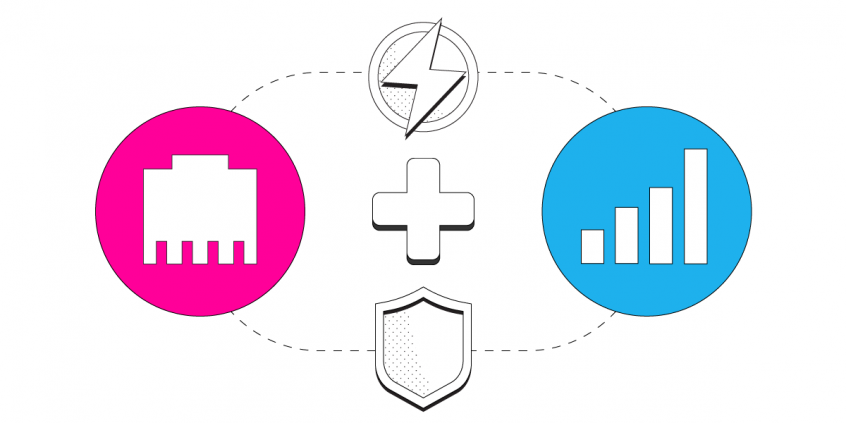
Want faster upload and download speeds and internet that stays online even if one connection drops out? Run Ethernet and 4G/5G mobile data at the same time.
Speedify is an app that combines two or more internet connections at once – such as Ethernet and a 4G/5G mobile broadband connection – so you get faster uploads and downloads and stay online if one connection drops out. It works on Windows and macOS.
With Speedify, your internet stays on when one connection fails.
When one of your connections drops, Speedify automatically routes your traffic to your remaining connections — so calls don't cut out and downloads don't stall.
How do I use WiFi and 4G/5G cellular at the same time with Speedify?

Pick your two internet connections and your device below and we'll take you to the step-by-step setup guide.


Step 1: Connect Your Ethernet Cable
Find your PC or Mac’s Ethernet port and connect the Ethernet cable. If your computer doesn’t have a built-in Ethernet port, you can use a low-cost USB-to-Ethernet adapter.
Step 2: Connect Your 4G or 5G Mobile Broadband Card
Refer to your mobile broadband provider’s instructions to connect your mobile Internet device to your computer. If your device is a USB dongle and you’ve already installed the appropriate drivers on your computer, you can simply plug in your 4G or 5G card. For a mobile hotspot device, just connect to your computer’s Wi-Fi as you normally would.
Step 3: Combine Ethernet and 4G or 5G with Speedify
Now that you have both Ethernet and your 4G or 5G mobile broadband network connected to your computer simultaneously, you might want to combine both for faster and more reliable Internet. This is where Speedify comes in. Speedify is a cloud service for Mac & PC users that combines all the Internet connections available to your computer to create a single fast super-connection.
To get started with Speedify, simply download it here. Then, log into your Speedify trial using the email and password combination we emailed to you, and once Speedify is running, you’ll see both Ethernet and mobile broadband connections detected. That means you’re using both for their combined speed and reliability.
Speedify
Get started with Speedify today.
Combine Wi-Fi, 4G/5G cellular, Ethernet, Starlink, and more into one faster, steadier connection. Free to try — no credit card required.
🚀 Speed
Faster uploads and downloads by bonding all your connections at once.
📶 Stability
Automatic failover in under a second when any connection drops.
🔒 Security
AES-256 encryption on every connection, on every network you join.



15M+ downloads worldwide. 75K+ five-star reviews on iOS and Android.