
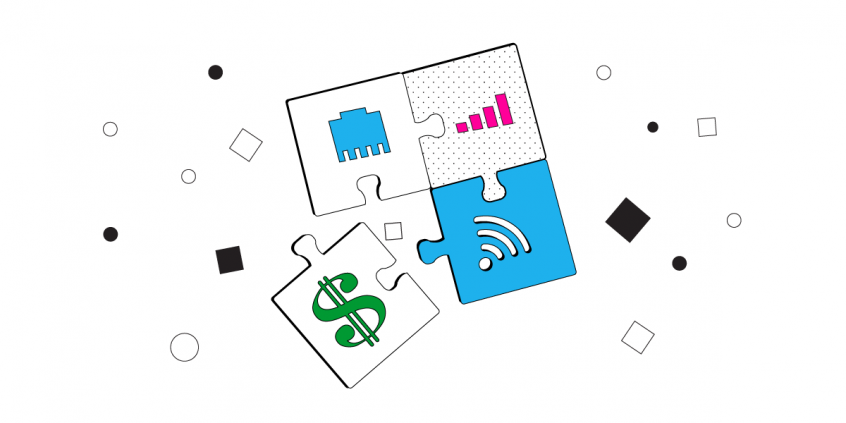
Stock Trading Internet Speed Critical Requirements: Reliability and Security
Stock trading needs an internet connection that stays fast and online the instant an order goes in, with no drop at the wrong second. Speedify is an app that combines two or more internet connections at once – Wi-Fi plus a phone’s cellular data, for example – into one faster, more reliable connection. If one connection fails, Speedify keeps the trading platform online over the other, so a momentary outage does not lock a trade or a login mid-session.
Speedify keeps you working when the home connection gives out
How do I use WiFi and 4G/5G cellular at the same time with Speedify?

Pick your two internet connections and your device below and we'll take you to the step-by-step setup guide.


Getting Reliability for Your Stock Trading Internet Connection
Some articles on the Internet and also this Quora thread state that a 1 Mbps connection is good enough to do stock trading. While that might be true, it’s the connection reliability that is more important in day trading.
If the Internet connection disconnects (and it will at some point – ISP maintenance, bad WiFi hotspots, etc.), you have to be sure that your stock trading efforts will be covered by something like a backup connection. Most important: you have to be sure you’re always online when stock trading.
Security for the Stock Trading Internet Connection: Why It’s Important
You wouldn’t want anybody to fiddle around your stock trading platform(s) and ruin everything in just seconds or lock you out of your account(s), would you? Or “sniff” your sensitive data when investing on platforms such as the stock market, Forex, etc?
That’s why when deciding on your Internet connection for stock trading it’s important to connect through a secure Internet link whenever you’re stock trading. And, basically, in any situation, for that matter, on all your devices – computer, laptop, smartphone, and tablet.
Step-by-Step Guide to Setup a Fast, Reliable and Secure Stock Trading Internet Speed
Given the arguments above, here are the steps you need to take in order to make sure that your stock trading Internet speed is the fastest, most reliable and secure:
- Carefully choose your hardware device and stock trading platform software – whether it’s a laptop computer or a smartphone, you should be able to get a fast response from it when using the stock trading platforms. You may have the best Internet connection for stock trading; if your device has to spend minutes to load an app or a web page, then it’s useless.
We won’t go into technical specifications at this point, but as a general rule – it’s best if you would use a laptop, iPhone, iPad, Android smartphone or tablet that’s newer than 2 years of age. - Always make sure you have an additional Internet connection available. For smartphones and some tablets that’s simple: you can always use your 4G / LTE connection should WiFi have issues. For laptops and PCs you should be equipped with an extra WiFi or 4G / LTE adapter that you could plug into your device.
- Get Speedify on your device. Speedify is a next generation fast mobile VPN service that also works to combine multiple internet connections to deliver a faster, more reliable, and more secure Internet experience for your stock trading activities.
- Make sure you activate / connect to all the available Internet connections – usually WiFi, Ethernet and Cellular (via USB dongle) for laptops and PCs; WiFi and 4G / LTE connection for smartphones and tablets.
- Open the Speedify app and let it run in the background. Speedify will automatically combine the different connections you connect to into a single pipe. You will enjoy a fast and reliable Internet experience like you have never seen before. Plus – it will all be secured!
Hit the Jackpot with Speedify: Best Stock Trading Internet Speed, Reliability and Security
Speedify doesn’t just get you a fast and reliable Internet connection when stock trading. Speedify is the only true mobile VPN available. It protects you from compromised WiFi networks and snooping hackers. It uses real military-grade encryption to make sure your private data stays under your control. And, of course, Speedify keeps no logs of any activity!
Before Speedify, users often had to choose between security and speed. Because Speedify was designed with speed and reliability as one of its primary goals, you no longer have to sacrifice speed for security. You can have all 3 of them to get the best Internet connection for stock trading.
Are you doing stock trading? Get the best results with a fast, reliable and secure Internet connection! Get started with Speedify today – the best solution for your stock trading Internet speed!
Speedify
Get started with Speedify today.
Combine Wi-Fi, 4G/5G cellular, Ethernet, Starlink, and more into one faster, steadier connection. Free to try — no credit card required.
🚀 Speed
Faster uploads and downloads by bonding all your connections at once.
📶 Stability
Automatic failover in under a second when any connection drops.
🔒 Security
AES-256 encryption on every connection, on every network you join.



15M+ downloads worldwide. 75K+ five-star reviews on iOS and Android.