
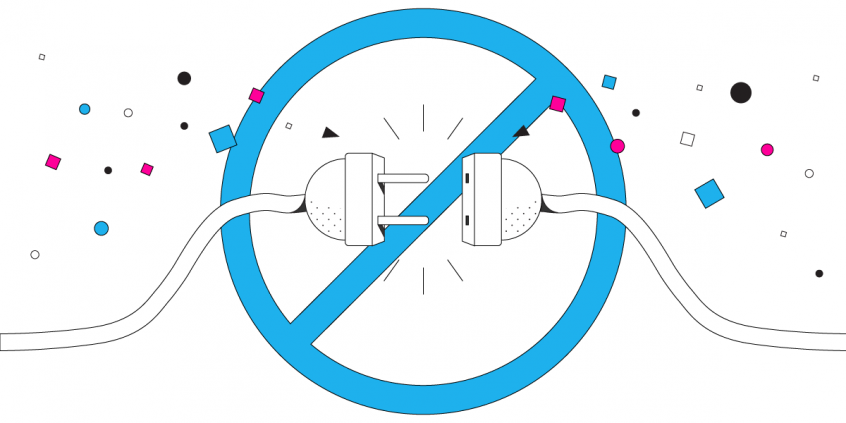
What to Do If You Have Comcast Internet Problems: Don’t Get into this Situation in the First Place
Your Comcast connection drops mid-call, comes back, drops again. Rebooting the modem buys you twenty minutes. Comcast support books an appointment for Thursday.
Speedify is an app for your computer, phone or tablet that uses two internet connections at the same time – your Xfinity line and your phone’s cellular data, for example – so a flaky cable connection stops taking your calls and uploads down with it. Find out what to check first, which Comcast problems you can actually fix yourself, and how to stay online through the ones you cannot.
Why Bother Troubleshooting Your Comcast Xfinity Internet Problems? Use Speedify to Prevent Internet Disconnects
Speedify is an intelligent app that uses Channel Bonding technology to keep you online when there are Comcast Internet problems. Just run Speedify bonding VPN in the background of your computer or mobile device, while having at least 2 active Internet connections. These can be WiFi, wired Internet, cellular, etc. – as long as they come from separate upstream networks!
By combining these connections at once through Channel Bonding, Speedify achieves Internet failover. This means that you will be connected at all times.
Suppose your Xfinity WiFi goes bad or disconnects. Speedify will move the traffic through the other connection(s) seamlessly. Once WiFi is good to use again, Speedify will move traffic back.
Comcast Internet Problems? What to Do if Your Cable or Internet is Out
So if you ever find that Comcast, Verizon, or any other ISP’s internet goes down, Speedify can get you back up thanks to its Channel Bonding technology.
Better yet, keep Speedify running in the background, combining your connections, and you may never even notice the outage in the first place! Click the download link below to get started for free.
Speedify
Get started with Speedify today.
Combine Wi-Fi, 4G/5G cellular, Ethernet, Starlink, and more into one faster, steadier connection. Free to try — no credit card required.
🚀 Speed
Faster uploads and downloads by bonding all your connections at once.
📶 Stability
Automatic failover in under a second when any connection drops.
🔒 Security
AES-256 encryption on every connection, on every network you join.



15M+ downloads worldwide. 75K+ five-star reviews on iOS and Android.