Loading Events

« All Events

  • This event has passed.

Speedify LIVE Office Hours: Q&A With Our Developers

January 25, 2023 @ 2:00 pm - 3:00 pm EST

Troubleshooting Speedify with the Engineers

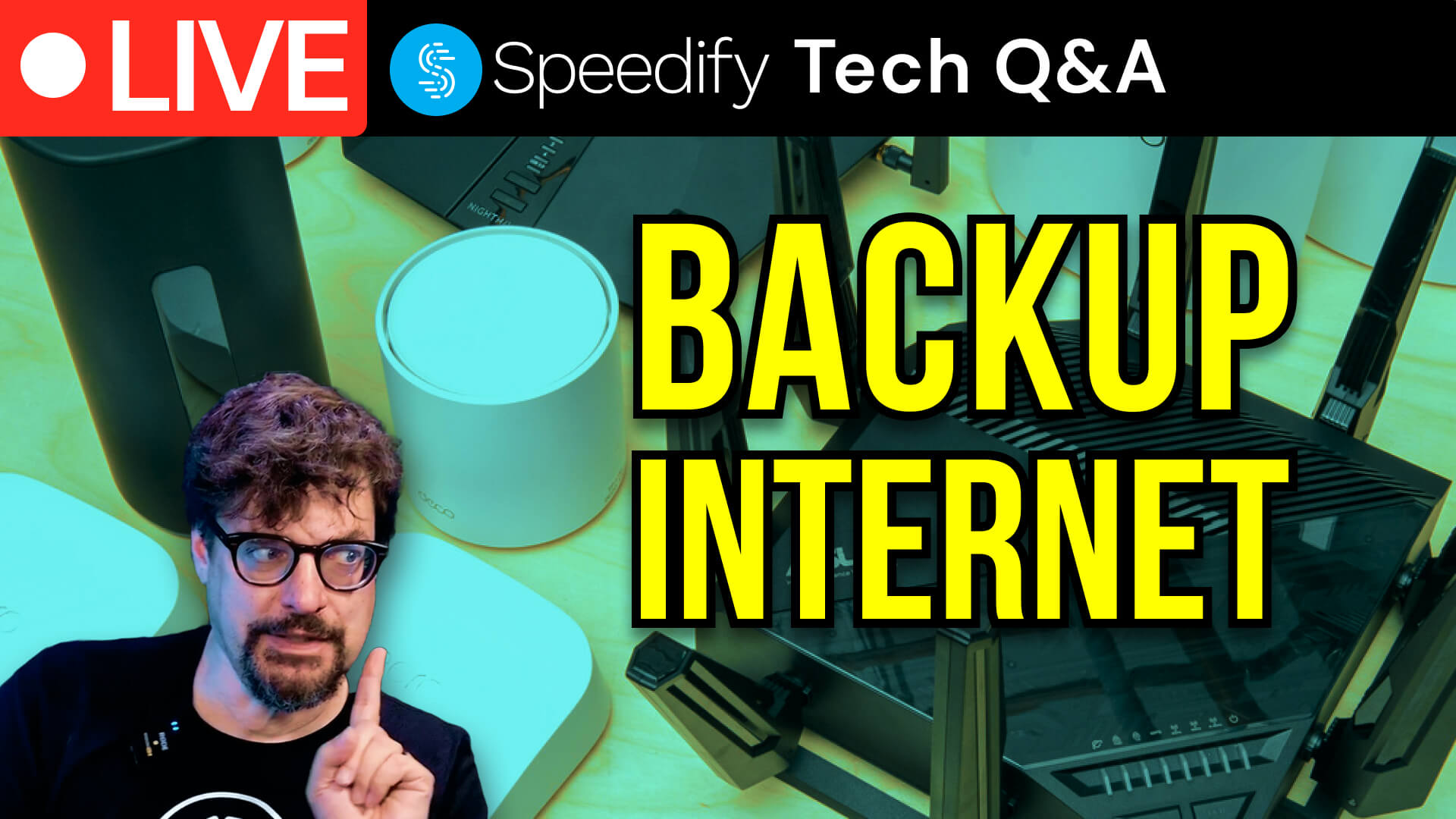
On the 171st episode of Speedify LIVE we hold our weekly Office Hours, this time with our Developers taking over!

We take viewer questions, talk about some Speedify basics and what’s coming in our next big release, and take a look at some user-specific cases from our Mailbag.

Here are our 5 takeaways from our Office Hours:

  1. When it comes to getting started with Speedify there’s a couple things to note: 1. Speedify is a VPN software that runs on all the major platforms, that lets you use multiple internet connections to either combine them for more speeds or reliability; 2. In most cases the default settings will work best, but you can change Connection Priorities, Transport modes and Bonding Modes to suit your use-case better. 
  2. Speedify helps with streaming in a lot of ways! By default the app is set to Speed mode with Enhance Streaming enabled, which tries to detect any real time traffic, like calls and streams and prioritizes it over any other traffic. In addition, if we see extra loss or latency during a stream, Speedify will intelligently switch to redundancy to provide the most reliability. 
  3. In Mailbag Question No.1 a user was seeing frame rate drops while streaming to Facebook: in such a case, make sure to check if you are connecting to the closest server to your location, check if there’s any resource contention in your own machine like high CPU or GPU usage, check for latency as well, and finally, you can try to switch Transport Modes from Multi TCP to UDP. 
  4. Mailbag Question No.2 brought us a user who was seeing lower speeds with Speedify: in this case, after some back and forth, it turned out their ISP was deprioritizing the traffic through our Multi TCP transport mode, so switching to UDP helped achieve a better performance through Speedify! 
  5. Mailbag Question No.3 brought up an issue of seeing high CPU and GPU usage with Speedify and Connectify Hotspot running. Turns out, simply updating to the latest Connectify Hotspot 23 release helped resolve the issue of idle CPU usage. Lesson: make sure you update to the latest app versions if you can! 
It [Speedify] keeps everything seamless, so even as your connections come and go, it allows you to keep doing whatever you’re doing online without getting interrupted.
Kevin
On the 171st episode of Speedify LIVE we hold our weekly Office Hours, this time with our Developers taking over! We take viewer questions, talk about some Speedify basics and what’s coming in our next big release, and take a look at some user-specific cases from our Mailbag.

Up Next on Speedify LIVE

ABOUT THE SHOW

Speedify LIVE is a weekly talk show and web series hosted by Speedify CEO Alex Gizis featuring a rotating panel of special guests. The show focuses on the industry of live streaming as well as the software and technologies that power it and frequently covers topics related to internet connectivity. Tune in on Twitch, YouTube Live, or Facebook Live.

Tune in and chat with us live on:

Image

Get started with Speedify today!

With Speedify you can combine multiple internet sources into one bonded super-connection to improve livestreaming, video calling, gaming, web browsing, and everything else you do online.

Download Speedify
Download Speedify on the Apple App StoreGet Speedify on the Google Play Store

Speed

Combine Wi-Fi, cellular, ethernet, satellite, and more to maximize performance

Stability

Avoid buffering and disconnects while streaming, gaming, and browsing.

Security

Keep your personal data safe from hackers, snoops and cyber criminals

Speedify devs love talking tech on YouTube, Tiktok, and Instagram!

Alex Gizis and the Speedify devs discuss and explain technology including Starlink satellites, Wi-Fi 7 routers, Apple networking features, fiber optics, broadband internet, 5G mobile networks, AI, networking protocols, and much more. Follow Speedify on YouTube, TikTok, Instagram, and LinkedIn!

Alex and the Speedify team are always exploring the latest in networking and security technology—like 5G, 6G, WiFi 7, laser and satellite internet—and sharing it in new discussion content across YouTube, TikTok, Instagram, and LinkedIn every week.

Got a tech question? Let's go deeper! Pop into Speedify Office Hours live every Wednesday at 10 AM Eastern. Speedify CEO Alex Gizis and our network engineers are standing by to break down your questions about networks, tech updates, and Speedify features.

Image

Details

  • Date: January 25, 2023
  • Time:
    2:00 pm - 3:00 pm EST

Organizer