


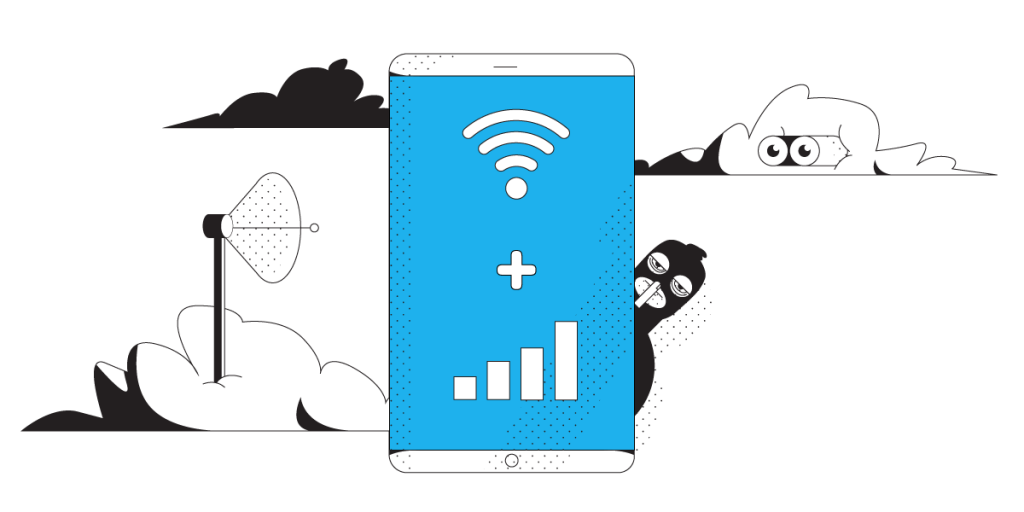
Make Sure You Have Stable Internet
Citrix Workspace hands you your work programs and desktop from a server somewhere else, so every click has to travel out and back. When the internet connection at your end drops for a moment, or a laptop swaps Wi-Fi for a phone hotspot, Citrix Workspace locks up or throws you out mid-task.
Speedify is an app that pulls Wi-Fi, 4G/5G cellular data, wired Ethernet and other internet connections together and uses them at once, so a brief loss on one of them never reaches Citrix Workspace.
Troubleshooting steps come first here, then the settings worth checking, then how using Speedify keeps you working instead of reconnecting.
Should you have a backup 4G, 5G, Starlink, or cable internet connection?
Yes — every internet connection goes down, including Starlink, which drops for ~34 minutes a day on average. A backup connection from a different provider means one outage never takes you fully offline. The most common options are a 4G/5G cellular hotspot, a cable or DSL line, or a second satellite dish.
4G/5G cellular
Works anywhere. Just a SIM or hotspot — no installation needed.
Learn more →Cable / DSL
Best for fixed locations. Different network, so outages rarely overlap.
Learn more →Second Starlink
Adds redundancy and throughput for remote sites or heavy usage.
Learn more →Speedify bonds any two connections into one — automatic failover, more speed, no dropped calls.
Try Speedify free →Why Citrix Workspace App Connection Issues Happen
The most common cause why Citrix Workspace (formerly Citrix Receiver) has connection issues is usually slow, or unreliable Internet connectivity. So, Citrix Workspace isn’t able to work properly. Sometimes, you may not even realize that you have a connection issue until you try and use the service. And it’s most annoying when it happens during tasks running.
Reliable network connectivity is essential when using Citrix Workspace to access virtual apps, virtual desktops, and Unified Communications applications (VoIP). If your Wi-Fi connection has a momentary blip or your cellular connection fluctuates (for remote workers), some of the flow of those packets gets interrupted. It can take a few moments for the data to catch up.
This results in Citrix Workspace app connection issues. Which means more time spent troubleshooting and a decrease in productivity.
Fix Citrix Workspace App Connection Issues – Use Speedify
As mentioned above, the Citrix Workspace app will perform as good as the Internet can perform. At this time, it only uses one connection at a time – either WiFi or cellular on your phone. Even though you may be connected to both, it’ll use only one of them. So, the solution for fast, reliable and secure Internet is simple: use a secure channel bondingservice for you or your organization, Speedify.
The Speedify app works by monitoring the quality of your Internet connections in the background and can bond all available connections simultaneously in a single “pipe”. This improves your bandwidth and connection reliability, so you won’t get any disconnects or crashes due to connection issues from the Citrix Workspace app.
If you are moving between Wi-Fi networks, or your Wi-Fi or cellular network suddenly go out, you stay connected because Speedify intelligently and automatically reroutes your data until you are connected again to both networks. Best of all, you don’t notice anything because Speedify takes care of it all in the background.
How Speedify Provides Better Secure Internet for You
With Speedify you don’t have to trade security for Internet speed and reliability. Speedify does both. The channel bonding technology can use multiple Internet connections at the same time. This provides faster, more stable Internet, and doesn’t slow down your connection like the other VPNs will do.
How Speedify for Teams VPN Provides Better Secure Internet for your Organization
With Speedify for Teams VPN, you don’t have to trade security for Internet speed and reliability for your organization. Speedify does both. The channel bonding technology can use multiple Internet connections at the same time. This provides faster, more stable Internet, and doesn’t slow down your connection like the other VPNs will do.
With Speedify for Teams you can also get:
- Dedicated VPN servers – they provide speed, reliability, port forwarding, and static IP addresses. Users with dedicated VPN servers will also experience more consistent speeds, as no one else is on your server.
- Teams dashboard to manage billing, add and remove users, monitor usage statistics and view performance analytics if you have a dedicated server.
- Management API – Speedify for Teams API is a REST application programming interface that uses HTTP requests and provides responses in a JSON format and using HTTP status codes. You can create and remove users from your team, and check how much users are actually using their accounts.
- Support for virtually any device running Windows, macOS, Linux, iOS and Android.
When Citrix Workspace app has connection issues, you have to take a look at your connection issues. The solution is at your fingertips: get Speedify today.
Connectify Inc. is a Citrix Ready partner. Speedify is available in the Citrix Ready Marketplace.
Alex and the Speedify team are always exploring the latest in networking and security technology—like 5G, 6G, WiFi 7, laser and satellite internet—and sharing it in new discussion content across YouTube, TikTok, Instagram, and LinkedIn every week.
Got a tech question? Let's go deeper! Pop into Speedify Office Hours live every Wednesday at 10 AM Eastern. Speedify CEO Alex Gizis and our network engineers are standing by to break down your questions about networks, tech updates, and Speedify features.


Speedify
Get started with Speedify today.
Combine Wi-Fi, 4G/5G cellular, Ethernet, Starlink, and more into one faster, steadier connection. Free to try — no credit card required.
🚀 Speed
Faster uploads and downloads by bonding all your connections at once.
📶 Stability
Automatic failover in under a second when any connection drops.
🔒 Security
AES-256 encryption on every connection, on every network you join.





15M+ downloads worldwide. 75K+ five-star reviews on iOS and Android.