

Make Internet Related Robinhood Trading Issues Disappear When Robinhood will not load or stalls halfway through a trade, the cause is often not Robinhood. A short gap in your internet connection – the home network dropping for a few seconds, or your phone sliding from Wi-Fi onto cellular data – is enough for the app to sit there loading while … Read More
Can’t Connect to Slack? Speedify Adds Cellular Failover

Couldn’t Connect to Slack? You Can Combine Multiple Internet Connections Together – Like Starlink, Wi-Fi, 4G, 5G, and DSL – with Speedify A message saying Slack could not connect points at one of two things: Slack’s own service is down, which its status page will confirm, or your device never held an internet connection long enough to finish signing in. … Read More
Slack Not Updating Messages? Speedify Keeps Slack Live
Slack Not Updating New Messages? Speedify Helps You Fix It: Join Multiple Internet Connections Together – Like Starlink, Wi-Fi, 4G, 5G, and DSL Messages that only appear when you click into a channel, or a Slack window that sits unchanged for minutes, point to short gaps where data is not reaching your device. Slack holds a live link open for … Read More
Slack Not Loading New Messages? See How Speedify Keeps Slack Loading
You Can Join Multiple Internet Connections Together – Like Starlink, Wi-Fi, 4G, 5G, and DSL – with Speedify, to Fix Slack Not Loading Messages Slack can open perfectly well and still show an empty channel, spinning where the message history should be. That is almost always the internet connection rather than Slack: a weak signal, or a laptop switching from … Read More
TeamViewer Disconnecting? Speedify Keeps Sessions Live
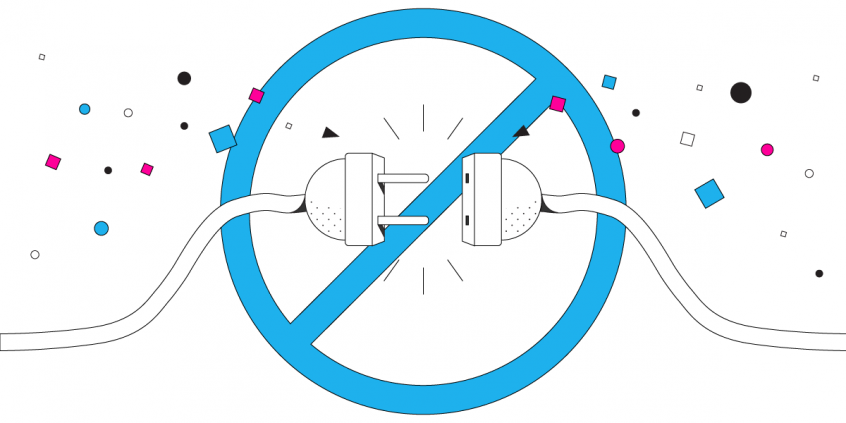
Avoid Being Disconnected in the Middle of a TeamViewer Remote Work Session TeamViewer gives you a remote desktop – you see and control another computer’s screen over the internet – and that only works while data keeps flowing both ways. A few seconds where nothing arrives, because the home internet connection dropped or the Wi-Fi signal faded, and the TeamViewer … Read More
Outlook Disconnected? Speedify Keeps Outlook Online
Outlook Says Disconnected and Trying to Connect. Sounds Familiar? Outlook showing Disconnected or Trying to connect in its status bar means it has lost touch with your mail server, not that your email is gone. Usually the internet connection wobbled for a few seconds – the office network dropped, or a laptop moved onto a weaker Wi-Fi signal – and … Read More
- Page 1 of 2
- 1
- 2