
Unbreakable VPN Connection to Encrypy VoIP Calls by Combining Starlink, Wi-Fi, 4G, 5G, and DSL with Speedify
Encrypting a phone call made over the internet – a VoIP call, the kind Zoom, Teams and most office phone systems use – normally costs you call quality, because a standard VPN pushes the audio down one tunnel and adds delay.
Speedify encrypts VoIP traffic, putting the audio beyond the reach of anyone on the network, and sends it over Wi-Fi and 4G/5G cellular data at the same time, shifting the call to whichever internet connection is healthier the moment one weakens. Keep reading for what makes internet calls easy to listen in on, and for what using Speedify delivers – private calls that stay clear.
Is VoIP Secure? How Vulnerable are Your VoIP Calls?
Often, VoIP calls are carried out over wifi networks. This improves the sound quality of the calls and enhances the VoIP experience. But, wifi networks are a soft-target for experienced hackers. Public wifi networks are particularly vulnerable.
If you are not careful, you could be exposing yourself, and those you are talking with to loss of critical data, embarrassment, or even identity theft.
The Problems with a Standard VPN Solution
The most common way to increase the security of VoIP calls is to use a VPN. But, VPNs are often not an elegant solution. Many VPNs use an incredible amount of bandwidth as they encrypt all of the data and transmit it back and forth between the servers. They also often use a lot of computer processing power.
VPNs not only slow down the speed of your computer and internet connections, but they can also degrade the quality of the VoIP call. Callers experience lag, difficulty hearing, and lost connections.
If you use a traditional VPN you often are forced to choose between security and call quality.
Speedify Increases VoIP Security Without Sacrificing Connection Speed or Call Quality
Speedify is a next generation mobile VPN, built with the latest encryption standards to deliver over twice the performance of conventional VPNs on desktops and mobile devices. It was designed with both speed and security as a priority. Speedify gives you the peace of mind knowing that your VoIP calls, and other data, are encrypted, and that your call quality will be clear and strong.
But, Speedify is much more than just a VPN. It is also a powerful channel bonding software solution that anyone can use to bond multiple Internet connections for their combined speed and reliability .
Typically, a computer, phone, or tablet only uses a single internet connection at a time. You may connect through wifi, LTE router, your device’s cell signal, or through a wired connection. A traditional VPN forces all of the encrypted data through a single connection. This often creates a logjam, which slows down your internet connection and degrades the VoIP call quality.
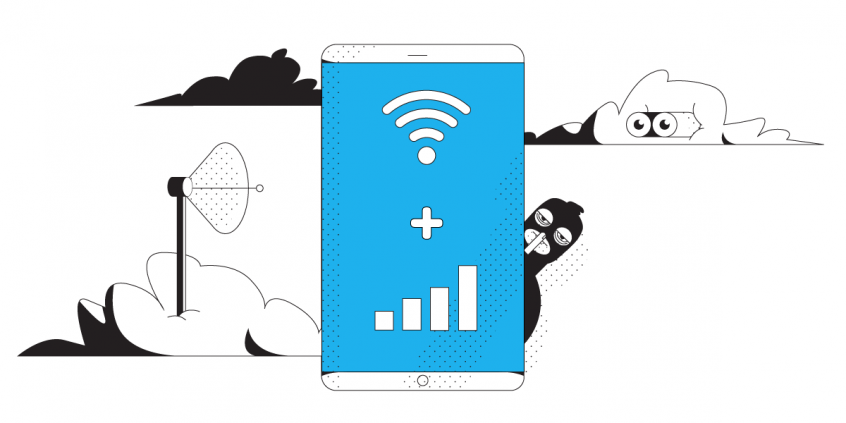
Speedify allows your computer, phone, or tablet to use two or more internet connections simultaneously. This increases your bandwidth, improving VoIP call quality and reliability.
The Speedify app also has auto failover to make sure that if one internet connection goes down, all the data is automatically rerouted through the remaining connections. Once the lost connection has been restored, the bandwidth is increased again.
Speedify is the Fastest and Most Reliable VPN for VoIP
You should not have to choose between security, connection speed, and call quality. Speedify allows you have a fast, safe, and reliable internet connection. You never have to worry about an important call dropping off.
Speedify makes sure you always stay connected to the internet on your terms.
Speedify
Get started with Speedify today.
Combine Wi-Fi, 4G/5G cellular, Ethernet, Starlink, and more into one faster, steadier connection. Free to try — no credit card required.
🚀 Speed
Faster uploads and downloads by bonding all your connections at once.
📶 Stability
Automatic failover in under a second when any connection drops.
🔒 Security
AES-256 encryption on every connection, on every network you join.



15M+ downloads worldwide. 75K+ five-star reviews on iOS and Android.