
Unbreakable VPN Connection to Fix Slow ProtonVPN by Combining Starlink, Wi-Fi, 4G, 5G, and DSL with Speedify
Leaving ProtonVPN only makes sense if what you switch to fixes the real problem: everything crawls once ProtonVPN is turned on. Speedify is a VPN app that spreads your traffic across two or more internet connections at once – Wi-Fi, 4G/5G cellular data, wired Ethernet, Starlink – instead of squeezing it all through one, so pages load and files upload faster while staying private.
Keep reading for what slows a ProtonVPN internet connection down, and how using Speedify gets that speed back without switching privacy off.
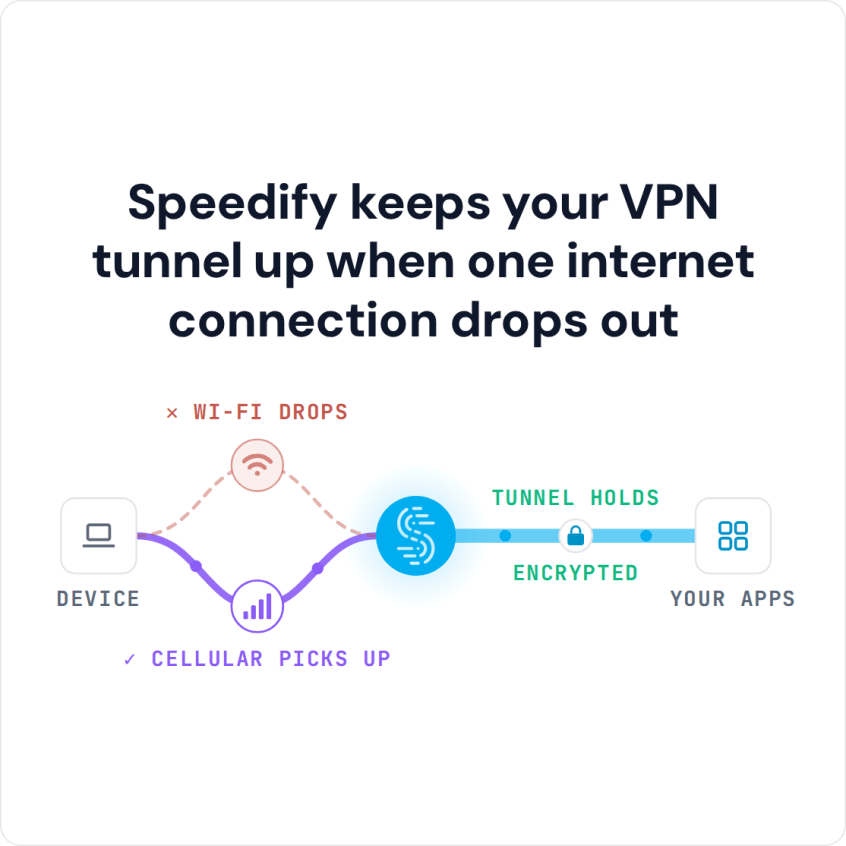
Speedify keeps your VPN tunnel up when one internet connection drops out
Why does ProtonVPN slow down my internet?
The first thing you should take into consideration is whether you’re a free, Basic or Plus user of ProtonVPN. According to them, the speeds are differentiated based on these tiers, with ProtonVPN Plus users seeing the fastest speeds.
Plus, because of how a traditional VPN app works to encrypt all traffic, slower internet can be expected due to these extra steps.
Slow ProtonVPN connections could also be caused by a memory leak on your mobile device, packet loss, buggy software, a lack of bandwidth, or a problem with your ISP.
What is causing Slow ProtonVPN Connections?
Unfortunately, it may be difficult to know what is causing the slowdown of your ProtonVPN service. You may need to try several different options to try and increase the speed of your connection.
The first thing you should try is closing down the app and restarting it. Often this will at least temporarily fix the issue. You may also want to make sure you are not running too many other apps at the same time on your device.
The second approach to fixing your slow ProtonVPN is to make sure that your operating system and router firmware are all updated. Using out of date software may cause a slowdown.
Another option is to make sure that the problem isn’t with your ISP. Check the speed of your connection when you are not using ProtonVPN. If the connection is slow, you may need to talk to your ISP about the issue.
Is ProtonVPN Still Too Slow? It’s Time to Try a Different VPN Service
If you are still having trouble with slow ProtonVPN, you could try an alternative. Speedify is a fast bonding VPN optimized for speed and reliability with some of the fastest connection speeds in the industry. It was designed from the ground up with the latest encryption standards to deliver over twice the performance of conventional VPNs on desktops and mobile devices.
Speedify allows users to have an internet connection that is both fast and secure.
Why is Speedify Bonding VPN Faster than ProtonVPN?
Speedify works differently than conventional VPNs like ProtonVPN because it does much more than just encrypt your data. It unleashes the full power of your desktop or mobile device by allowing you to use multiple connections simultaneously. Our implementation of the channel bonding technology allows devices to use all available Internet connections at the same time, providing you with more bandwidth and faster connection speeds.
Speedify also:
- Will not drain your battery
- Will route traffic over Wi-Fi as much as possible
- Is equipped with automatic failover
While you have a lot of choices when it comes to VPN platforms, there is only one VPN that not only provides you with a secure connection, but that also improves the speed and reliability of your internet connection – Speedify.
Speedify is available for iOS, Android, Windows, and macOS. It takes only a few minutes to get started, and requires no technical skills to use or to setup.
You deserve to have internet that is fast and secure. Speedify allows you to experience the web on your terms.
Speedify
Get started with Speedify today.
Combine Wi-Fi, 4G/5G cellular, Ethernet, Starlink, and more into one faster, steadier connection. Free to try — no credit card required.
🚀 Speed
Faster uploads and downloads by bonding all your connections at once.
📶 Stability
Automatic failover in under a second when any connection drops.
🔒 Security
AES-256 encryption on every connection, on every network you join.



15M+ downloads worldwide. 75K+ five-star reviews on iOS and Android.