
Fix Optimum WiFi Issues Easy and Quick with Speedify
Optimum Wi-Fi not working on the move usually means a weak OptimumWiFi hotspot. Walking down the street with music playing, your phone latches onto a free OptimumWiFi hotspot and the sound stops: a public hotspot with a weak signal and dozens of people sharing it can be worse than no Wi-Fi at all.
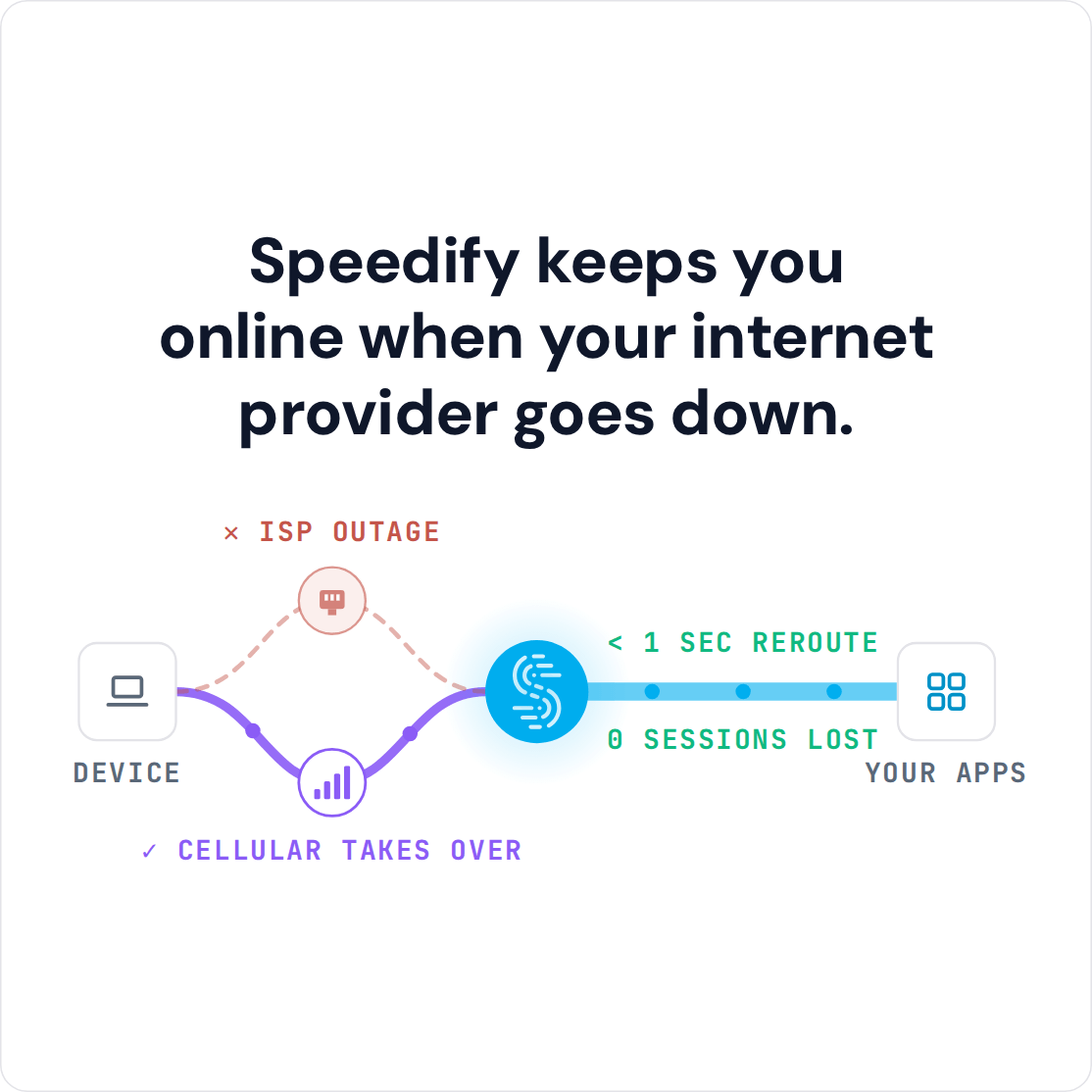
Speedify is an app that combines Wi-Fi, 4G/5G cellular, Ethernet, Starlink and satellite internet connections and encrypts your traffic like a VPN. With Wi-Fi plus your phone’s 4G/5G cellular, a poor Optimum hotspot stops cutting you off mid-song, because Speedify moves your traffic to the connection that works. On a single connection, Speedify works as an encrypted VPN and cannot stop that connection from dropping. The steps ahead cover why Optimum Wi-Fi hotspots fail to connect, how to connect and reset, and how using Speedify keeps your music and calls going on them.
Why Devices Fail to Connect to Optimum Wi-Fi Hotspots
Sometimes the Optimum WiFi hotspots are placed in locations that result in spotty signal strength or even dead zones. That’s why you may see you’re connected to “OptimumWiFi”, but not able to access any website.
If you are on the move (on the street, bus, etc.), your phone hops from one OptimumWiFi hotspot to the next and to other public hotspots (McDonald’s, Macy’s, etc.). Phones do not hand over between Wi-Fi hotspots smoothly, and they stay on Wi-Fi instead of 4G/5G even when the hotspot has no internet, so you often land on one that does not work.
How to Connect to Optimum Wi-Fi Hotspots and Reset Optimum Wi-Fi at Home
OptimumWiFi hotspots are included for Optimum internet customers. Pick the OptimumWiFi network on your phone or laptop and sign in with your Optimum ID when the sign-in page opens. If the sign-in page does not appear, open any http:// website in your browser to bring it up.
If your Optimum Wi-Fi at home is not working, restart the Optimum router or gateway: unplug it, wait about 30 seconds, plug it back in and give it a few minutes to come back online. If that does not help, check Optimum’s outage information for your area before you call support.
3 Steps to Fix Optimum WiFi Hotspots when Not Working
Unfortunately, the many problems with OptimumWiFi hotspots lead most people in Optimum areas to either tell their phones to “Forget” the “OptimumWiFi” network so it won’t connect, or turn off their phone’s Wi-Fi to get off the broken hotspot. But once they do this, their phone won’t join other working Wi-Fi hotspots either, wasting valuable 4G data.
Speedify avoids that trade-off: its technology securely combines 2 or more Internet connections, such as the hotspot and your 4G/5G cellular, for their combined speed and reliability.
Here are 3 steps to fix Optimum WiFi hotspot issues:
- Get Speedify on your desktop or mobile device.
- Leave all your internet connections active. On iPhones and Android smartphones, turn on both Wi-Fi and cellular data. You can set data caps from within the Speedify app, so you won’t go over your data plan and pay extra. On laptops, turn on any 4G/5G USB modem or built-in cellular card as well.
- Enjoy faster, more reliable Internet. Speedify will automatically detect any new active Internet connections and toss them into the mix to create a faster and dependable Internet connection.
Fix Optimum WiFi Hotspot Drops and Security Issues with Speedify
By being able to use multiple Internet connections at the same time with Speedify, your iPhone, iPad, Android smartphone or laptop will avoid those nasty disconnects that show up when you get handed off from one “OptimumWiFi” hotspot to another. Plus, if your device connects to a hotspot with no Internet functionality, by using the other connection, Speedify will keep you online. So, your Spotify will not stop, your work call will not jitter and your video stream will still be online.
Speedify is also a mobile VPN. When you use Speedify on an Optimum WiFi hotspot, your traffic is encrypted, which protects you from snooping hackers and other cyber threats on a shared public network.
While other VPNs can be clunky and slow, Speedify is easy to use, and with two or more connections it adds their speed together instead of slowing you down.
If you are an Optimum customer, get started with Speedify today (the free tier includes 5 GB per month with a free account) to get more out of the nationwide hotspot network.
Speedify
Get started with Speedify today.
Speedify combines Wi-Fi, 4G/5G cellular, Ethernet, Starlink and satellite into one faster, more reliable internet connection. Free to try: 5 GB a month with a free account. No credit card required.
🚀 Speed
Faster uploads and downloads, because Speedify uses all your internet connections at once.
📶 Stability
If one internet connection drops, Speedify moves your traffic to the others in milliseconds.
🔒 Security
AES-256 encryption on every internet connection, on any network you join.



15M+ downloads worldwide. 75K+ five-star reviews on iOS and Android.