
Couldn’t Connect to Slack? You Can Combine Multiple Internet Connections Together – Like Starlink, Wi-Fi, 4G, 5G, and DSL – with Speedify A message saying Slack could not connect points at one of two things: Slack’s own service is down, which its status page will confirm, or your device never held an internet connection long enough to finish signing in. … Read More
Slack Not Updating Messages? Speedify Keeps Slack Live
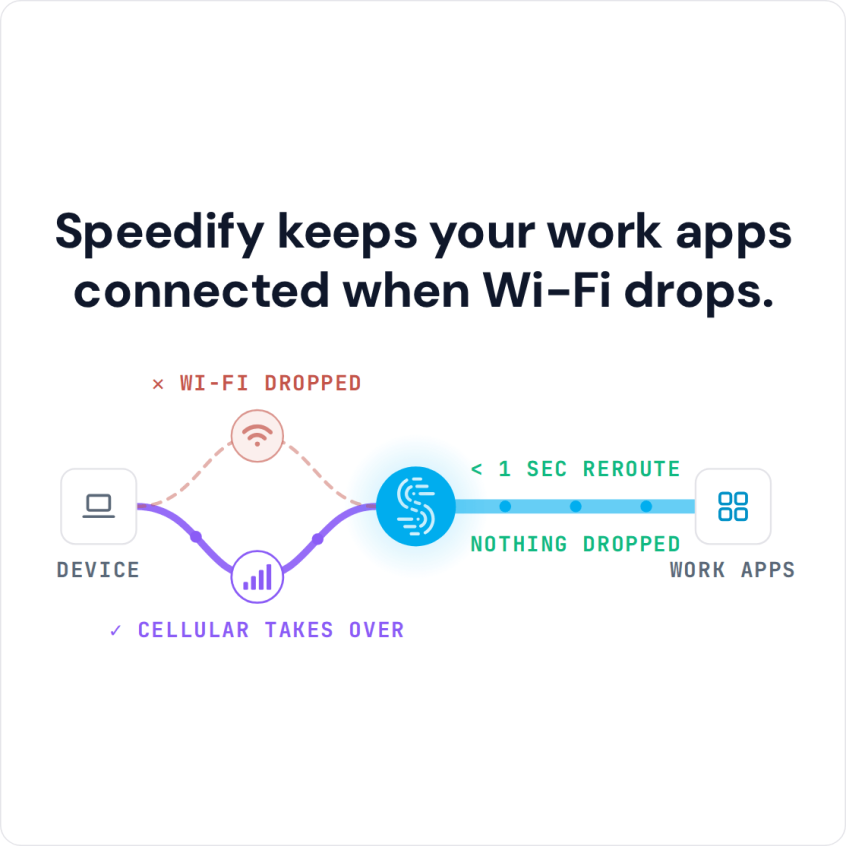
Slack Not Updating New Messages? Speedify Helps You Fix It: Join Multiple Internet Connections Together – Like Starlink, Wi-Fi, 4G, 5G, and DSL Messages that only appear when you click into a channel, or a Slack window that sits unchanged for minutes, point to short gaps where data is not reaching your device. Slack holds a live link open for … Read More
Slack Disconnecting When Working from Home: Combine Wi-Fi and 4G/5G Cellular with Speedify

Fix Connectivity Issues while Using Slack when Working from Home Slack shows the yellow bar, messages queue up, and a huddle you were mid-sentence in ends without warning. It usually is not Slack: it is the few seconds your home connection went unsteady. If Slack never gets past connecting, see what to do when Slack is not connecting. Speedify is … Read More
Slack Slow or Messages Not Sending: Speedify Combines Wi-Fi and 4G/5G Cellular So Messages Go Through
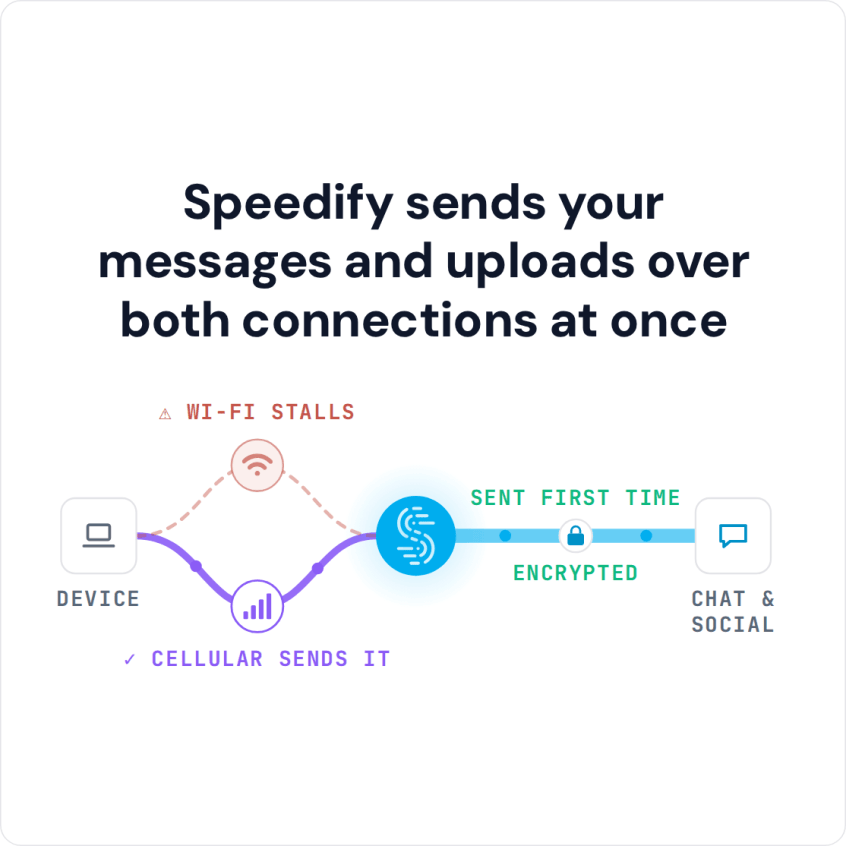
Avoid Being Late to the Conversation Slack is slow, or messages are not sending, for one of three reasons: Slack itself has a problem (check Slack’s status page), the app needs an update or a cache clear, or your internet connection keeps stalling. The last one is the common case, and it costs you: a message that lands five minutes … Read More