
Complete Guide to IRL Streaming to Twitch with Restream
IRL streaming to Twitch can be done easily directly from your iPhone or Android smartphone. But if you want to stream IRL on multiple social platforms including Twitch, you need a service that can do multi streaming, like Restream.
Read below to find out how to set up a Twitch IRL stream using Restream and avoid any live streaming issues such as poor video quality, high lag or drop-outs.
Use Speedify to increase your bandwidth: Combine internet connection sources like WiFi, 4G, 5G, & Starlink together

Combine multiple internet connections to fix slow Internet
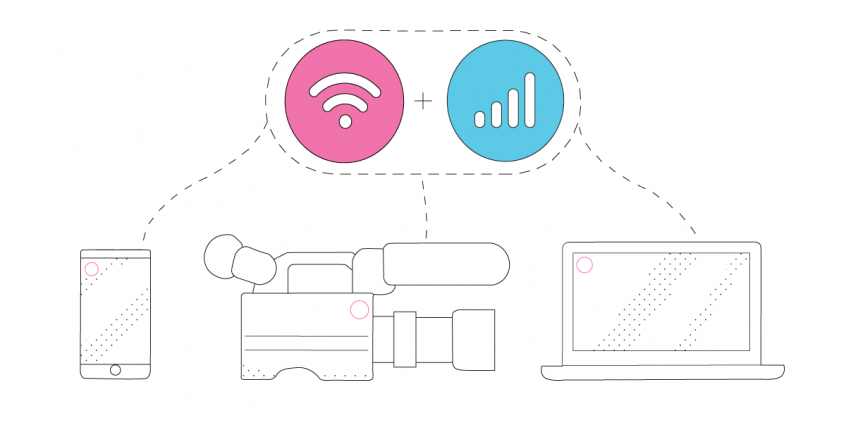
Speedify is the only app that seamlessly combines all of your connections, including WiFi, 4G, 5G, Ethernet, and Starlink, into one stronger connection to keep you online and secure.
In most cases, Speedify will automatically detect and start using any available Internet connections on your device while intelligently distributing your online traffic between them for optimal performance. If you need help we have quick start guides available for most common set ups.

Combine personal hotspots for better bandwidth and signal strength
Speedify's Pair & Share is a feature that enables you to connect to multiple hotspots at the same time and wirelessly share LTE, 4G, and 5G cellular connections back and forth between multiple Speedify users on the same local network to create a faster, more reliable connection for everyone.
For the first time, it's possible to share cellular data between multiple devices, including PCs, Macs, iPhones and Androids. Use multiple phones as hotspots for internet access and get increased bandwidth and mobile failover for all paired devices.
What You Need for Twitch IRL Streaming Using Restream
- Audio-video source - a camera, either dedicated (like a GoPro, for example), or a computer webcam(s) or your smartphone's camera.
- Pro Tip: for better quality audio, you can use dedicated microphones.
- Pro Tip: extra lighting could be useful in specific scenarios.
- Streaming device - smartphone, laptop, desktop computer.
- Pro Tip: if you're using smartphones and leaving your studio / home, make sure to pack external battery packs.
- Streaming software - Restream, in this case
- Stable Internet - use at least two Internet connections at the same time while live streaming IRL - Speedify can help with that.
- Pro Tip: Use an additional smartphone with a cellular data plan. Combine that with your main Internet connection together at once with Speedify to hit your target bitrate and avoid flaky Internet problems.
4 Steps to IRL Stream to Twitch Using Restream
- Set up your streaming device and connect all available Internet sources.
If you're streaming from a smartphone or tablet, connect to both Wi-Fi and cellular data. If you're moving around, you should create a Wi-Fi hotspot on your second smartphone and use it on your streaming device.
If you're streaming from your computer, you can toss in any type of connection - wired Ethernet, Wi-Fi, tethered smartphones, external USB cellular adapters, etc. - Start Speedify and make sure it combines your connections.
When you open Speedify, all the active Internet sources connected should be recognized. Just choose a server to connect to.
If you don't have a Speedify subscription yet, you can get it from our website store, the Apple App Store or the Google Play Store. - Set up Restream.
Follow the instructions on the Restream website to get started for your IRL streaming session on Twitch. - Go Live after a final check.
Audio and video should be working. Speedify should be running.
Whenever you're ready, just start the IRL live stream and broadcast to your Twitch audience.
Speedify - an Essential Element in Your IRL Live Streaming Twitch Setup
Live streaming IRL to Twitch using Restream should be all about focusing on what you stream. You shouldn't have to worry whether you'll get in an area where your Internet connection will drop. Unfortunately, this is the case for most live streamers out there.
This is where Speedify comes to the rescue. It is the only app that can combine multiple internet sources into one bonded super-connection for more stable and secure live streaming, video calling, online gaming and web browsing.
You will get the best Internet connectivity by running Speedify, which prioritizes your IRL live stream over other Internet traffic. Thus, you are avoiding issues such as low quality, choppy and laggy videos, buffering and even disconnects from the streaming server.

Get started today!
With Speedify you can combine multiple internet sources into one bonded super-connection to improve livestreaming, video calling, gaming, web browsing, and everything else you do online.
Speed
Stability
Security
We love talking about connectivity!
Alex and the Speedify team are always exploring the latest in networking and security technology—like 5G, 6G, WiFi 7, laser and satellite internet—and sharing it in new discussion content across YouTube, TikTok, Instagram, and LinkedIn every week.
Got a tech question? Let's go deeper! Pop into Speedify Office Hours live every Wednesday at 10 AM Eastern. Speedify CEO Alex Gizis and our network engineers are standing by to break down your questions about networks, tech updates, and Speedify features.
