
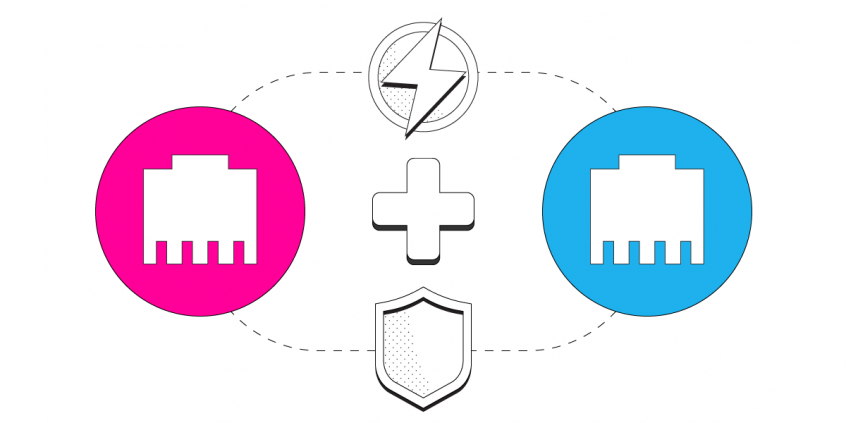
Get Faster and More Reliable Internet: Combine 2 Ethernet Connections
Want faster upload and download speeds and internet that stays online even if one line drops out? Run two Ethernet connections at the same time.
Speedify is an app that combines two or more internet connections at once – such as two Ethernet lines from different providers – so you get faster uploads and downloads and stay online if one connection drops out. It works on Windows and macOS.
<1 sec
With Speedify, your internet stays on when one connection fails.
When one of your internet connections drops, Speedify shifts your traffic to your remaining connections in under a second — so calls don’t cut out and downloads don’t stall.
Should you have a backup 4G, 5G, Starlink, or cable internet connection?
Yes — every internet connection goes down, including Starlink, which drops for ~34 minutes a day on average. A backup connection from a different provider means one outage never takes you fully offline. The most common options are a 4G/5G cellular hotspot, a cable or DSL line, or a second satellite dish.
4G/5G cellular
Works anywhere. Just a SIM or hotspot — no installation needed.
Learn more →Cable / DSL
Best for fixed locations. Different network, so outages rarely overlap.
Learn more →Second Starlink
Adds redundancy and throughput for remote sites or heavy usage.
Learn more →Speedify bonds any two connections into one — automatic failover, more speed, no dropped calls.
Try Speedify free →

Combine 2 Ethernet Connections – What You Need
If you’re trying to connect multiple Internet connections for faster speeds, note that your various connections must come from different Internet sources. In the case of 2 Ethernet (wired) connections, you may have 2 DSL lines, 2 Cable lines, 2 Satellite lines or any combination of the above from one or two Internet service providers. You cannot just connect 2 Ethernet cables from the same router device to your computer for increased bandwidth using link aggregation applications like Speedify, because they both share the same upstream network.
Do you have 2 different Internet links from your ISP(s)? See below how you can get more bandwidth than what you’re paying for and also protect your online traffic from cyber threats by combining 2 Ethernet connections.
Step 1: Connect Your First Ethernet Cable
Find your PC or Mac’s Ethernet port and connect the first Ethernet cable. If your computer doesn’t have a built-in Ethernet port, you can use a USB-to-Ethernet adapter.
Step 2: Connect Your Second Ethernet Cable
Since most computers do not have multiple Ethernet ports, you will have to use a USB-to-Ethernet adapter to connect your second Ethernet connection. Make sure this second Ethernet cable comes from a different router device than the first one.
Step 3: Combine 2 Ethernet Connections with Speedify
Now that you have both Ethernet networks connected to your computer simultaneously, you need to combine them for faster and more reliable Internet. This is where Speedify comes in. Speedify is a next generation fast VPN service with channel bonding capabilities for PC, Mac, Android and iOS users that combines all the Internet connections available to your computer or mobile device to create a single fast and secure super-connection. It also keeps your private information safe and protects you from snooping ISPs, hackers, and other cyber threats.
To get started with Speedify, simply install the software on your device and you’re ready to go – it will automatically detect both Ethernet connections. And that means you’re using both for their combined speed and reliability.
If you’re in need of increased bandwidth, lower latency, increased reliability and VPN security, get another Internet link from your ISP and combine 2 Ethernet connections! Get started now for FREE – no strings attached, no email sign-up necessary!
Alex and the Speedify team are always exploring the latest in networking and security technology—like 5G, 6G, WiFi 7, laser and satellite internet—and sharing it in new discussion content across YouTube, TikTok, Instagram, and LinkedIn every week.
Got a tech question? Let's go deeper! Pop into Speedify Office Hours live every Wednesday at 10 AM Eastern. Speedify CEO Alex Gizis and our network engineers are standing by to break down your questions about networks, tech updates, and Speedify features.

Speedify
Get started with Speedify today.
Combine Wi-Fi, 4G/5G cellular, Ethernet, Starlink, and more into one faster, steadier connection. Free to try — no credit card required.
🚀 Speed
Faster uploads and downloads by bonding all your connections at once.
📶 Stability
Automatic failover in under a second when any connection drops.
🔒 Security
AES-256 encryption on every connection, on every network you join.



15M+ downloads worldwide. 75K+ five-star reviews on iOS and Android.