
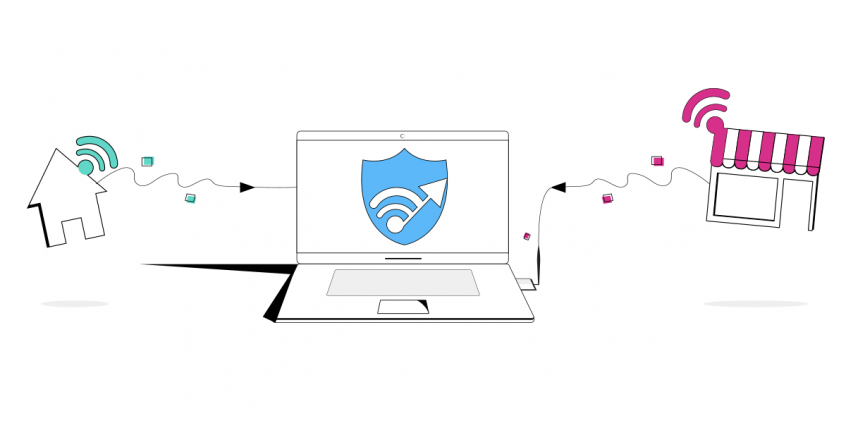
Get a faster Internet connection with 2 Wi-Fi networks
Want faster upload and download speeds and internet that stays online even if one Wi-Fi network drops out? Run two Wi-Fi connections at the same time.
Speedify is an app that combines two or more internet connections at once – such as two different Wi-Fi networks – so you get faster uploads and downloads and stay online if one connection drops out. It works on Windows and macOS.
With Speedify, your internet stays on when one connection fails.
When one of your connections drops, Speedify automatically routes your traffic to your remaining connections — so calls don't cut out and downloads don't stall.
How do I use WiFi and 4G/5G cellular at the same time with Speedify?

Pick your two internet connections and your device below and we'll take you to the step-by-step setup guide.


Do you live in an area with multiple Wi-Fi networks available? See below how you can get more bandwidth than what you’re paying for and also protect your online traffic from cyber threats.
Step One: Connect to Your Primary Wi-Fi Network
Just connect your Mac or PC to Wi-Fi like you normally would using your computer’s internal Wi-Fi card.
Step Two: Connect to Your Secondary Wi-Fi Network
Since most computer’s today only come equipped with a single Wi-Fi card, you’ll need to purchase a low-cost USB Wi-Fi adapter to connect to a secondary Wi-Fi network. Once you plug in the USB Wi-Fi adapter, you should be able to choose and connect to another wireless network from the connections pane on your PC. On a Mac this can be a little tricky, because OS X does not support external adapters natively. So you’ll have to install a third-party wireless manager as well. Once both adapters are connected to separate Wi-Fi networks, you’re ready to go!
Step Three: Combine Two Wi-Fi Networks with Speedify
Now that you have both Wi-Fi networks connected to your computer simultaneously, you might want to combine them for faster and more reliable Internet. This is where Speedify comes in. Speedify is a fast VPN solution for PC, Mac, Android and iOS users that combines all the Internet connections available to your computer or mobile device to create a single fast and secure super-connection. It also keeps your private information safe and protects you from snooping ISPs, hackers, and other cyber threats.
To get started with Speedify, simply install the software on your device and you’re ready to go – it will automatically detect both Wi-Fi connections. And that means you’re using both for their combined speed and reliability.
Don’t let the speed of an additional Wi-Fi network in the proximity go to waste – use it with Speedify to supplement the bandwidth you’re already paying for! Get started now for FREE – no strings attached, no email sign-up necessary!
Speedify
Get started with Speedify today.
Combine Wi-Fi, 4G/5G cellular, Ethernet, Starlink, and more into one faster, steadier connection. Free to try — no credit card required.
🚀 Speed
Faster uploads and downloads by bonding all your connections at once.
📶 Stability
Automatic failover in under a second when any connection drops.
🔒 Security
AES-256 encryption on every connection, on every network you join.



15M+ downloads worldwide. 75K+ five-star reviews on iOS and Android.