
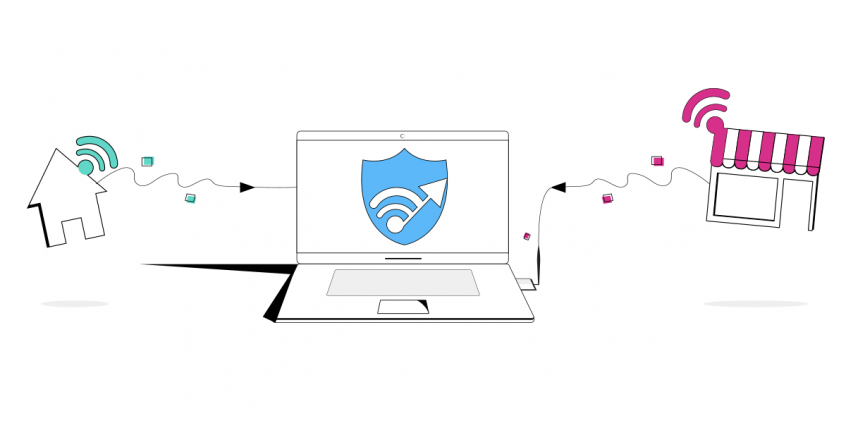
Want to double your upload and download speeds and stay online even if one connection drops out? Run two internet connections at the same time – even a neighbor’s Wi-Fi alongside your own.
Speedify is an app that combines two or more internet connections at once – such as your home Wi-Fi and a nearby Wi-Fi network – so you get faster uploads and downloads and stay online if one connection drops out. It works on Windows and macOS.
<1 sec
With Speedify, your internet stays on when one connection fails.
When one of your internet connections drops, Speedify shifts your traffic to your remaining connections in under a second — so calls don’t cut out and downloads don’t stall.
Should you have a backup 4G, 5G, Starlink, or cable internet connection?
Yes — every internet connection goes down, including Starlink, which drops for ~34 minutes a day on average. A backup connection from a different provider means one outage never takes you fully offline. The most common options are a 4G/5G cellular hotspot, a cable or DSL line, or a second satellite dish.
4G/5G cellular
Works anywhere. Just a SIM or hotspot — no installation needed.
Learn more →Cable / DSL
Best for fixed locations. Different network, so outages rarely overlap.
Learn more →Second Starlink
Adds redundancy and throughput for remote sites or heavy usage.
Learn more →Speedify bonds any two connections into one — automatic failover, more speed, no dropped calls.
Try Speedify free →

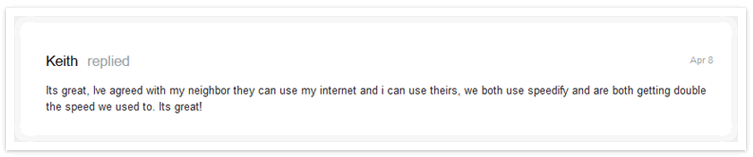
As long as neighbors are in range of each other’s Wi-Fi networks, setting up Speedify to combine both connections is a piece of cake. Keith and his neighbor simply signed up for Speedify and downloaded our client app on their respective Mac or PCs at home. Then, after plugging into the primary home Internet as usual, the neighbors connected to each other’s Wi-Fi networks, too. With Speedify running, both Internet connections are instantly used for faster bandwidth and increased reliability. In the case of Keith and his neighbor, now that they have Speedify, they’re zooming along, getting “double the speed [they] used to.” Why not get Speedify and bring blazing fast speeds and increased reliability to your neighborhood, too!
Alex and the Speedify team are always exploring the latest in networking and security technology—like 5G, 6G, WiFi 7, laser and satellite internet—and sharing it in new discussion content across YouTube, TikTok, Instagram, and LinkedIn every week.
Got a tech question? Let's go deeper! Pop into Speedify Office Hours live every Wednesday at 10 AM Eastern. Speedify CEO Alex Gizis and our network engineers are standing by to break down your questions about networks, tech updates, and Speedify features.

Speedify
Get started with Speedify today.
Combine Wi-Fi, 4G/5G cellular, Ethernet, Starlink, and more into one faster, steadier connection. Free to try — no credit card required.
🚀 Speed
Faster uploads and downloads by bonding all your connections at once.
📶 Stability
Automatic failover in under a second when any connection drops.
🔒 Security
AES-256 encryption on every connection, on every network you join.



15M+ downloads worldwide. 75K+ five-star reviews on iOS and Android.