
Its the most wonderful time of the year!
The World Cup is in full swing, and thankfully real time streaming access is high-quality and plentiful. No matter where you are, with Speedify you can combine all your available Internet connections so you can watch all 22 players on the pitch in pixel perfect HD resolution. Say that 10 times fast!
In the US, all the games are available to live stream for free through either ESPN or ABC but with one important caveat. In order to log in and watch the feed you must have a valid set of account credentials from your cable TV provider (Comcast XFINITY, Time Warner, Optimum, etc). If you don’t subscribe to cable, now is the time to start calling in some favors!
Should you have a backup 4G, 5G, Starlink, or cable internet connection?
Yes — every internet connection goes down, including Starlink, which drops for ~34 minutes a day on average. A backup connection from a different provider means one outage never takes you fully offline. The most common options are a 4G/5G cellular hotspot, a cable or DSL line, or a second satellite dish.
4G/5G cellular
Works anywhere. Just a SIM or hotspot — no installation needed.
Learn more →Cable / DSL
Best for fixed locations. Different network, so outages rarely overlap.
Learn more →Second Starlink
Adds redundancy and throughput for remote sites or heavy usage.
Learn more →Speedify bonds any two connections into one — automatic failover, more speed, no dropped calls.
Try Speedify free →Go Global
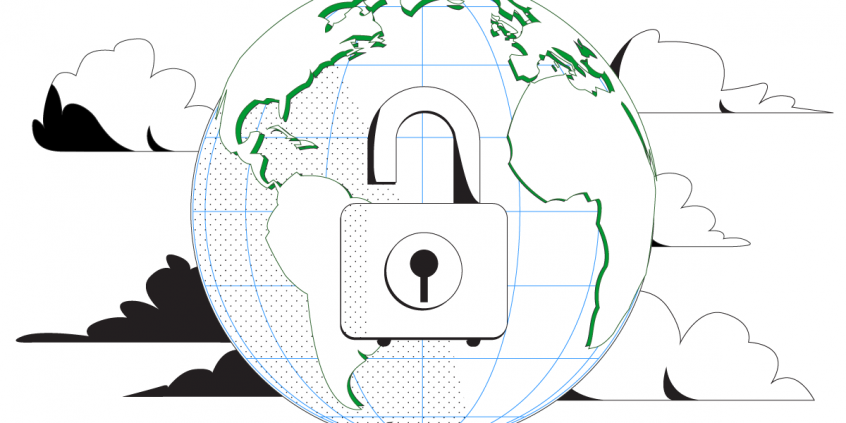
In the event that you’re unable to wrangle up some credentials in order to stream from ESPN or Univision there’s a whole world (literally) of providers offering streaming coverage of the World Cup.
It’s not as simple as just visiting the UK’s BBC or France’s TF1 or ITV websites though, as access is typically “region locked” which means you won’t be able to watch anything unless your computer’s Internet traffic is originating from the host’s country (in this example the UK or France respectively).
Lucky for you, as a Speedify subscriber you’ve got access to our global network of Speed Servers, so whether you’re all out of options or just want to hear some polite British commentary all you have to do is connect to a remote server (London in the UK or Paris for France) and you’ll be watching “o jogo bonito” (the beautiful game) in no time.
PRO TIP: This also works great for accessing Youtube, Pandora, and other region locked streaming services when traveling outside of the US.
Alex and the Speedify team are always exploring the latest in networking and security technology—like 5G, 6G, WiFi 7, laser and satellite internet—and sharing it in new discussion content across YouTube, TikTok, Instagram, and LinkedIn every week.
Got a tech question? Let's go deeper! Pop into Speedify Office Hours live every Wednesday at 10 AM Eastern. Speedify CEO Alex Gizis and our network engineers are standing by to break down your questions about networks, tech updates, and Speedify features.

Speedify
Get started with Speedify today.
Combine Wi-Fi, 4G/5G cellular, Ethernet, Starlink, and more into one faster, steadier connection. Free to try — no credit card required.
🚀 Speed
Faster uploads and downloads by bonding all your connections at once.
📶 Stability
Automatic failover in under a second when any connection drops.
🔒 Security
AES-256 encryption on every connection, on every network you join.



15M+ downloads worldwide. 75K+ five-star reviews on iOS and Android.