

Speedify 4.0 Is Now Available
Yes, it’s that time again! Big and exciting things have been happening over here at Speedify. We’re thrilled to announce the release of Speedify 4.0 – better, faster and prettier – the result of our users providing feedback and almost one year of hard work by our team.
New Features in Speedify 4.0
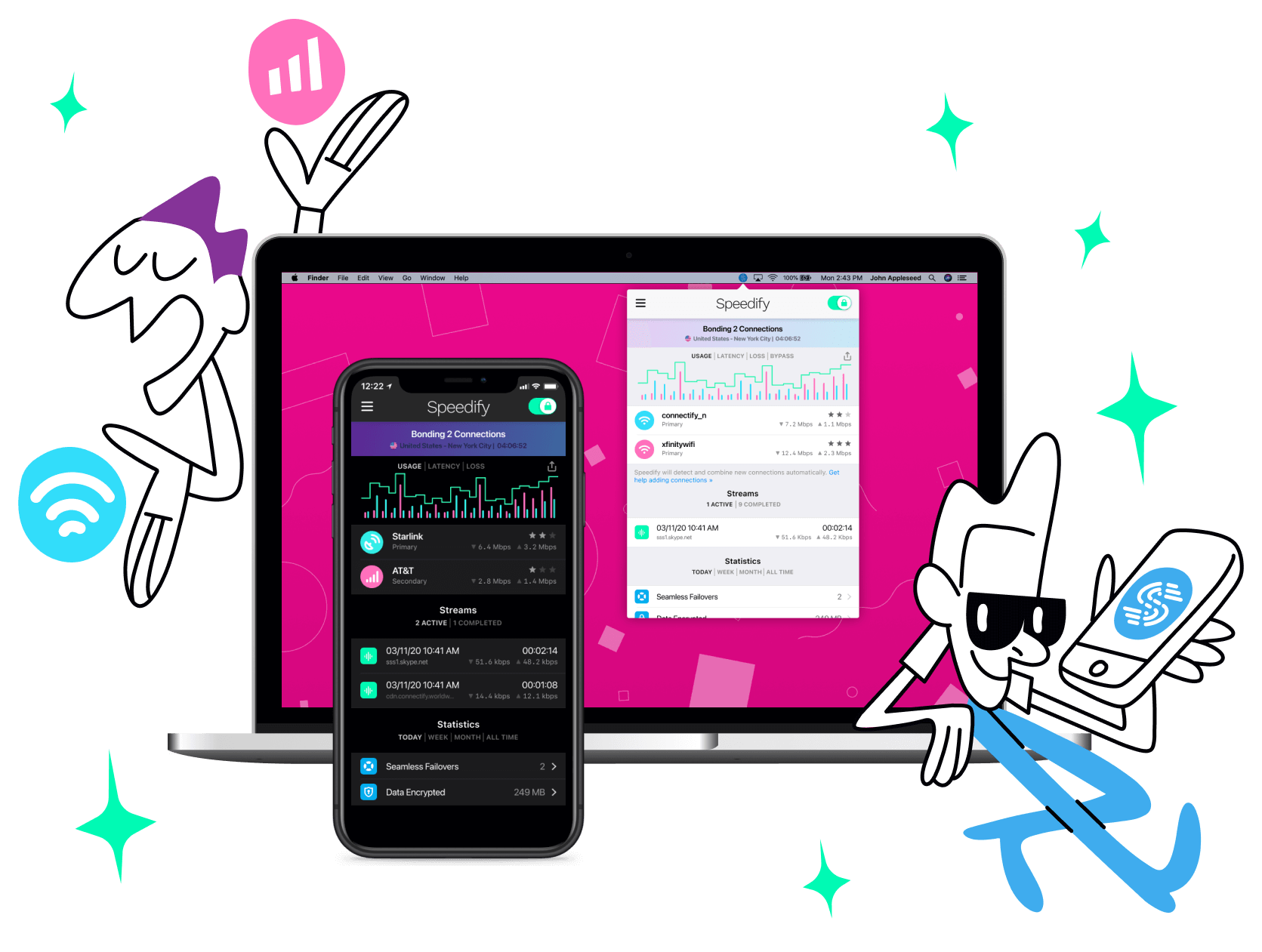
- A completely redesigned, beautiful user experience – the result of us teaming up with app design guru Loren Brichter
- Even faster speeds, with lower CPU usage and better battery life for mobile devices
- Graphs for both real time, and historic usage
- Streamlined getting started experience. No need to create an account or anything like that to get going, no unnecessary permissions for the mobile app. You can be connected within 30 seconds of installing.
- A new mode for mobile users: Redundant Mode. This was our most frequently requested feature. Especially by reporters! When activated, your data is sent on both Wi-Fi and Cellular. So important VoIP calls, and live video streaming events don’t get interrupted, no matter what.
- More servers in more countries so we’re just “around the corner” for you, as Speedify is used all over the world
Update Speedify Now
Speedify is the only app that seamlessly combines all of your connections, including WiFi, 4G, 5G, Ethernet, and Starlink, into one stronger connection to keep you online and secure with increased bandwidth, reduced latency, and failover protection.
You can easily share and combine LTE, 4G and 5G cellular connections between devices to create a faster, more reliable connection for everyone using Speedify’s cellular sharing feature, Pair & Share
Make sure you update Speedify on all your devices, including computers, mobile devices and supported routers!



Should you have a backup 4G, 5G, Starlink, or cable internet connection?
Yes — every internet connection goes down, including Starlink, which drops for ~34 minutes a day on average. A backup connection from a different provider means one outage never takes you fully offline. The most common options are a 4G/5G cellular hotspot, a cable or DSL line, or a second satellite dish.
4G/5G cellular
Works anywhere. Just a SIM or hotspot — no installation needed.
Learn more →Cable / DSL
Best for fixed locations. Different network, so outages rarely overlap.
Learn more →Second Starlink
Adds redundancy and throughput for remote sites or heavy usage.
Learn more →Speedify bonds any two connections into one — automatic failover, more speed, no dropped calls.
Try free →
