
How much battery does Speedify Use?
We often get asked just how much battery Speedify uses. The short answer is that Speedify is very battery efficient. It carefully turns off cellular radios whenever possible in order to minimize your data (and consequently battery) usage.
With every release we conduct a round of tests with streaming video to ensure that the difference in battery usage between running Speedify and not running Speedify is minimal.
If you are concerned about battery life, switching your Cellular connection to “Backup” can help. Doing so will avoid the battery usage associated with speed boosts, while still giving you reliability, failover, and the ability to change geolocation.
But there’s one more issue: when Speedify is connected, your phone’s Settings app will “blame” Speedify for all Wi-Fi and Cellular usage. Battery usage is literally moved from your apps and attributed to Speedify. You may see Speedify using as much as 20% or 40% of your battery, but this is not accurate: you need to watch the total effect on your battery life.
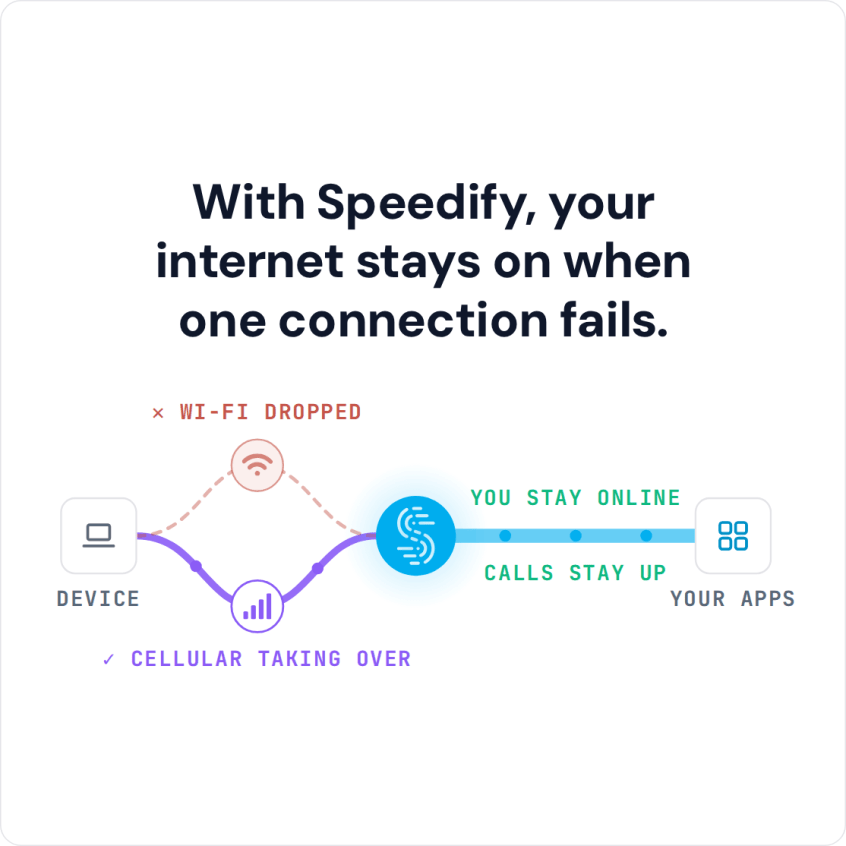
With Speedify, your internet stays on when one connection fails.
How we test
In the test, the devices were on an 80 Mbps Wi-Fi network. Using either the Xfinity On Demand app or Youtube, they streamed either 30 or 90 minutes of video. The Wi-Fi was fast enough to stream the videos to the devices at the desired resolution.
The networking software was set to one of three modes:
- Without Speedify: The device just used the Wi-Fi network
- Speedify, Cellular Normal: Speedify was running, and, because Cellular was set to Normal, Speedify could use it if it thought the Wi-Fi was getting congested and slowing the video
- Speedify, Cellular Backup: Speedify was running, with the Cellular set to Backup, which means it could only be used if the Wi-Fi appeared to have failed

| Device | Test | Battery Usage Without Speedify | Battery Usage with Speedify, Cellular Normal | Battery Usage with Speedify, Cellular Backup | Speedify Impact, Cellular Normal | Speedify Impact, Cellular Backup |
| iPhone 7 Plus | Xfinity On Demand 30 min | 5% | 6% | 5% | -1% | 0% |
| Galaxy S4 | Youtube 60 min | 23% | 24% | 23% | -1% | 0% |
| iPhone 6 Plus | Youtube 60 min | 16% | 16% | 16% | 0% | 0% |
In conclusion
As you can see, Speedify uses very little battery; when Cellular is set to Normal, it uses around 1% additional power in half an hour of continuous streaming. When the Cellular is set to Backup, it uses no measurable battery in an hour or less of testing.
Speedify
Get started with Speedify today.
Speedify combines Wi-Fi, 4G/5G cellular, Ethernet, Starlink and satellite into one faster, more reliable internet connection. Free to try: 5 GB a month with a free account. No credit card required.
🚀 Speed
Faster uploads and downloads, because Speedify uses all your internet connections at once.
📶 Stability
If one internet connection drops, Speedify moves your traffic to the others in milliseconds.
🔒 Security
AES-256 encryption on every internet connection, on any network you join.



15M+ downloads worldwide. 75K+ five-star reviews on iOS and Android.