
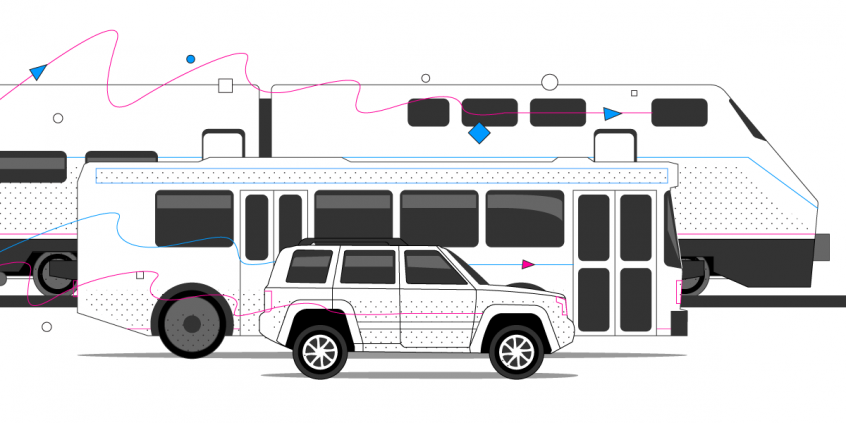
Speedify fixes Amtrak’s flaky AmtrakConnect wi-fi so you can actually get stuff done
Speedify makes Amtrak’s onboard Wi-Fi fast and steady enough to actually get work done on the train. Speedify is an app that combines two or more internet connections at once – the AmtrakConnect Wi-Fi plus a phone’s 4G/5G – into one faster, more reliable connection.
If the train Wi-Fi stalls or drops, Speedify keeps you online on cellular, so a long ride no longer means lost work. Speedify runs on Windows, macOS, Android, iOS, and Linux.
Speedify combines whatever connections you can find on the road
If we could fake putting a man on the moon, couldn’t #Amtrak fake having a wifi connection worth a shit?
— Nick Gillespie (@nickgillespie) March 31, 2017
Hi @Amtrak it is 2017 and this wifi is slower than my 1990s dialup.
— Kyle Pressley (@kylepressley) June 5, 2017
Issues with wifi while traveling aren’t limited to Amtrak however. Megabus, Bolt Bus, and Greyhound all have similar problems with their complimentary wifi services.
How do I use WiFi and 4G/5G cellular at the same time with Speedify?

Pick your two internet connections and your device below and we'll take you to the step-by-step setup guide.


How does Speedify fix Amtrak WiFi?
Over the past few years, we’ve sent our engineers on countless trips aboard planes, trains, and automobiles to test and diagnose problems with Internet connections while on the road.
With this robust set of knowledge, we built Speedify, our revolutionary channel bonding VPN to seamlessly traverse and optimize the multitude of wired and wireless networks we encounter on a daily basis.
With Speedify running on your mobile device, you can connect to the Amtrak wifi AND your phone’s mobile data connection simultaneously. If both connections are working fine, you’ll benefit from their combined speed and reliability, and if one of them disappears or disconnects Speedify will instantly and seamlessly shift your web traffic to the other without missing a step (or skipping a beat).
Additionally, Speedify utilizes a variety of techniques to fix lost and corrupted packets (a common occurrence on slow and overloaded public networks) before they have a chance to slow down your Internet experience.
Improving security on Amtrak wifi without sacrificing speed
Speedify is more than just a way to boost the performance of flaky wifi networks, it is also the best mobile VPN available. Speedify uses the latest encryption standards to deliver over twice the performance of conventional VPNs on desktops and mobile devices. Not only can you stream data faster, but all of your personal data is encrypted – a must when joining unsecured public wifi hotspots like the “AmtrakConnect”. When you use Speedify you no longer have to choose between speed and security. You get both every time you connect.
Speedify
Get started with Speedify today.
Combine Wi-Fi, 4G/5G cellular, Ethernet, Starlink, and more into one faster, steadier connection. Free to try — no credit card required.
🚀 Speed
Faster uploads and downloads by bonding all your connections at once.
📶 Stability
Automatic failover in under a second when any connection drops.
🔒 Security
AES-256 encryption on every connection, on every network you join.



15M+ downloads worldwide. 75K+ five-star reviews on iOS and Android.