
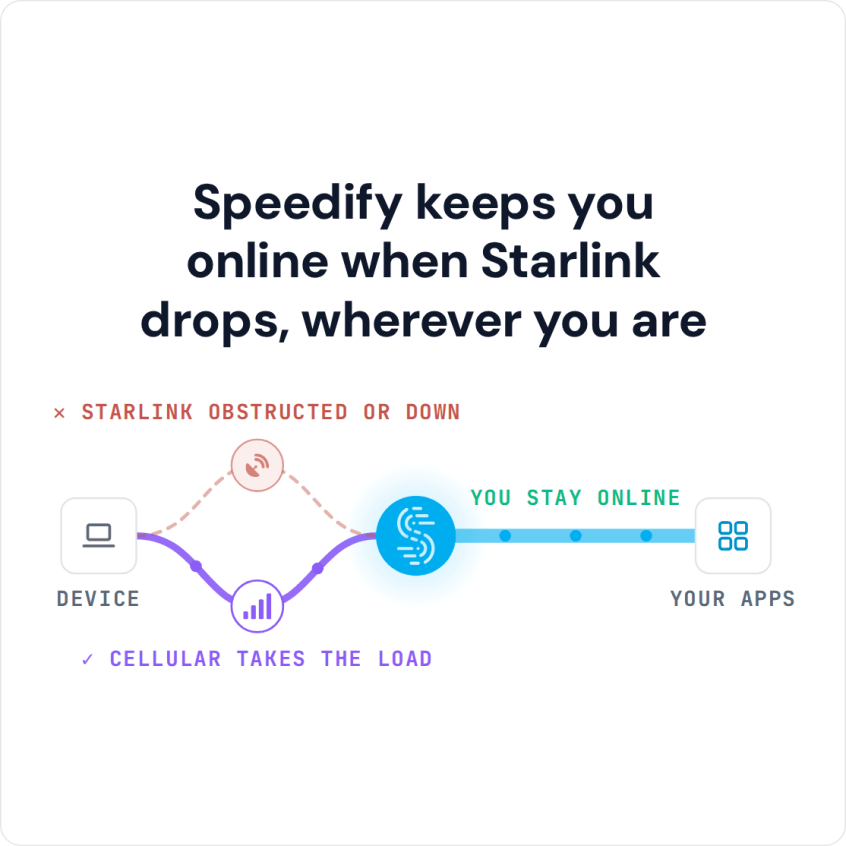
FaceTime works on Starlink, and on Starlink Wi-Fi it uses your Starlink data, not your phone’s cellular data. FaceTime calls lag, freeze or drop when your Starlink internet connection has short drops: when something blocks your Starlink dish’s view of the sky, when your iPhone, iPad or Mac has a weak Wi-Fi signal, or when your Starlink dish switches satellites. … Read More
FaceTime Stuck on “Connecting”? Speedify Adds a Second Internet Connection So Video Calls Go Through
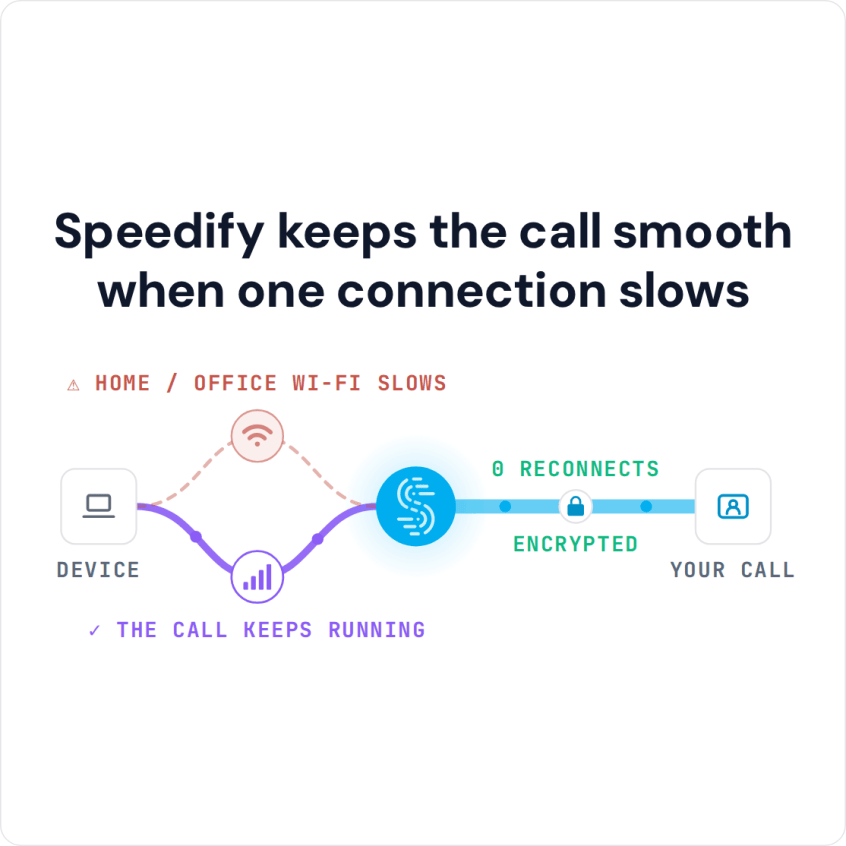
You Can Combine Multiple Internet Connections Together – Like Starlink, Wi-Fi, 4G, 5G, and DSL – with Speedify, to Avoid FaceTime Stuck on Connecting A call stuck on “Connecting” never reaches the point of being slow: FaceTime cannot complete the handshake at all, which usually means the connection is dropping right at the start. Speedify is an app that keeps … Read More
How to Fix FaceTime Stuck on “Connecting” with Speedify
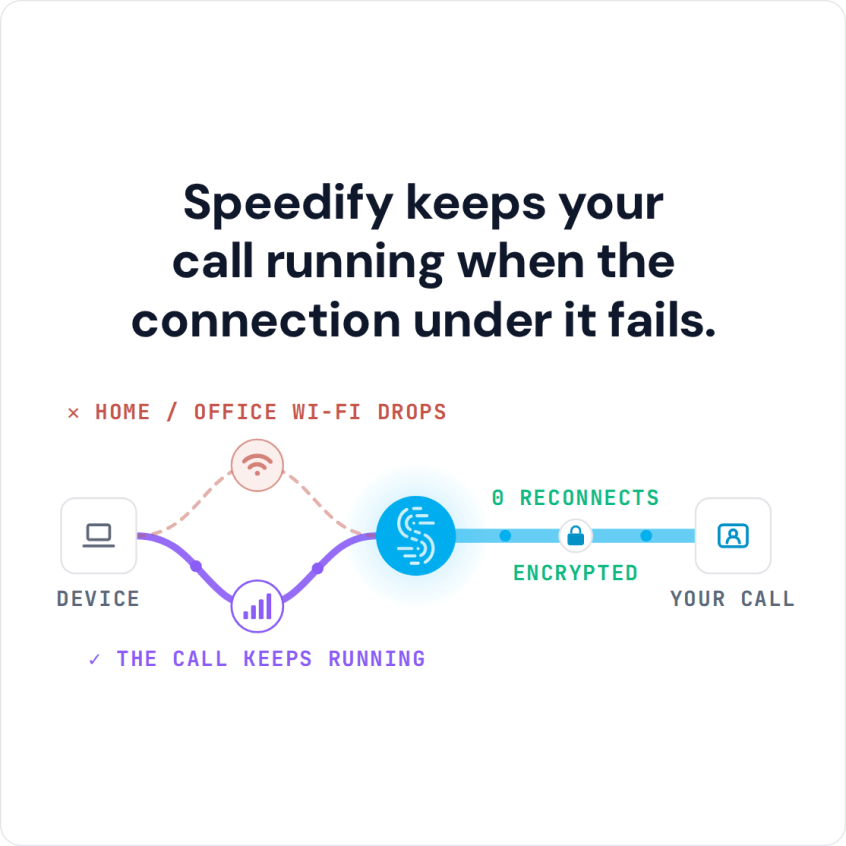
You Can Join Multiple Internet Connections Together – Like Starlink, Wi-Fi, 4G, 5G, and DSL – with Speedify, to Fix FaceTime Stuck on Connecting Tapping a FaceTime call and then watching the screen sit on “Connecting” happens when your iPhone or Mac has a signal but not a usable one: the two devices cannot get enough data through to each … Read More
Seeing “FaceTime Failed”? Speedify Uses Wi-Fi and Cellular Together to Keep FaceTime Running
FaceTime Failed? You Can Combine Multiple Internet Connections Together – Like Starlink, Wi-Fi, 4G, 5G, and DSL – with Speedify Seeing “FaceTime Failed” the moment a call should start almost always comes from the internet connection, not from your iPhone or Mac. Your device picks one network and sticks with it, so if that Wi-Fi is weak or the cellular … Read More
FaceTime Connection Issues and “Your Connection Is Unstable”: Speedify Uses Wi-Fi and Cellular at Once
You Can Combine Multiple Internet Connections Together – Like Starlink, Wi-Fi, 4G, 5G, and DSL – with Speedify, to Fix FaceTime Connection Issues FaceTime’s “Your connection is unstable” warning means the call is not getting data through smoothly, usually because of the Wi-Fi or cellular connection on your end. Blurry video, half-heard words and calls that end themselves are what … Read More
FaceTime Video Lagging: How to Fix Laggy FaceTime Calls with Speedify
Slow FaceTime Calls? You Can Combine Multiple Internet Connections Together – Like Starlink, Wi-Fi, 4G, 5G, and DSL – with Speedify FaceTime lagging is usually one person’s connection, not both, and while you are on the call it is rarely obvious which end is at fault. If the call never starts at all, see how to fix FaceTime stuck on … Read More
- Page 1 of 2
- 1
- 2