
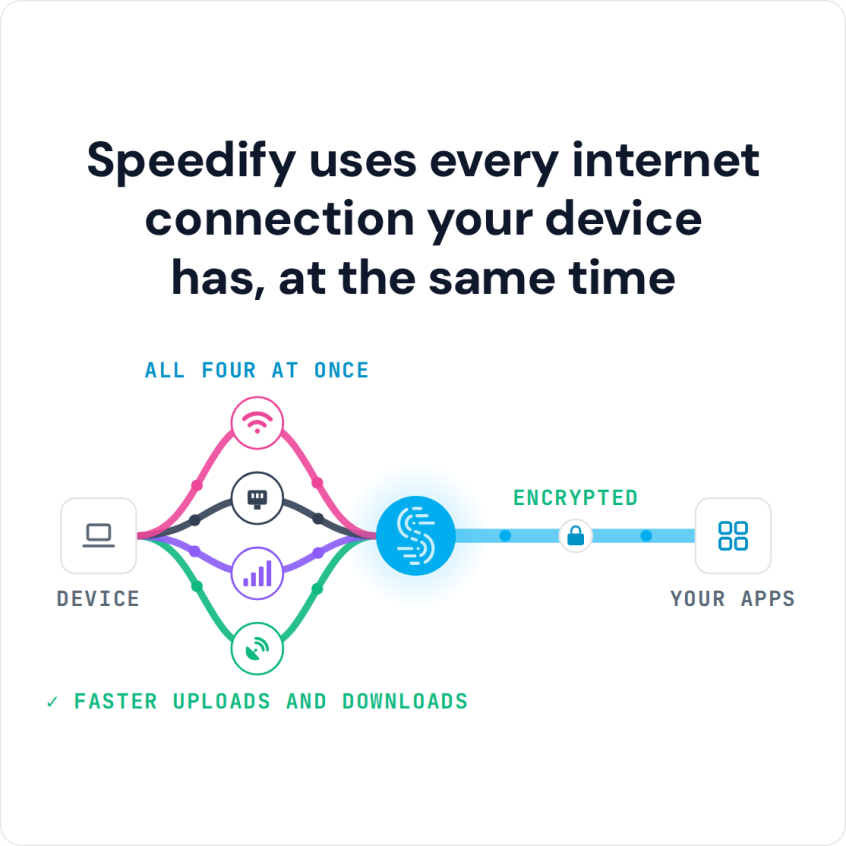
Speedify Helps You Assist Your Wi-Fi Connection on Your iPhone / iPad with 4G/5G Mobile Data Wi-Fi Assist is an iPhone and iPad setting that switches you to 4G/5G cellular when your Wi-Fi connection is weak. That keeps you online, but it can use up your cellular data plan. For faster, more reliable internet with more control, use Wi-Fi and … Read More
Using a VPN on Your Phone? Go with Speedify for Faster Uploads and Downloads
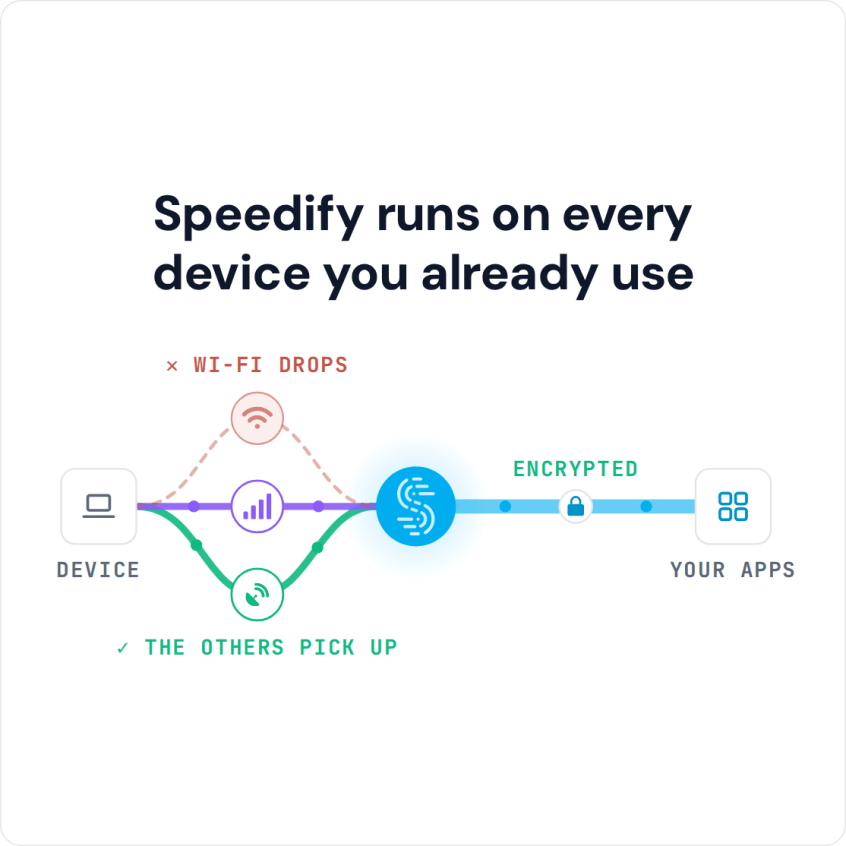
Unbreakable VPN Connection for Your Phone by Combining Starlink, Wi-Fi, 4G, 5G, and DSL with Speedify Everything sensitive you own passes through your phone – banking apps, email, work logins – usually over whatever Wi-Fi happens to be nearby. Speedify is an app for iPhone and Android phones that encrypts that traffic and, unlike an ordinary VPN app, keeps Wi-Fi … Read More
iPhone 18 VPN Setup: Speedify Adds 5G Cellular to Wi-Fi for Faster Uploads and Downloads
Unbreakable VPN Connection for iPhone 18 by Combining Wi-Fi and 4G / 5G Cellular at One with Speedify How long should it take to get a VPN running on an iPhone 18? A couple of taps, not a hand-built configuration profile. Speedify installs as an app, encrypts what leaves the iPhone 18, then does what a standard VPN app cannot: … Read More
iPhone VPN Disconnects in Sleep? Speedify Keeps You Connected and Secure
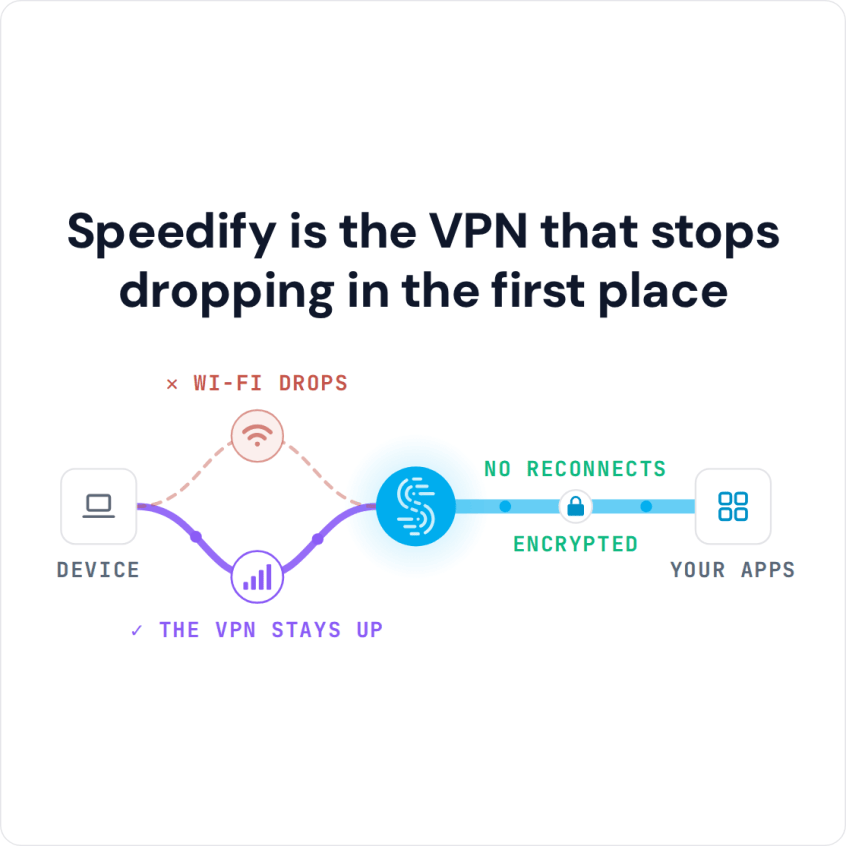
Unbreakable VPN Connection to Fix iPhone Disconnects by Combining Wi-Fi and 4G / 5G Cellular with Speedify Sleep mode is the culprit on iPhone. When the screen auto-locks, most VPN apps let their single internet connection close, which leaves your traffic unprotected until you open the VPN app again. Speedify was built for phones that move around. Speedify is an … Read More