
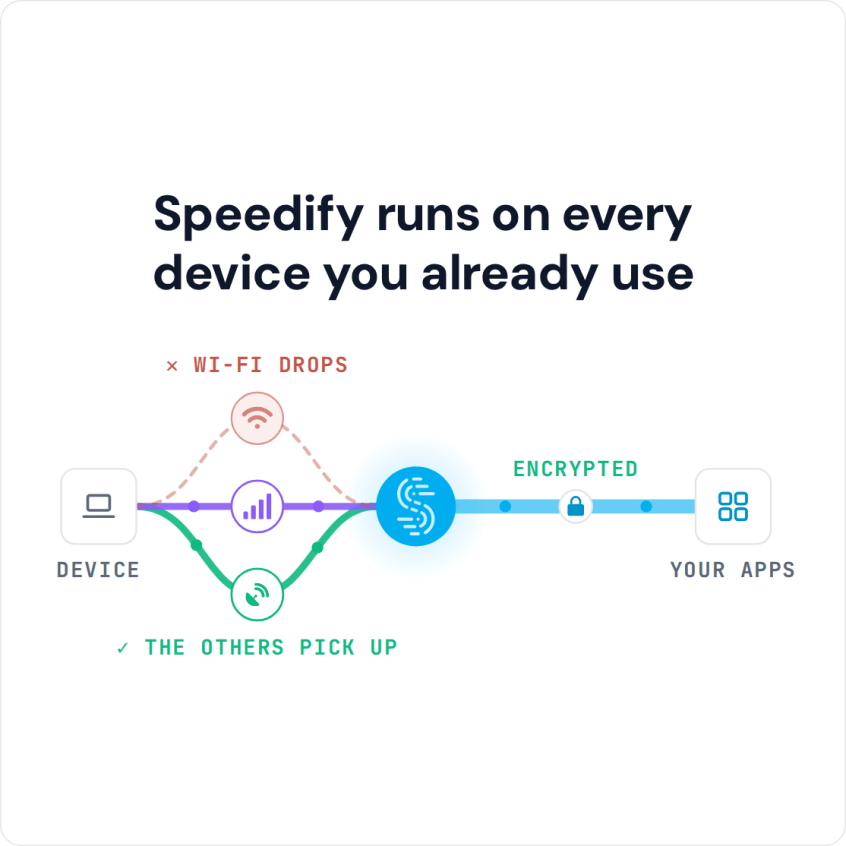
Using a VPN on iPhone Duo: Speedify Gives Split View Two Connections Instead of One The iPhone Duo opens to a 7.6 inch display and runs two apps side by side, so a VPN for iPhone Duo carries two apps’ traffic at once. Photos on one half and Mail on the other, or a video call next to a browser. … Read More
Combine Starlink and a Tethered iPhone on Ubuntu Linux with Speedify for Cellular Failover
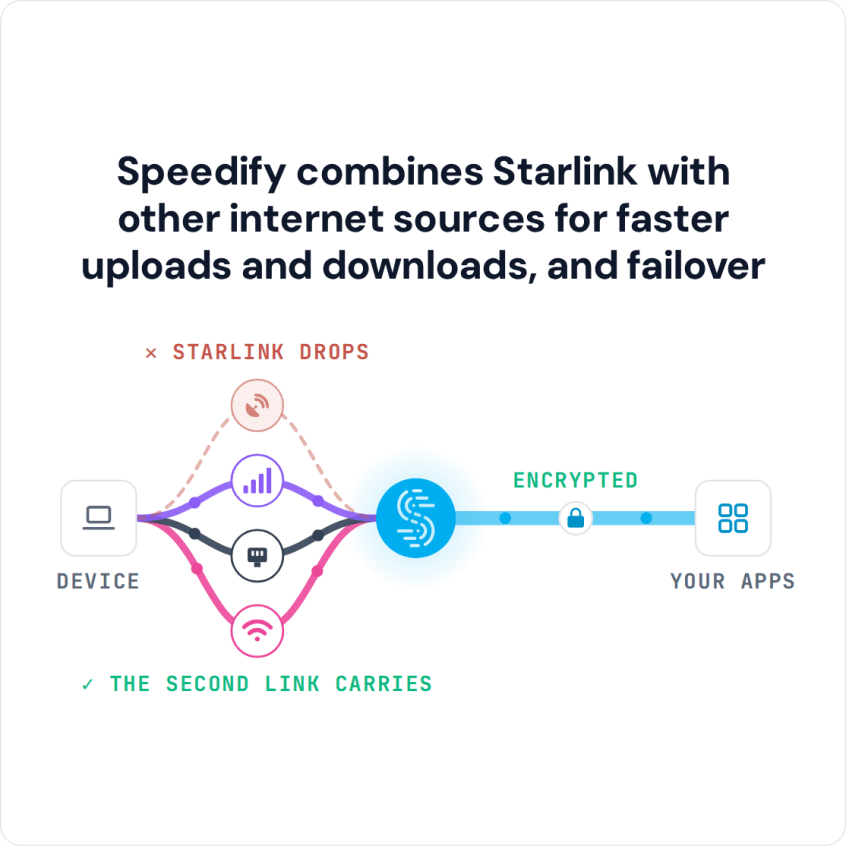
Speedify Uses a Tethered iPhone as Backup for Starlink on Ubuntu Linux to Keep You Online Plug your iPhone into your Ubuntu computer with a USB cable, turn on Personal Hotspot, and Speedify uses your iPhone’s 4G/5G cellular together with Starlink. If your Starlink internet connection drops, Speedify switches your traffic to the iPhone automatically, so SSH sessions, downloads and … Read More
Combine Starlink and a Tethered iPhone on Windows with Speedify for Cellular Failover
Speedify Uses a Tethered iPhone as Backup for Starlink on Windows to Keep You Online Yes, a Windows PC can use Starlink and a tethered iPhone at the same time. Plug your iPhone into your Windows PC with a USB cable, turn on Personal Hotspot, and Speedify uses your iPhone’s 4G/5G cellular together with your Starlink internet connection. If Starlink … Read More
How to Use Starlink and 5G on iPhone at the Same Time with Speedify
Speedify Uses Your iPhone’s 4G/5G Cellular as Backup for Starlink to Keep You Online You can use Starlink and 5G on an iPhone together, so each one covers for the other. With Speedify, your iPhone uses Starlink Wi-Fi and 4G/5G cellular at the same time, and if one of them drops, Speedify switches your traffic to the other automatically, so … Read More
Use Two Hotspots at the Same Time with Speedify Cellular Sharing
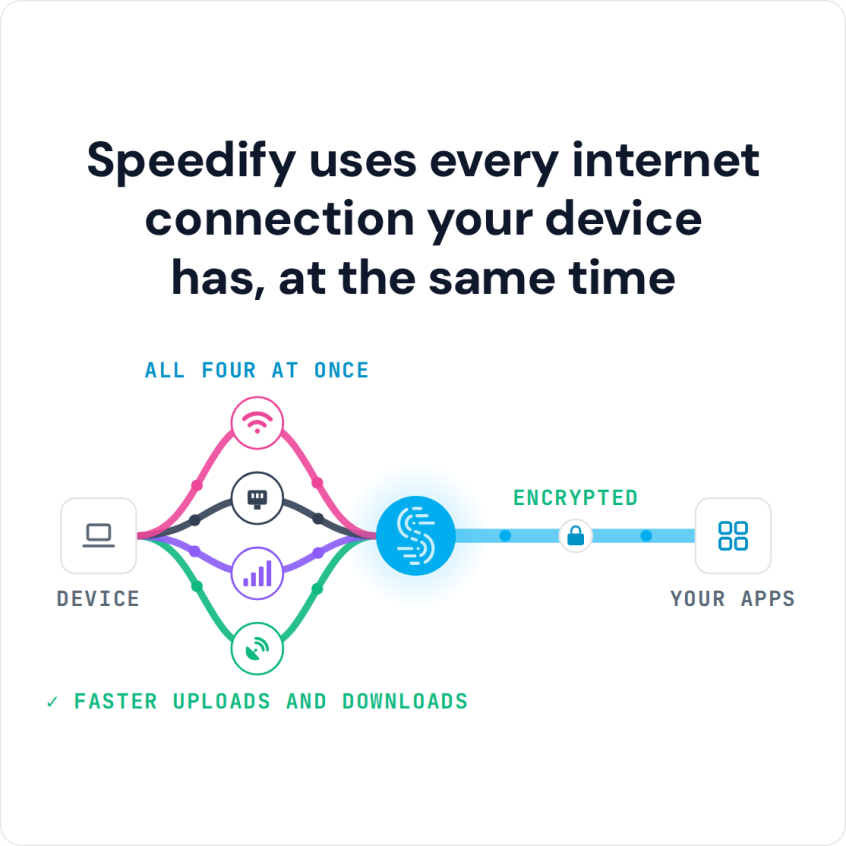
Combine Multiple Personal Hotspots Together for Faster Upload and Download Speeds for Everyone You can use two hotspots at the same time with Speedify, which joins 2 personal hotspots from two phones for faster downloads and uploads. A personal hotspot is a phone feature that turns the phone into a small Wi-Fi router: the phone shares its 4G/5G cellular connection … Read More
Combine Multiple Mobile Hotspots at Once with Speedify for Faster Downloads and Uploads
Combine Multiple Personal Hotspots Together for Faster Upload and Download Speeds for Everyone You can combine multiple mobile hotspots into one connection, so three or more phones pool their 4G/5G cellular at the same time. One phone’s hotspot can already serve more than one device, but every device on it shares that one phone’s connection. Combining hotspots adds every phone’s … Read More