
The Best Internet Setup for a Remote Branch Office A branch office usually runs on whatever internet the building came with: one cable or DSL line carrying the point-of-sale terminals, phones, cameras and staff logins. When that line fails, the whole site goes offline with it, because the traffic has nowhere else to go. Adding 4G/5G cellular failover to office … Read More
VoIP Calls Dropping: Speedify Combines Business Internet Connections to Keep Calls Going

How to Stop VoIP Calls From Dropping on Business Internet Calls made over the internet drop mid-negotiation even though the office speed test looks perfect. Speed is not the problem. Uneven timing between the small pieces of data carrying your voice, pieces that never arrive, and provider outages too short to notice while browsing are each enough to end a … Read More
Security Cameras Offline When the Internet Goes Down: Speedify Adds 4G/5G Cellular Failover
How to Keep Security Cameras Online When the Internet Goes Down A storm takes out the line and every camera goes dark at exactly the moment footage matters. IP cameras push video to the cloud over a single broadband internet connection, so one outage means no live view, no motion alerts, and a hole in the recorded timeline that cannot … Read More
How to Fix Internet Not Working on Linux: Speedify Uses Wi-Fi, Ethernet and Cellular
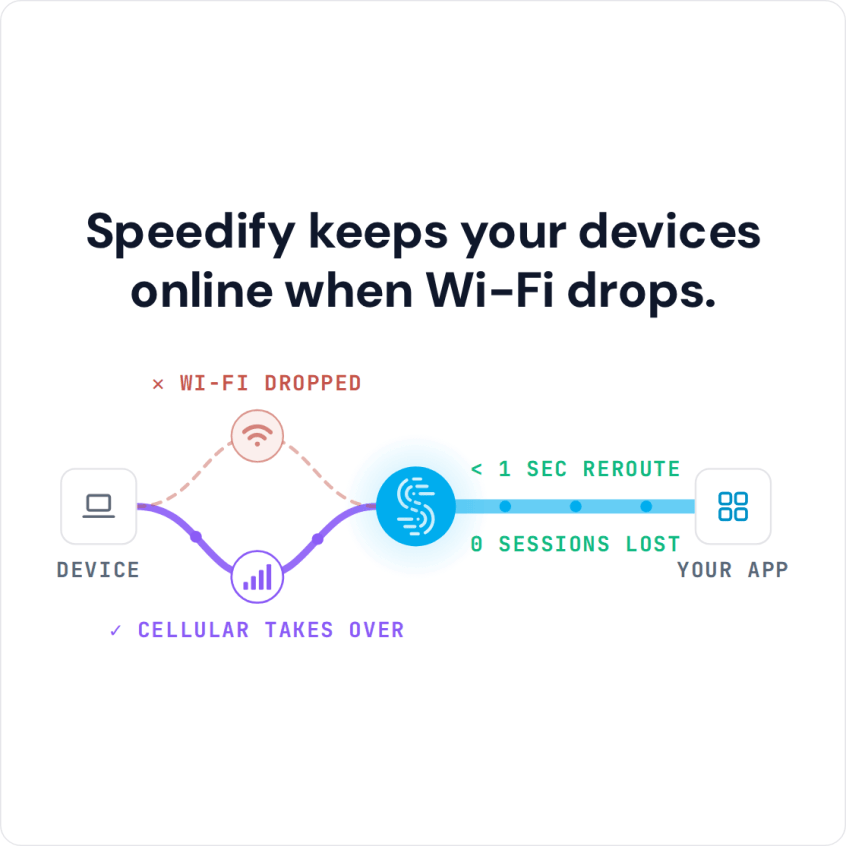
Fix Internet Issues on Limux with Speedify by Combining Starlink, Wi-Fi, Ethernet, 4G / 5G Cellular When Linux is not connecting to the internet but still shows a network connection, a kernel update has often left the Wi-Fi card without a working driver, or the service that manages networking has got stuck and stopped asking the router for an address. … Read More
Cellular Failover: Speedify Combines Two Phone Hotspots to Keep You Online
Share Cellular Data Between Multiple Devices for Failover One phone means one internet connection, and a carrier with a weak spot in your building is all it takes to lose a call or an upload. A second phone on a different carrier removes that single point of failure, because two carriers rarely fade in the same place at once. Speedify … Read More
Mobile Hotspot Connected but No Internet: How to Stay Online with Speedify
Don’t Rely on a Mobile Hotspot Which Isn’t Connected. Use Speedify to Combine Starlink, Wi-Fi, 4G, 5G, and Wired Broadband at Once Hotspot connected but no internet means only half of a mobile hotspot is working. Two separate connections are involved: the local Wi-Fi the hotspot broadcasts, which is working, and the cellular internet behind it, which is not. One … Read More