
Speedify Switches to Your Other Internet Connection Right Away, So Starlink Dropouts Don’t Cut You Off When Starlink keeps disconnecting, the cause is usually one of a few things: something partly blocking the Starlink dish’s view of the sky, a Starlink dish overheating in direct sun, a loose cable, a software update restarting the Starlink dish, or a Starlink router … Read More
Starlink Not Working: Common Causes, and How Speedify Keeps You Online While You Troubleshoot
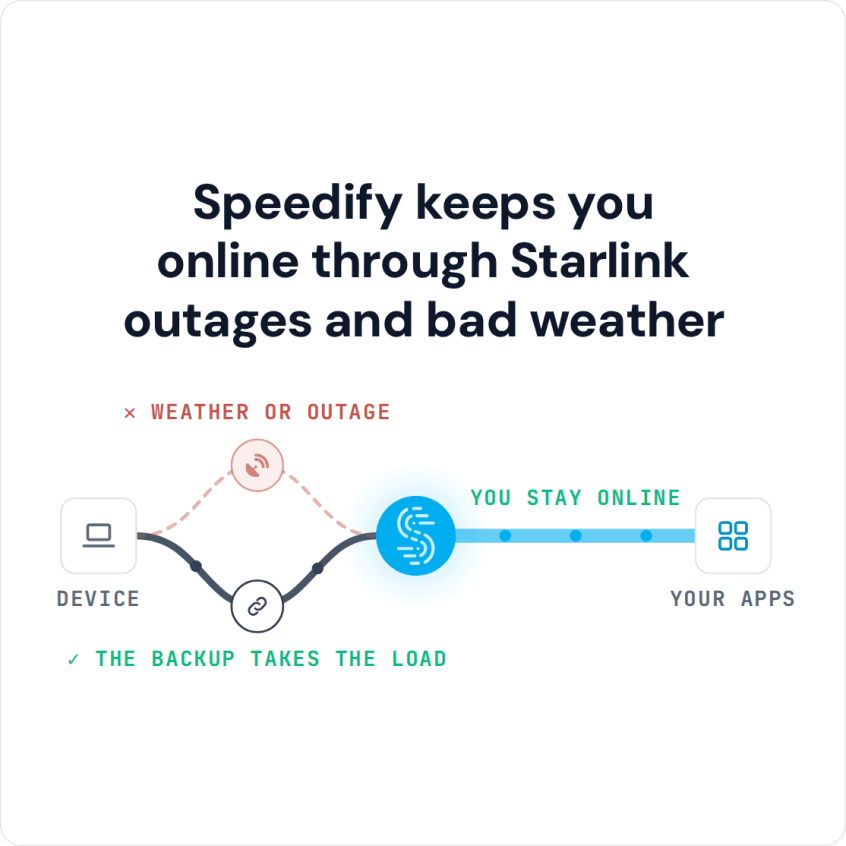
Speedify Keeps You Online While You Troubleshoot a Dead Starlink Internet Connection When Starlink stops working, the cause is usually one of a few things: a Starlink outage, a loose cable, a Starlink dish that needs a restart, a blocked view of the sky, bad weather, or a Starlink router problem. Speedify’s engineers walk through every way Starlink can fail … Read More
Satellite Internet for Emergencies: How to Stay Online in Fires and Storms with Speedify
How to Stay Connected to the Internet during Bad Weather To stay online during a fire, storm, or other disaster, you need backup power for your equipment and more than one way to reach the internet, so a single failure cannot cut you off. Speedify is an app that combines several internet connections at once, such as Starlink, a phone’s … Read More
Starlink Showing “No Internet Connection”? Speedify Keeps You Online
Combine Starlink with Wi-Fi, 4G/5G Cellular or DSL in Speedify When Your Starlink Internet Connection Is Not Working When Starlink has no internet, or shows connected but nothing loads, check the Starlink app first. If the Starlink app shows your Starlink dish offline, the cause is the Starlink dish, its cable, its view of the sky, or a Starlink outage. … Read More
- Page 2 of 2
- 1
- 2