
How to Get Live Streaming and Business Calls Without Connectivity Issues Audio that turns robotic mid-sentence, video that dissolves into blocks, a call that hangs up on its own: all three point at one thing, an internet connection that keeps missing beats. Speedify is an app that runs your internet over Wi-Fi, 4G/5G cellular, Ethernet, Starlink and other internet connections … Read More
Video Not Working on Zoom: How Speedify Keeps Zoom Meeting Audio and Video Going
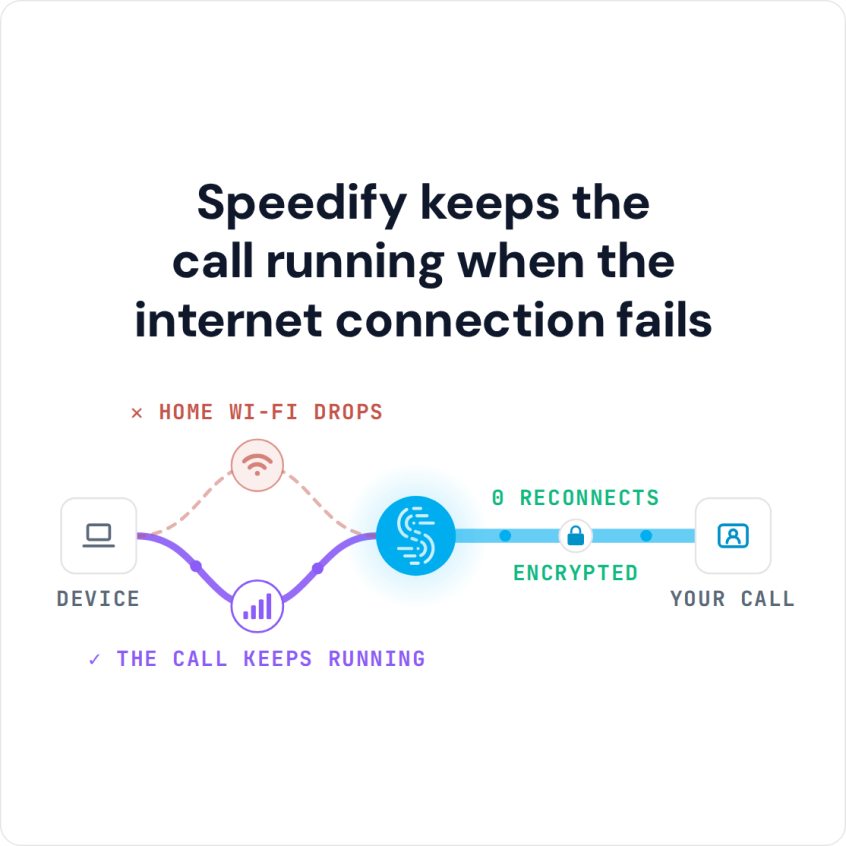
You Can Join Multiple Internet Connections Together – Like Starlink, Wi-Fi, 4G, 5G, and DSL – with Speedify, to Fix Zoom Meeting Issues You join a Zoom meeting and nobody can hear you, or your camera never comes through, and after the third restart the internet connection is the only suspect left. A single office or home connection loses packets … Read More
How to Fix Zoom Audio and Video Problems with Speedify
You Can Combine Multiple Internet Connections Together – Like Starlink, Wi-Fi, 4G, 5G, and DSL – with Speedify, to Fix Zoom Issues Zoom audio cutting out, or video arriving as a smear of blocks, is nearly always a bandwidth problem rather than a bug in the app. When one internet connection cannot keep up, Zoom trims quality first and disconnects … Read More
FaceTime Group Call Not Working: How Speedify Keeps Group FaceTime Connected
You Can Combine Multiple Internet Connections Together – Like Starlink, Wi-Fi, 4G, 5G, and DSL – with Speedify, to Avoid FaceTime Group Video Call Not Working Group FaceTime not working comes down to one of two things: a requirement or setting on one of the devices, or an internet connection that cannot keep up. A group call asks far more … Read More