
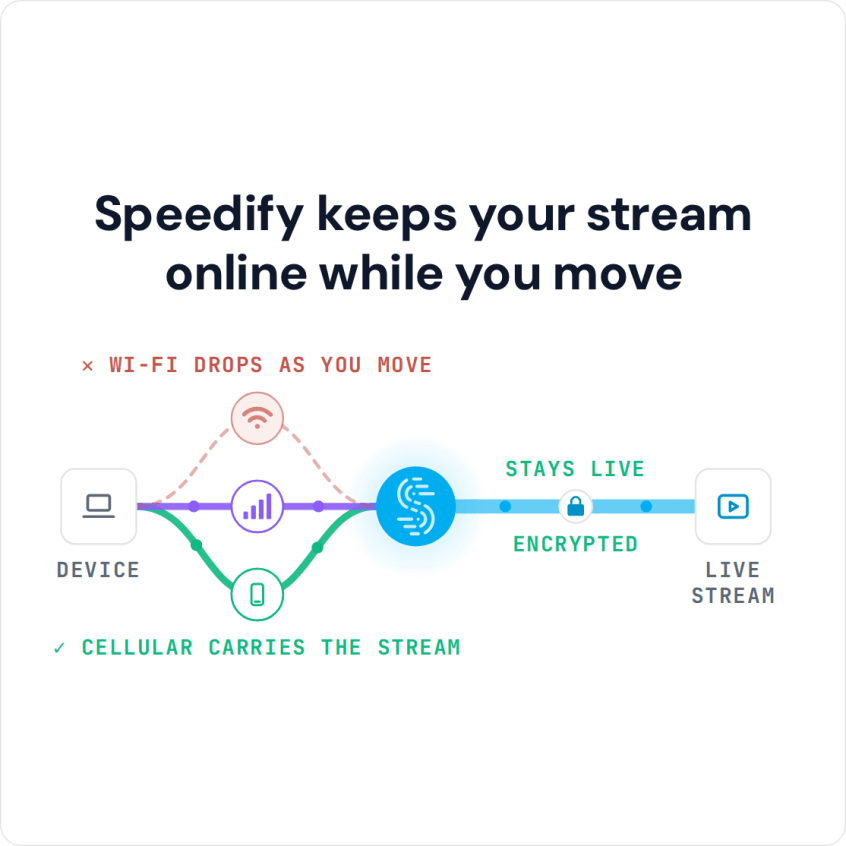
Start IRL Live Streaming on YouTube with Streamlabs Your Streamlabs overlays and alerts look perfect right up to the second the picture freezes and YouTube chat starts asking whether you are still there. Streamlabs is only as good as the internet connection underneath it, and one cellular signal loses ground every time you round a corner. Speedify is an app … Read More
How to Use Streamlabs OBS with Speedify for a Reliable Stream
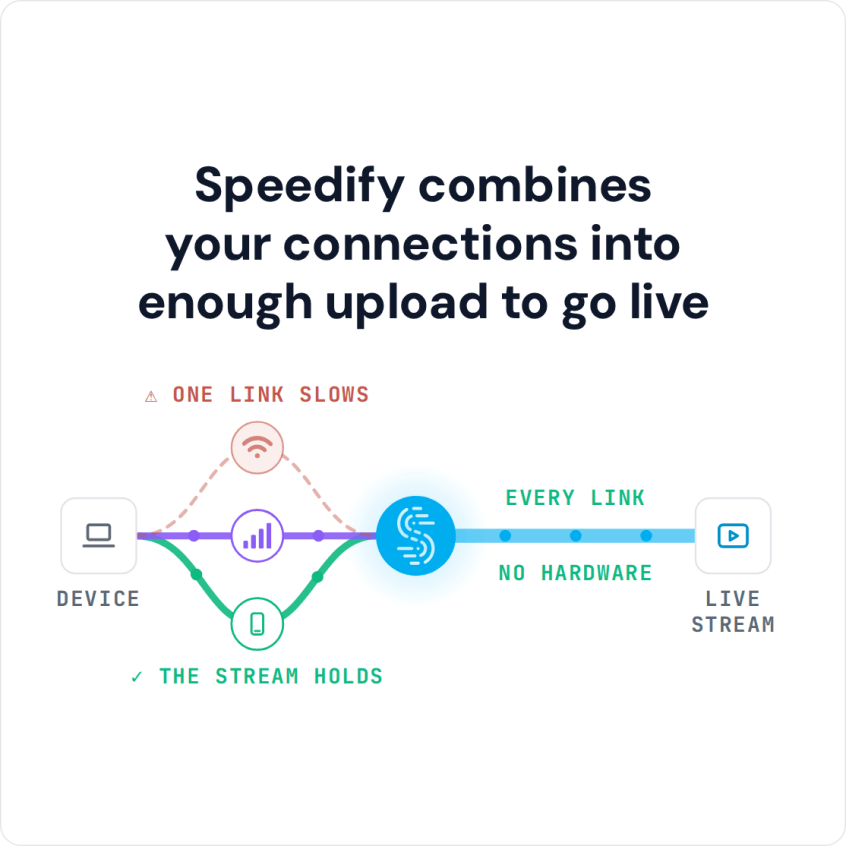
Fast and Stable Internet Connectivity for Your Streamlabs OBS Live Streaming To use Streamlabs OBS with Speedify, connect all the internet connections you have, open Speedify, and go live from Streamlabs as usual: Speedify sends the stream over all of those connections at once. Speedify is an app that combines Wi-Fi, 4G/5G cellular, Ethernet, Starlink and satellite internet connections into … Read More
Streamlabs Dropped Frames and Disconnects: How Speedify Keeps the Stream Live

Streamlabs dropping frames with good internet usually comes down to one of two things: the computer cannot encode the video fast enough (Streamlabs reports these as lagged or skipped frames), or the upload to the streaming server is losing data (dropped frames). Streamlabs disconnecting and reconnecting is that network problem at its worst. Streamlabs OBS is a popular live streaming … Read More
How to Stream on Streamlabs with Speedify for More Reliable Internet
Live Streaming at Best Video Quality with Streamlabs, No Internet Connection Issues Streamlabs makes going live easy, and then your internet connection decides how the broadcast actually looks. Low upload speed and a link that keeps flickering are what turn a clean stream into a blocky, stalling one, however good your scenes and overlays are. Speedify is an app that … Read More