
Unbreakable VPN Connection to Fix VPN Dropping by Combining Starlink, Wi-Fi, 4G, 5G, and DSL with Speedify
What makes a VPN drop out mid-session? The internet connection under the VPN changed – the phone moved from one Wi-Fi access point to another, or from one cell tower to the next – and a VPN built on one internet connection cannot survive that.
Speedify combines several internet connections into one encrypted internet connection, so when one of those internet connections fails your data is already travelling on the others. Nothing reconnects, no download restarts, and your privacy never lapses.
Coming up: why a VPN keeps dropping out, plus how using Speedify turns a fragile internet connection into one that holds through a whole video call or workday.
Why does my VPN Connection Keep Dropping?
Almost all VPNs work the same way. They use a single Internet connection and create an AES encrypted socket with the VPN server. All of the data that is sent or received by your device must first be sent over the VPN server for encryption. This requires a lot bandwidth. The amount of traffic over your Internet connection increases significantly.
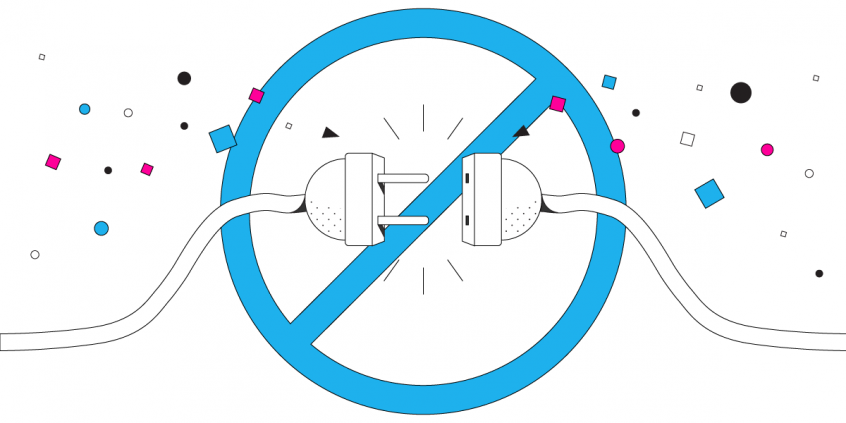
But, the VPN software essentially puts all the eggs in one basket. If something happens to the Internet connection being used, there is no failover. The connection is broken. Your device is disconnected from the VPN server. This can happen if your cell signal suddenly becomes unstable or if there is an issue with the Wi-Fi connection you are using.
Most VPN software does not use channel bonding. This means that even if your device is able to connect to the Internet via Wi-Fi and mobile data simultaneously, the VPN will only rely on a single connection. You don’t benefit from the extra bandwidth or connection redundancy. So, your VPN will keep dropping, disconnect automatically, and you’ll be wondering why this happens to say the least.
Any problem at all with your Internet connection, even if it just momentary outage or fluctuation, and you experience the dreaded “VPN connection keeps dropping” behavior.
Speedify Fixes VPN Connection Drops & Brings More to the Table
You should definitely try a different kind of VPN! The team behind Speedify wanted to create a new kind of VPN that was faster and more reliable that the old VPN model. The Speedify protocol is a new type of VPN for mobility that makes your connection more secure, faster, but also keeps you from getting disconnected.
Here’s what Speedify VPN has and none of the other VPNs on the market has:
- Auto failover
- Channel bonding between different connections
- Many parallel sockets
- Fast and strong encryption for mobile processors
- IP optimization
Speedify allows a mobile device, or a computer tethered to a mobile device, to connect to the VPN server via multiple connections at the same time. Speedify carefully monitors the quality of the connections in the background. Because it was designed with auto failover, if any single connection is lost, all the data packets are automatically rerouted through another connection. The user doesn’t have to do anything to stay connected, and will not even notice the change.
The use of multiple internet connections and several parallel sockets reduces errors, minimizes packet loss and allows the VPN to run much faster than any standard VPN is capable of. Depending on the network connections, Speedify is anywhere from 97% to 188% faster than standard VPN services.
There is no longer any reason to compromise on speed and reliability for the sake of security. Speedify’s revolutionary design means you never have to suffer through VPN disconnect again.
Why are you still struggling with legacy VPN software that keeps dropping the connection when you could be using the future of secure internet? Get started with Speedify VPN today for FREE – no strings attached, no email sign-up necessary and no logging of data!
Speedify
Get started with Speedify today.
Combine Wi-Fi, 4G/5G cellular, Ethernet, Starlink, and more into one faster, steadier connection. Free to try — no credit card required.
🚀 Speed
Faster uploads and downloads by bonding all your connections at once.
📶 Stability
Automatic failover in under a second when any connection drops.
🔒 Security
AES-256 encryption on every connection, on every network you join.



15M+ downloads worldwide. 75K+ five-star reviews on iOS and Android.