
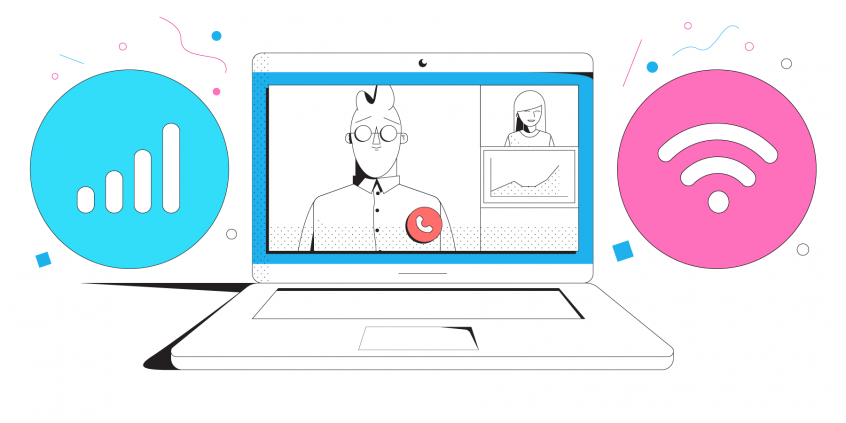
Forget About Buffering and Disconnects While Live Streaming Your Event
A live stream of your event stays online when its upload speed holds steady – no buffering, no dropped broadcast. Speedify is an app that combines two or more internet connections at once – Wi-Fi, 4G/5G cellular, Starlink – into one faster, steadier upload, and it keeps the stream running if any single connection drops.
Here is how to live stream your event online without running into those internet problems.
Speedify combines your connections into enough upload to go live
How do I use WiFi and 4G/5G cellular at the same time with Speedify?

Pick your two internet connections and your device below and we'll take you to the step-by-step setup guide.


Why Internet Problems Appear when Live Streaming an Event
It’s not a 100% probability, but it’s close to that. And you don’t want to be caught off guard by those Internet issues. So, why do they happen?
In most cases it’s about the capacity of the Internet providers in the event area to serve the crowds. Remember that poor WiFi at your latest event, back when they used to happen, before the Covid-19 pandemic? How many times have you had to switch to a cellular connection in order to get things done?
Here’s what usually happens, from a more technical perspective:
- There’s not enough bandwidth available for your live stream so either the quality drops (jittery / choppy video) and/or you see disconnects
- The WiFi coverage is spotty – this leads to disconnects
- The WiFi hotspot is offline, but your device connects to it – your mobile device clings to it as it cannot tell it doesn’t work. So, instead of switching back to LTE to keep the stream going, it will disconnect it.
What can you do to live stream your event without any head aches? Read below.
How to Live Stream Your Event – Get a Stable Internet Connection
Bottom line – you want to avoid being disconnected while live streaming your event. And, of course, have a constantly good video streaming quality. Relying on a single ISP can get you in trouble. So, relying on two or more ISPs is better. Best case scenario for live streaming your event with solid Internet: you combine 2 or more connections at once from different ISPs with a channel bonding app designed for streaming like Speedify.
Speedify uses channel bonding technology to use 2 or more connections at the same time. It’s the only software bonding service that can run on any device, whether it’s a desktop or laptop computer, smartphone or tablet.
If one of your connections fails, Speedify automatically reroutes all the traffic through your other available connection(s). This happens in the background without you having to do anything. When the dropped connection is back online, Speedify will pick it up and start using it again.
Speedify Helps Live Streaming Your Event Without Internet Issues
At least that’s what our customers say. Here’s an example.
As a fast bonding VPN, Speedify acts like a power-up for your device. Instead of only using a single Internet connection at a time, Speedify allows your device to use multiple connections simultaneously. You’ll get more bandwidth and more stable livestreams.
Speedify constantly monitors the quality of your Internet connections. If the Wi-Fi becomes unreliable, it’ll automatically reroute data through cellular data until Wi-Fi is available again.
Moreover, it automatically identifies audio and video streams, and provides quality of service (QoS) by prioritizing streams over other traffic. Web browsing and software updates can’t mess up your calls and live streams.
Wondering how to live stream your event and not get into any connectivity trouble? Try Speedify when live streaming your event! Get it here!
Speedify
Get started with Speedify today.
Combine Wi-Fi, 4G/5G cellular, Ethernet, Starlink, and more into one faster, steadier connection. Free to try — no credit card required.
🚀 Speed
Faster uploads and downloads by bonding all your connections at once.
📶 Stability
Automatic failover in under a second when any connection drops.
🔒 Security
AES-256 encryption on every connection, on every network you join.



15M+ downloads worldwide. 75K+ five-star reviews on iOS and Android.