
Going Live IRL to Facebook Using Ecamm Live
Facebook will end a live broadcast that stalls for long enough, which makes an unsteady upload an outright risk rather than a cosmetic annoyance. Streaming from a Mac in a bag, that unsteadiness comes from depending on one cell tower while you keep walking between them.
Speedify is a software app that sends your traffic over Wi-Fi, 4G/5G cellular data, wired Ethernet, Starlink and other internet connections simultaneously, so no single weak signal ends the show. Here you will find the Ecamm Live requirements and the four steps to going live on Facebook, and using Speedify is what keeps the upload from breaking part-way through.
Requirements for Broadcasting to Facebook using Ecamm Live
- Audio-video source – a camera, either dedicated (like a GoPro, for example), or a computer webcam(s) or your smartphone’s camera.
- Pro Tip: for better quality audio, you can use dedicated microphones.
- Pro Tip: extra lighting could be useful in specific scenarios.
- Streaming device – your Mac computer or laptop.
- Streaming software – Ecamm Live, in this case
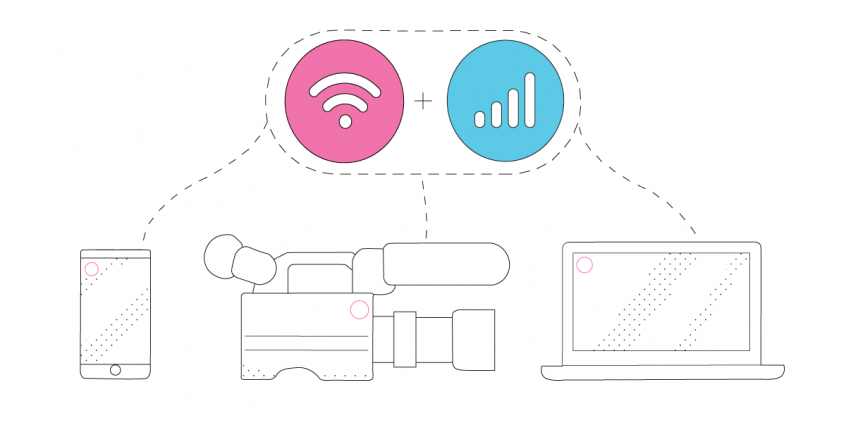
- Stable Internet – use at least two Internet connections at the same time while live streaming IRL – Speedify can help with that.
- Pro Tip: Use an additional smartphone with a cellular data plan. Combine that with your main Internet connection together at once with Speedify to hit your target bitrate and avoid flaky Internet problems.
4 Steps to Using Ecamm Live with Facebook for Live Streaming IRL
- Set up your streaming device and connect all available Internet sources.
Use any type of connection you have available on your Mac – wired Ethernet, Wi-Fi, tethered smartphones, external USB cellular adapters, etc. - Start Speedify and make sure it combines your connections.
When you open Speedify, all the active Internet sources connected should be recognized. Just choose a server to connect to.
If you don’t have a Speedify subscription yet, you can get it from our website store, the Apple App Store or the Google Play Store. - Set up Ecamm Live.
There are a lot of resources on the Ecamm Live website. Start with how to set up your first Facebook Live broadcast. You can then go to the article on broadcasting to Facebook. - Go Live after a final check.
Audio and video should be working. Speedify should be running.
Whenever you’re ready, just start the IRL live stream and broadcast to your Facebook audience.
Speedify – an Essential Element in any Live Streaming IRL Tech Stack for Ecamm Live
Live streaming IRL to Facebook using Ecamm Live should be all about focusing on what you stream. You shouldn’t have to worry whether you’ll get in an area where your Internet connection will drop. Unfortunately, this is the case for most live streamers out there.
This is where Speedify comes to the rescue. It is the only app that can combine multiple internet sources into one bonded super-connection for more stable and secure live streaming, video calling, online gaming and web browsing.
You will get the best Internet connectivity by running Speedify, which prioritizes your IRL live stream over other Internet traffic. Thus, you are avoiding issues such as low quality, choppy and laggy videos, buffering and even disconnects from the streaming server.
Speedify
Get started with Speedify today.
Combine Wi-Fi, 4G/5G cellular, Ethernet, Starlink, and more into one faster, steadier connection. Free to try — no credit card required.
🚀 Speed
Faster uploads and downloads by bonding all your connections at once.
📶 Stability
Automatic failover in under a second when any connection drops.
🔒 Security
AES-256 encryption on every connection, on every network you join.



15M+ downloads worldwide. 75K+ five-star reviews on iOS and Android.