
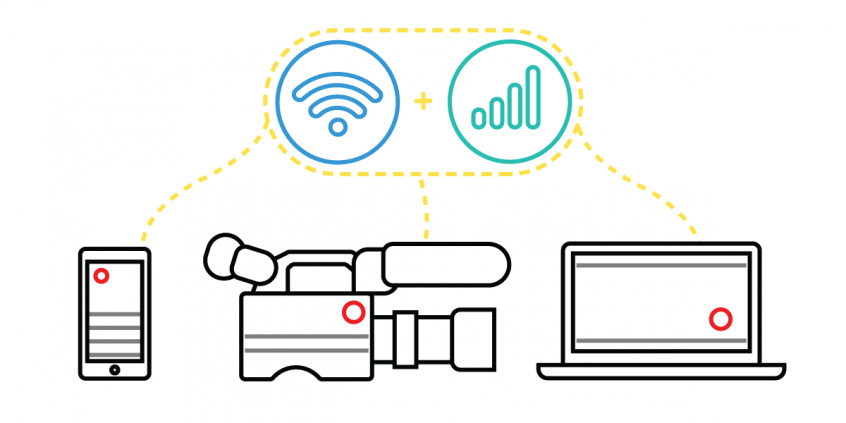
Use Speedify to Live Stream Weddings: Get Faster Uploads and Downloads and a More Reliable Internet Connection
When you need to live stream a wedding over the internet, you need an internet connection that doesn’t drop out or buffer so everybody who watches can enjoy the ceremony as the bride and groom.
The easiest solution: use Speedify together with at least two internet connections. Speedify is the only app that combines Wi-Fi, 4G / 5G cellular, Ethernet, Starlink and other satellites at once for secure, faster, and more reliable internet uploads and downloads so you stay online without interruptions during the wedding’s live stream.
Should you have a backup 4G, 5G, Starlink, or cable internet connection?
Yes — every internet connection goes down, including Starlink, which drops for ~34 minutes a day on average. A backup connection from a different provider means one outage never takes you fully offline. The most common options are a 4G/5G cellular hotspot, a cable or DSL line, or a second satellite dish.
4G/5G cellular
Works anywhere. Just a SIM or hotspot — no installation needed.
Learn more →Cable / DSL
Best for fixed locations. Different network, so outages rarely overlap.
Learn more →Second Starlink
Adds redundancy and throughput for remote sites or heavy usage.
Learn more →Speedify bonds any two connections into one — automatic failover, more speed, no dropped calls.
Try free →Speedify Feature · Pair & Share
Cellular sharing that works better than a mobile hotspot.

Speedify Feature · Pair & Share
Speedify Pair & Share: share cellular between your devices, both ways
Most hotspots give. Speedify's Pair & Share gives and takes. Two devices running Speedify pair up and each uses the other's cellular connection simultaneously, so you both get faster uploads, faster downloads, and a steadier connection. No extra hardware, no new data plans, no setup beyond a tap.
Learn how Speedify's Pair & Share works ›More speed
Every device you pair with adds its cellular to yours, and yours to theirs.
Stays connected
If a paired device drops out, Speedify keeps you online on the remaining links.
Always private
Every shared connection runs through AES-256 encryption. Your traffic is yours.
No new gear
Runs on devices already running Speedify, over your local network. Pair once, reconnects automatically.


Speedify Helps with Live Streaming your Wedding
To have all the key people able to witness your nuptials, you can easily live stream the ceremony which is helping us make lemonades out of these lemons. Now, those who live afar can be part of it without traveling. Whatever you choose, Zoom, Facebook, You Tube, know that you can ensure all your guests get a great experience. Maybe even hold it on 2 different steaming services, why not cover all your bases?
How to Ensure your Internet Connection is in Tip Top Shape: Use Speedify to Combine Wi-Fi and 4G/5G Cellular at Once for Live Streaming the Wedding
Where will you get married, suddenly you have a choice. You can hold a religious ceremony in a church, chapel or synagogue. Many will afford you AV set up to hook up into for the best in sound and video quality. Are you dreaming of an outdoor wedding with the blue sky, green grass and maybe even a sandy shoreline as your backdrop?! Free Wifi Hotspots are pretty prominent to help you thru that. Your connection is going to be key here so after the obvious backdrops and other criteria be certain you can steam without glitches like family staring at a buffering wheel while you are saying your vows.
The Internet connection is essential for live streaming your wedding. You want to avoid broadcasting poor quality video or being disconnected. Relying on a single Internet connection can get you in trouble. So, relying on two or more connections is better. Best case scenario for live streaming your wedding with solid Internet: you combine 2 or more connections at once from different ISPs with a channel bonding app designed for streaming like Speedify.
Make sure you mention Speedify to your Streaming Coordinator. It uses channel bonding technology to use 2 or more connections at the same time. Speedify is the only software bonding service that can run on any device, whether it’s a desktop or laptop computer, smartphone or tablet.
If one of your connections fails, Speedify automatically reroutes all the traffic through your other available connection(s). This happens in the background without you having to do anything. When the dropped connection is back online, Speedify will pick it up and start using it again.
Improve your Weddings Live Stream with Speedify
As a fast bonding VPN, Speedify acts like a power-up for your device. Instead of only using a single Internet connection at a time, Speedify allows your device to use multiple connections simultaneously. You’ll get more bandwidth and more stable live streaming for your wedding.
Speedify constantly monitors the quality of your Internet connections. If, for example, the Wi-Fi becomes unreliable, it’ll automatically reroute data through other connections (e.g. cellular data) until Wi-Fi is available again.
Moreover, it automatically optimizes audio and video streams, and provides quality of service (QoS) by prioritizing streams over other traffic. Web browsing and software updates can’t mess up your calls and live streams.
Wondering how to live stream your wedding and not get into any connectivity trouble? Try Speedify at the rehearsal for live streaming your Big Day! Get it here!
Get started with Speedify today!
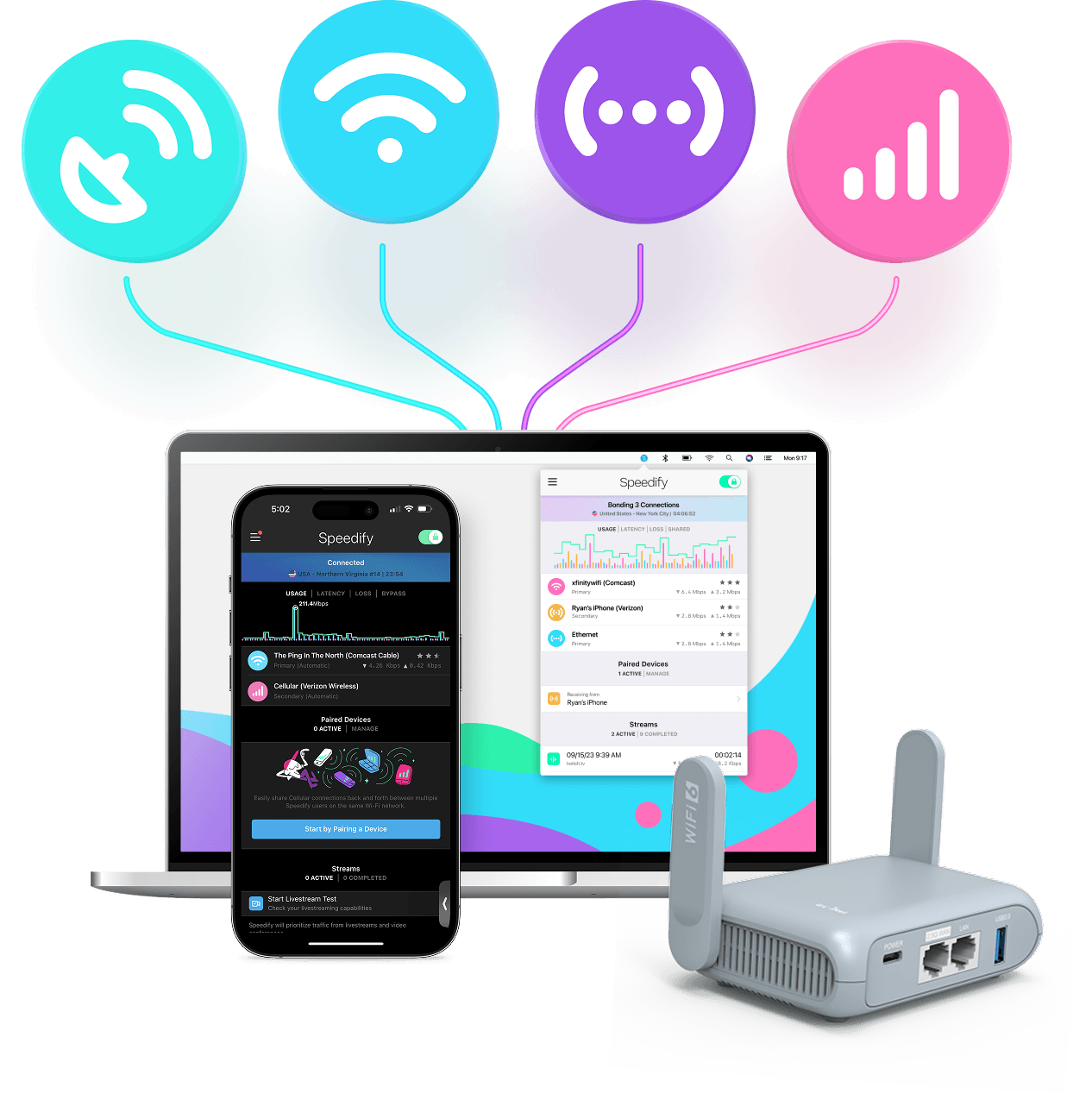
With Speedify you can combine Wi-Fi, 4G / 5G cellular, Ethernet, Starlink and other satellites into one bonded super-connection to improve livestreaming, video calling, gaming, web browsing, and everything else you do online.




Speed
Stability
Security
Speedify engineers love talking tech on YouTube, Tiktok, and Instagram!
Alex Gizis and the Speedify engineers discuss and explain technology including Starlink satellites, Wi-Fi 7 routers, Apple networking features, fiber optics, broadband internet, 5G mobile networks, AI, networking protocols, and much more. Follow Speedify on YouTube, TikTok, Instagram, and LinkedIn!
Alex and the Speedify team are always exploring the latest in networking and security technology—like 5G, 6G, WiFi 7, laser and satellite internet—and sharing it in new discussion content across YouTube, TikTok, Instagram, and LinkedIn every week.
Got a tech question? Let's go deeper! Pop into Speedify Office Hours live every Wednesday at 10 AM Eastern. Speedify CEO Alex Gizis and our network engineers are standing by to break down your questions about networks, tech updates, and Speedify features.
