
Stream video live over bonded 4G, Wi-Fi and other connection types
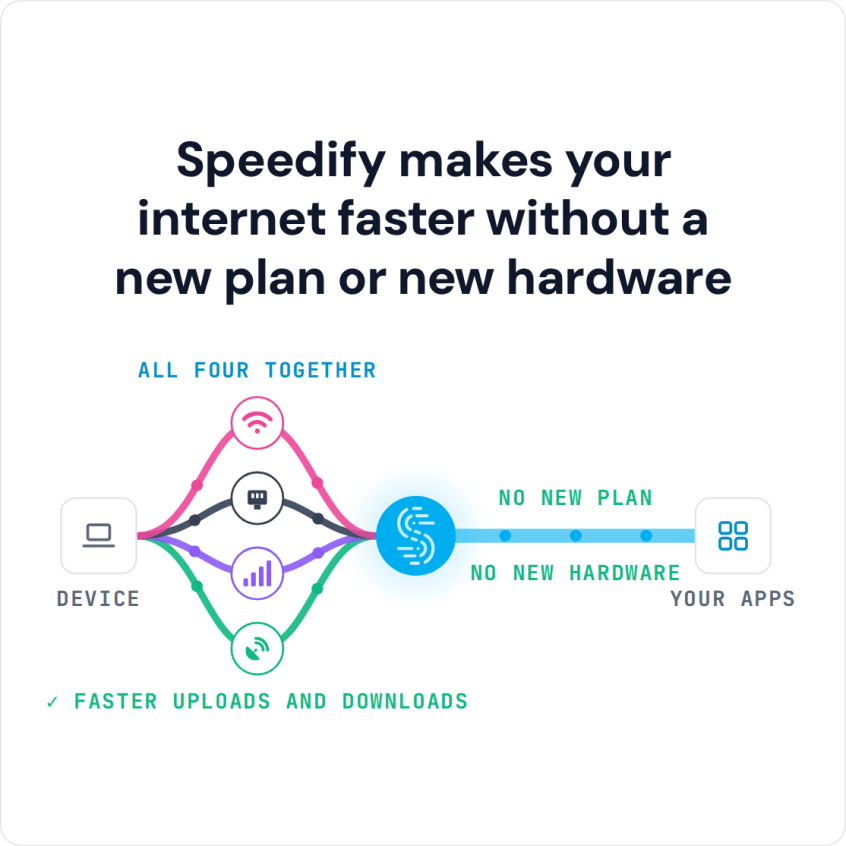
Bonded streaming means sending video over more than one internet connection at once, so there is always enough bandwidth and a dropout on one connection does not stop the stream. Speedify is an app that does this in software: it combines Wi-Fi, 4G/5G cellular, Ethernet, Starlink and satellite internet connections into one faster, steadier connection that keeps streaming even if one drops out.
Here is how to combine connections with Speedify for gapless video.
Speedify makes your internet faster without a new plan or new hardware
How do I use WiFi and 4G/5G cellular at the same time with Speedify?

Pick your two internet connections and your device below and we'll take you to the step-by-step setup guide.


Why Video Streams Buffer on a Single Internet Connection
Video is one of the most bandwidth-hungry things you can do online, and a poor video streaming experience usually means the connection cannot deliver that bandwidth fast enough. If your streams buffer or drop quality, you are not the only one.
Wi-Fi does not fix this on its own, because cable and DSL lines are often overloaded at busy times. On 4G/5G cellular alone it can be worse, and if you watch while moving, the connection can drop out entirely and stop the video.
How Speedify Combines Connections for Gapless Video Streaming
Speedify fixes these streaming problems by combining two or more internet connections into one faster connection. Combining connections used to need expensive hardware; now you only need to download the Speedify app.
Speedify works on Windows, macOS, Linux, Android and iOS. To stream video over combined connections, download Speedify, open the app, make sure two or more internet connections are active (for example Wi-Fi and your phone’s 4G/5G cellular), and start streaming. Streaming Mode is on by default, so there is nothing to configure.
On a phone, Speedify combines 4G/5G cellular and Wi-Fi into one connection for streaming video, and keeps the stream going when you move between Wi-Fi networks.
Combined Connections for Live Broadcasts on Twitch and YouTube
Speedify combines connections in both directions. When you broadcast live, Speedify splits the upload across your connections too, so a stream to Twitch or YouTube keeps going when one connection weakens, and the upload capacity of each connection adds together.
Speedify Also Handles Failover and Encryption While You Stream
Speedify also monitors the quality of each connection in the background. If one becomes unstable, Speedify moves your traffic to the others, and once the lost connection is back, Speedify adds it in again automatically. You don’t have to do anything.
Your traffic is encrypted like a VPN as well, and Speedify is built for mobility: its own protocol is designed so encryption does not get in the way of your video. The result is a stable, secure connection and fewer videos stalling to buffer.
Download Speedify and try it on your own connections. The free tier includes 5 GB per month with a free account.
Speedify
Get started with Speedify today.
Speedify combines Wi-Fi, 4G/5G cellular, Ethernet, Starlink and satellite into one faster, more reliable internet connection. Free to try: 5 GB a month with a free account. No credit card required.
🚀 Speed
Faster uploads and downloads, because Speedify uses all your internet connections at once.
📶 Stability
If one internet connection drops, Speedify moves your traffic to the others in milliseconds.
🔒 Security
AES-256 encryption on every internet connection, on any network you join.



15M+ downloads worldwide. 75K+ five-star reviews on iOS and Android.