
How to Get Your Streaming Videos to Stop Buffering
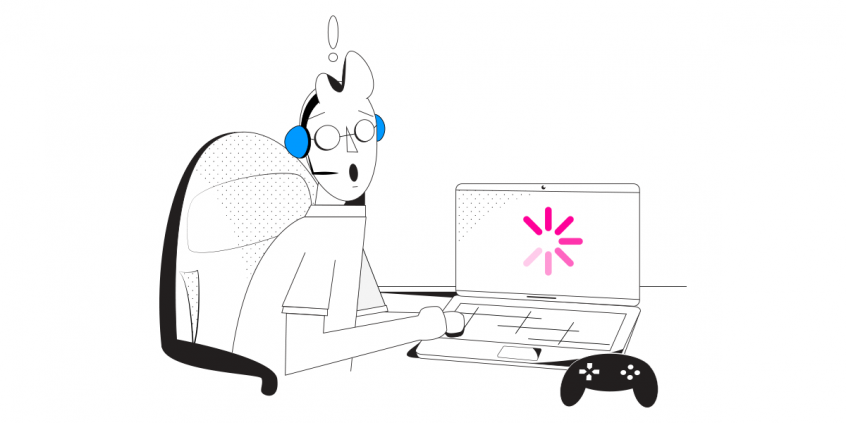
I’ll make you a deal: if you don’t recognize yourself in the following paragraph, you are free to close this window. So – as you’re streaming your favorite videos, shows or movies, you get the dreaded buffering wheel. This can happen right from the start or in the middle of the action. What do you do – you pause it, leave it for a few seconds to load and then press play again, right?
Well, that shouldn’t be the case. You should not get any buffering with streaming. Provided, of course, the service is OK and you have good Internet connectivity. Ring a bell yet?
In this article we’ll show you how to avoid streaming and buffering by getting faster and more stable Internet connectivity.
Quick answer
Should you have a backup 4G, 5G, Starlink, or cable internet connection?
Yes — every internet connection goes down, including Starlink, which drops for ~34 minutes a day on average. A backup connection from a different provider means one outage never takes you fully offline. The most common options are a 4G/5G cellular hotspot, a cable or DSL line, or a second satellite dish.
4G/5G cellular
Works anywhere. Just a SIM or hotspot — no installation needed.
Learn more →Cable / DSL
Best for fixed locations. Different network, so outages rarely overlap.
Learn more →Second Starlink
Adds redundancy and throughput for remote sites or heavy usage.
Learn more →Speedify bonds any two connections into one — automatic failover, more speed, no dropped calls.
Try free →Speedify Feature · Pair & Share
Cellular sharing that works better than a mobile hotspot.

Speedify Feature · Pair & Share
Speedify Pair & Share: share cellular between your devices, both ways
Most hotspots give. Speedify's Pair & Share gives and takes. Two devices running Speedify pair up and each uses the other's cellular connection simultaneously, so you both get faster uploads, faster downloads, and a steadier connection. No extra hardware, no new data plans, no setup beyond a tap.
Learn how Speedify's Pair & Share works ›More speed
Every device you pair with adds its cellular to yours, and yours to theirs.
Stays connected
If a paired device drops out, Speedify keeps you online on the remaining links.
Always private
Every shared connection runs through AES-256 encryption. Your traffic is yours.
No new gear
Runs on devices already running Speedify, over your local network. Pair once, reconnects automatically.


Why Are Videos Buffering when Streaming?
The general answer is: due to technical problems. Going deeper – these can occur on either part of the streaming process:
- streaming platform: Netflix, YouTube, Facebook Live, etc.
- your side: your ISP, your computer or smartphone, etc.
Troubleshooting streaming platform issues should be easy: just check out their status page (e.g. Netflix) or social media accounts (e.g. Hulu). Or contact them directly. They usually announce if something’s wrong with their service.
When it comes to issues on your side, they range from being too far from the WiFi router to ISP data throttling and infrastructure issues.
One thing is for sure – if you’re buffering when streaming videos, you need to fix it and learn how to avoid it in the future.
How to Avoid Buffering Issues when Streaming Video
Assuming that the streaming platform is functional, you need to try a few things yourself that can help eliminate buffering. There’s a more elaborate guide on troubleshooting Internet connectivity issues here, but the most important things applicable in this case are:
- As always – start with a restart of your device and your modem / router.
- If you’re streaming via WiFi, try connecting the device to a wired Ethernet connection (computer, game console, smartTV). Or move the device closer to the router.
- Still streaming and buffering? While connected to a wired connection, run a speed test and see what you get. If the numbers are way lower than what the ISP is supposed to deliver, you should contact them about this.
- So you’re stuck with slow Internet. You can choose to stream your videos at a lower quality: 720p HD or 1080p Full HD instead of 4k Ultra HD.
- Or you can improve your connectivity by using all available connections on your computer and mobile device at once – WiFi, wired Ethernet, cellular data, etc. All you need is a channel bonding service like Speedify.
Speedify Helps Eliminate Buffering when Streaming. Once and for All
As a fast bonding VPN, Speedify uses channel bonding technology to get speed, stability and security for your Internet connection.
When it comes to streaming, Speedify is the perfect tool – it dynamically prioritizes streaming traffic over other types of traffic. This means you’ll get more bandwidth for your streaming videos, hence eliminating buffering.
If one of the connections you’re using becomes slower or even disconnects, Speedify will automatically start moving traffic to the other working connection(s). When the initial connection is back, it starts using it again.
And don’t worry – just because it’s also a VPN doesn’t mean you can’t access your favorite streaming platforms. Speedify’s bypass feature allows only trusted traffic from Netflix, HBO, Hulu, Disney+ and more to go around the encrypted tunnel.
No more streaming and buffering – just use Speedify!
Get started with Speedify today!
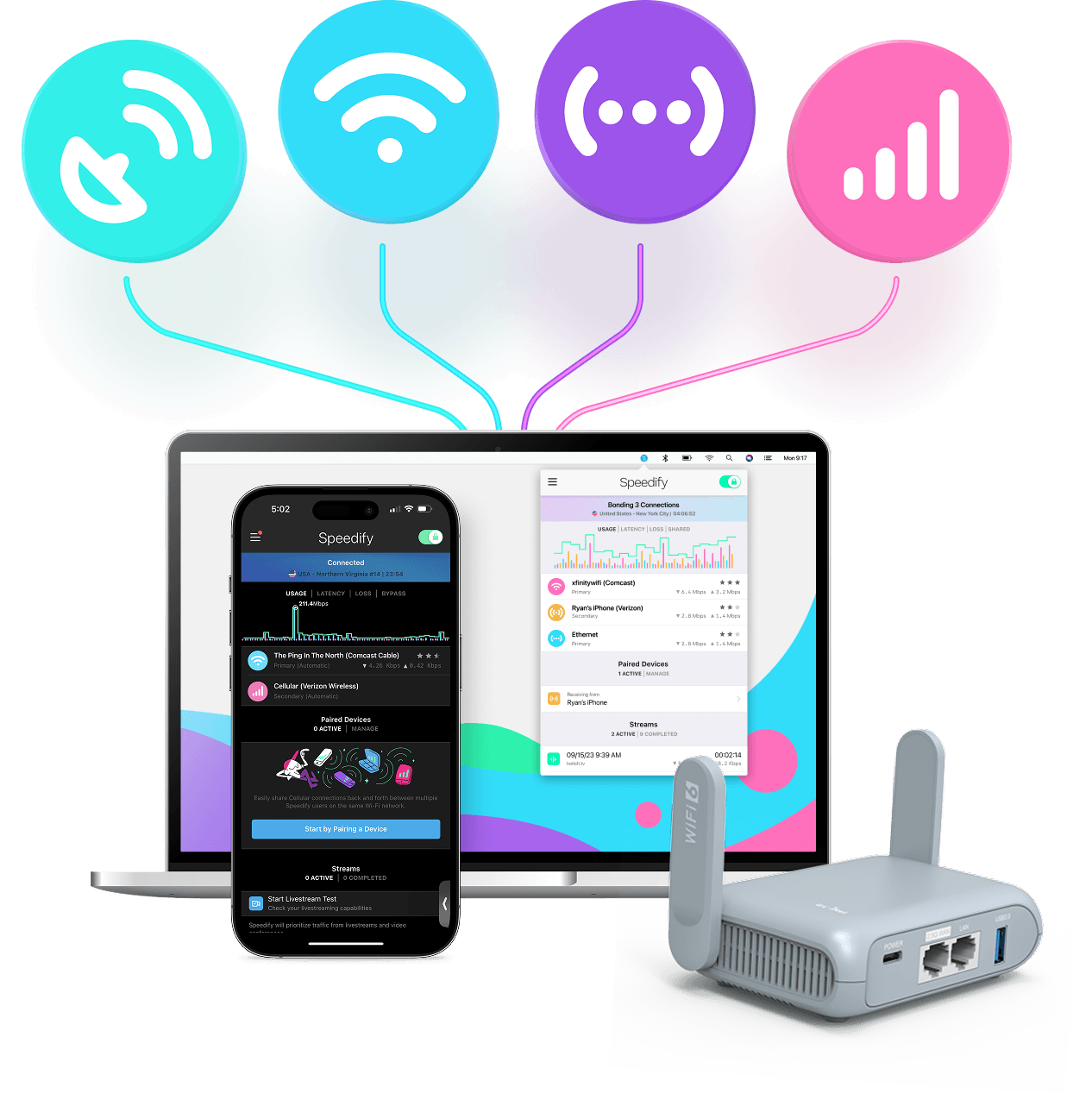
With Speedify you can combine Wi-Fi, 4G / 5G cellular, Ethernet, Starlink and other satellites into one bonded super-connection to improve livestreaming, video calling, gaming, web browsing, and everything else you do online.




Speed
Stability
Security
Speedify engineers love talking tech on YouTube, Tiktok, and Instagram!
Alex Gizis and the Speedify engineers discuss and explain technology including Starlink satellites, Wi-Fi 7 routers, Apple networking features, fiber optics, broadband internet, 5G mobile networks, AI, networking protocols, and much more. Follow Speedify on YouTube, TikTok, Instagram, and LinkedIn!
Alex and the Speedify team are always exploring the latest in networking and security technology—like 5G, 6G, WiFi 7, laser and satellite internet—and sharing it in new discussion content across YouTube, TikTok, Instagram, and LinkedIn every week.
Got a tech question? Let's go deeper! Pop into Speedify Office Hours live every Wednesday at 10 AM Eastern. Speedify CEO Alex Gizis and our network engineers are standing by to break down your questions about networks, tech updates, and Speedify features.
