
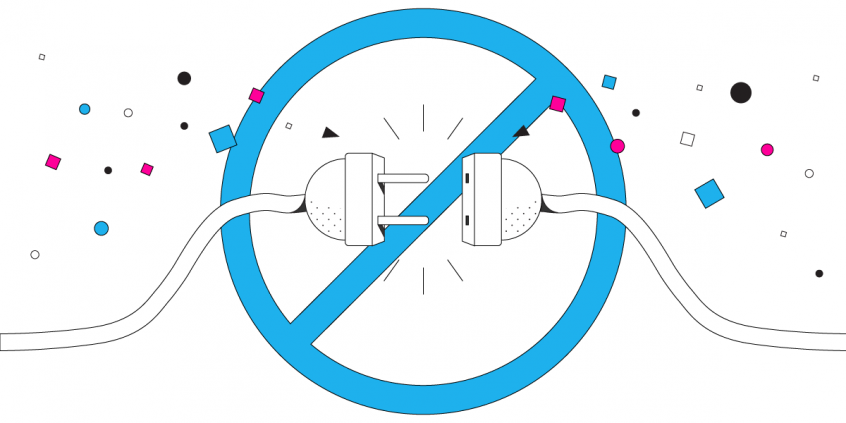
Checked for a Comcast Xfinity Internet Service Outage? What to Do when Internet is Down
The Xfinity light goes orange, the call drops, and the outage map tells you it will be a few hours. Nothing you do to the router changes that – the problem is upstream of your house.
Speedify is an app for your computer, phone or tablet that uses more than one internet connection at once. With your home Wi-Fi and your phone’s cellular data both connected, cable going down stops being the end of your working day: Speedify moves your traffic onto cellular without dropping the call or the upload. Read on to see how to check whether the outage is really Comcast’s, why Xfinity outages happen, and what to have set up before the next one.
With Speedify, your internet stays on when one connection fails.
Reasons Why a Comcast Xfinity Internet Service Outage Happens
When your Comcast Xfinity Internet disconnects, it doesn’t automatically mean that it’s your ISP’s fault. It is certainly an issue on their side if the status center page indicates that there are service outages in your area. This happens most often when:
- there is an issue with Comcast’s Internet infrastructure;
- network is overloaded, especially Wi-Fi. This happens in crowded areas – on the street, stadiums, concerts, etc.
- you connect to a bad Xfinity Wi-Fi hotspot.
Sometimes your Internet may be disconnecting due to reasons that are specific to your connection only, such as:
- a defective cable from your modem / router to your computer.
- Wi-Fi hotspot strength is insufficient – you may be near the edge of the WiFi network.
- wireless interference with other Wi-Fi hotspots or devices nearby.
- network adapter outdated drivers or modem / router outdated firmware
Troubleshoot Your Comcast Xfinity Internet Service Outage Issue
As mentioned in the beginning of this article, you should definitely check if there’s an issue with Comcast. If so, you can contact them and get an estimate of when it will be fixed.
If the Comcast Xfinity Internet looks good, here are a few of things you can try:
- Reset your router, restart your smartphone / computer.
- Move closer to the WiFi router / hotspot.
- Get a WiFi analyzer app and see if there’s any WiFi interference. If so, move your router in a different place or set a fixed channel for your WiFi from your router admin interface.
- Update your WiFi adapter drivers and WiFi router firmware by checking the manufacturers’ websites.
- If on a public WiFi network, connect to another one; that may very well just be a bad WiFi hotspot.
If you’re tired of trying all sorts of things and want the proven solution to fix Comcast Xfinity Internet service outages, you can use Speedify! You will be able to use all the available Internet connections (WiFi, cellular, wired Ethernet, etc.) so that the overall Internet connectivity is not affected on any of your devices.
Speedify Easily Fixes your Comcast Xfinity Internet Service Outages
Speedify is a fast bonding VPN app that allows you to combine 2 or more Internet connections at the same time. This will help you avoid random Internet disconnects. Speedify is not a load balancer – it uses channel bonding technology to provide a fast, stable and secure Internet connection.
Speedify will also prioritize sending data over WiFi or Ethernet connections to keep your metered connections (such as cellular data) at a minimum. If something happens to your WiFi connectivity, you stay online with the mobile data for only as long as it takes to restore the WiFi connection.
Speedify is also a fast VPN that uses advanced encryption to keep your data safe. But, it works differently than traditional VPN apps that slow down your Internet: Speedify uses multiple sockets to send date to and from the VPN server.
Seeing a lot of Comcast Xfinity Internet service outages? Use Speedify for uninterrupted connectivity, fast and secure Internet. Get Speedify now!
Speedify
Get started with Speedify today.
Combine Wi-Fi, 4G/5G cellular, Ethernet, Starlink, and more into one faster, steadier connection. Free to try — no credit card required.
🚀 Speed
Faster uploads and downloads by bonding all your connections at once.
📶 Stability
Automatic failover in under a second when any connection drops.
🔒 Security
AES-256 encryption on every connection, on every network you join.



15M+ downloads worldwide. 75K+ five-star reviews on iOS and Android.