
Unbreakable Remote Access VPN Connection by Combining Starlink, Wi-Fi, 4G, 5G, and DSL with Speedify
If you have a remote job or you are doing remote work while traveling, then you’re most likely accessing the private business network of your company. As this holds very sensitive data, you have to be sure that nobody can eavesdrop on your connection. If we’re talking about security – clearly we’re referring to a VPN service. But there’s more to take into account than just security when doing remote work… You have to make sure you’ll always be online when needed and also that you have a sufficient bandwidth to be able to hold emergency video calls with your team or business partners.
Speedify delivers an unbreakable VPN connection by intelligently bonding multiple internet sources, ensuring continuous uptime and encrypted protection.
Why Speedify's VPN Tunnel is Unbreakable vs Other VPNs
Most VPNs stop working the moment one of your internet connections has a problem. If your Wi-Fi glitches, or your device briefly switches between 4G / 5G and Starlink, you can suddenly lose your VPN connection.
Speedify is built to prevent that. Instead of relying on just one connection, Speedify can use all your available internet connections at the same time: Wi-Fi, Ethernet, 4G / 5G cellular, even Starlink or other satellite. If one connection slows down or drops, Speedify instantly moves your traffic to another internet source so your VPN stays connected and your online activity isn’t interrupted.
In this video, you’ll see how Speedify keeps your internet connection secure, smooth, and reliable by intelligently spreading your encrypted data across the available connections. The result: an unbreakable VPN tunnel.
Combining multiple internet sources like WiFi, 4G, 5G, & Starlink together makes Speedify's secure VPN tunnels unbreakable
Combine internet connections for better bandwidth and signal strength
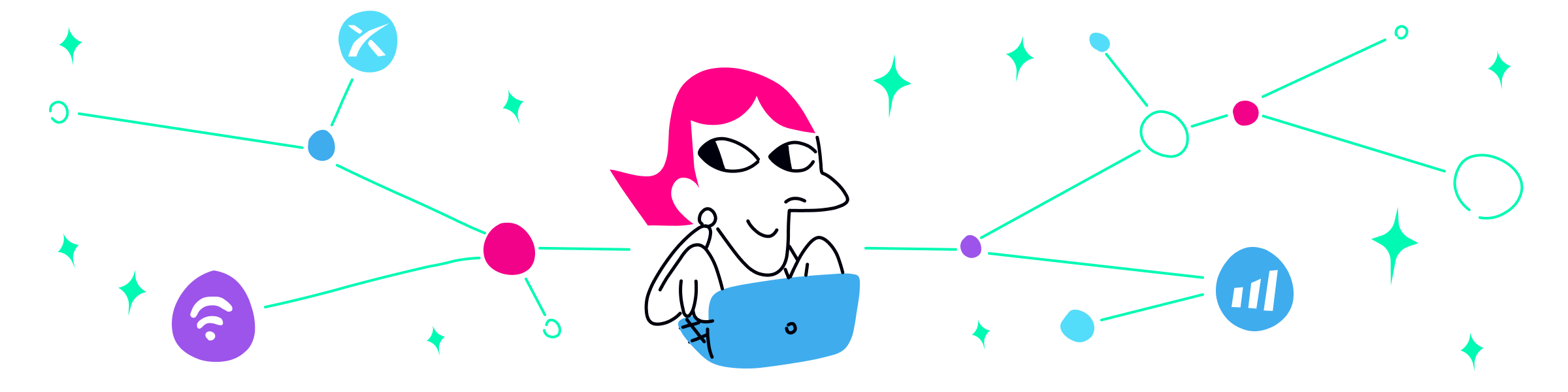
No matter how secure your VPN is, if you experience a drop in your Internet connection, either your VPN tunnel will break leaving you unprotected, or you’ll be stuck offline. Speedify is the only VPN that seamlessly combines all of your connections, including WiFi, 4G, 5G, Ethernet, and Starlink, into one unbreakable connection to keep you online and secure.
Speedify will automatically detect any available Internet connections on your device, encrypting and intelligently distributing your online traffic between them for optimal performance. If you need help we have quick start guides available for most common set ups.
Join multiple mobile personal hotspots at the same time
Speedify's Pair & Share is a feature that enables you to connect to multiple personal hotspots at the same time and wirelessly share LTE, 4G, and 5G cellular connections back and forth between multiple Speedify users on the same local network to create a faster, more reliable connection for everyone.
With Speedify, all of your available internet sources - even shared personal hotspots - are combined inside the secure VPN tunnel with your encrypted traffic intelligently distributed between them, while split tunneling allows blocked sites to bypass. So, if any connection slows down or drops out, the VPN tunnel stays active and the other connections will automatically take over to keep you securely, seamlessly connected.
What Is a Remote Access VPN and Why Do I Need One?
A VPN service for remote access allows users to establish secure online connections with a remote computer network from anywhere in the world. The main role of the remote access VPN is to secure the communication between the user and the computer network.
However, in today’s landscape, connection security is not the only requirement for a VPN solution. There are some other aspects you need to take into account:
- Connection reliability – being always online is important, especially in the middle of an important business call with screen sharing and important decisions to be made. Or simply when watching a live event online.
- Connection speed – while you might think reliability takes the lead, imagine yourself working on a 56k-like connection speed. It’s like not working at all due to the lack of usable Internet.
5 Steps to Choose the Best VPN for Remote Access
Given the 3 coordinates described above (security, reliability, speed), here are the steps you should take to get yourself the best remote access VPN:
- Start with security and privacy policy. Although all VPNs will protect your online activities to a certain degree (especially important when using unprotected public Wi-Fi hotspots), make sure the one that you choose has a no-log policy and they will not sell your “anonymized” traffic data to 3rd party marketing companies. Keep in mind that Speedify doesn’t log any data regarding your online activities while using the service.
- Don’t use free VPN solutions! Although it sounds tempting, you’ll basically get what you’re paying for and “more” in the sense that you might have different companies “chasing” you online with advertisements. And that’s the best case scenario!
- Go for reliability – conventional VPN services have a major flaw with how they’re built, running all traffic through a single connection.
Luckily, Speedify is the only next generation VPN for mobility that has automatic and seamless failover. Speedify can use multiple Internet connections simultaneously – Wi-Fi AND mobile data on your phone, for example. So, even before your Wi-Fi connection drops, Speedify will route traffic through the mobile data connection, so you won’t skip a beat. - Seek the speed – any conventional VPN service adds overhead to the online traffic in order to encrypt it, so, your Internet will be slower when using traditional VPNs.
Speedify uses a revolutionary fast encryption mechanism which has minimal impact on the speed. Plus, if combining multiple connections, you will actually get faster speeds for your bandwidth hungry VoIP video calls or online video streams. - Get full coverage for all your devices – whether you’re working from your Mac or PC laptop or from your iPhone, iPad or Android smartphone, the VPN for remote access solution you choose should support all these devices and, more than that, not charge you extra for additional devices.
Speedify runs on Windows, macOS, Android and iOS devices. It’s easy to install, doesn’t require any special permissions on mobile devices and has the same user interface across all devices.
Speedify for Teams – Remote Access VPN for Your Group
Are you part of a team that works remotely or needs to get work done on the road? Do you need your Skype, Hangouts, streaming video, and VoIP calls to be rock solid? Speedify lets you use all available Internet connections on your computer or mobile device simultaneously to deliver blazing fast speeds and unbreakable connectivity.
Speedify for Teams delivers a centralized account management console where you can control your user accounts. Plus – we offer 100% uptime guarantee, discounted prices and even dedicated VPN servers.
Speedify – Best Choice for Remote Access VPN
Using a VPN will protect you, but most of the VPN solutions will also slow down the Internet, as all data passes through their servers first before going to or from its final destination.
Speedify doesn’t slow down your online speed, as it uses a proprietary encryption algorithm that is fast and secure, to make sure you don’t compromise speed for security.
Plus – most important – Speedify doesn’t log any data regarding your online activity, as other VPNs (or even your own ISP) might do, in order to sell your browsing data to marketing agencies – ever wondered how come “the ads” know you’ve been looking at something in particular?
Tried enough VPNs for remote access with no real satisfaction? Speedify provides the speed, security and reliability as the best remote access VPN! Get started with Speedify now – no strings attached, no email sign-up necessary!

Get started today!
With Speedify you can combine multiple internet sources into one bonded super-connection to improve livestreaming, video calling, gaming, web browsing, and everything else you do online.
Speed
Stability
Security
We love talking about connectivity!
Alex and the Speedify team are always exploring the latest in networking and security technology—like 5G, 6G, WiFi 7, laser and satellite internet—and sharing it in new discussion content across YouTube, TikTok, Instagram, and LinkedIn every week.
Got a tech question? Let's go deeper! Pop into Speedify Office Hours live every Wednesday at 10 AM Eastern. Speedify CEO Alex Gizis and our network engineers are standing by to break down your questions about networks, tech updates, and Speedify features.
