

Speedify Turns a Second Starlink Dish into More Speed and a Real Backup, Not Just a Spare 1When your Starlink dishdrops, you go offline A tree, snow or a hardware failure 2Keep a second Starlinkdish as a spare? It sits idle until the daysomething breaks 3Use both Starlink dishesat the same time Speedify combines both Starlinkdishes to keep you connected … Read More
Starlink Internet for First Responders and Fire Departments: Keep Crews Online
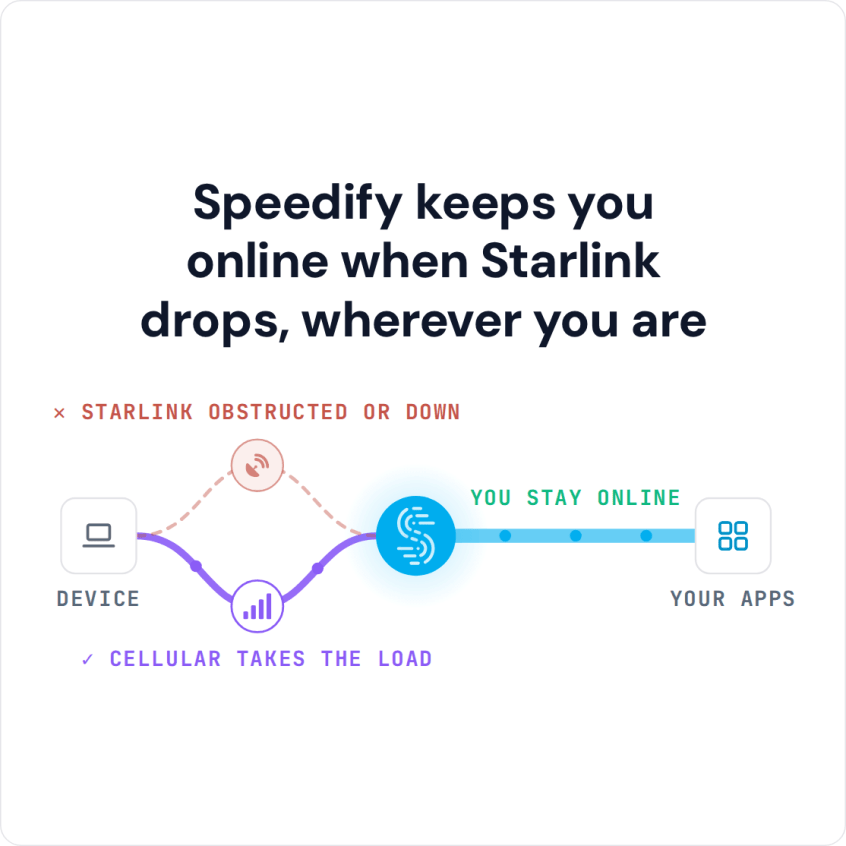
Speedify Makes Starlink a Reliable Internet Connection for First Responders First responders can use Starlink for emergencies. Fire departments, law enforcement, emergency medical services and search and rescue teams can set up a Starlink dish at incident command posts and on mobile command vehicles, where wired internet is down or was never there. In life-safety work, one Starlink internet connection … Read More
Starlink Internet and 5G for Business: Use Both at Once for Speed and Failover
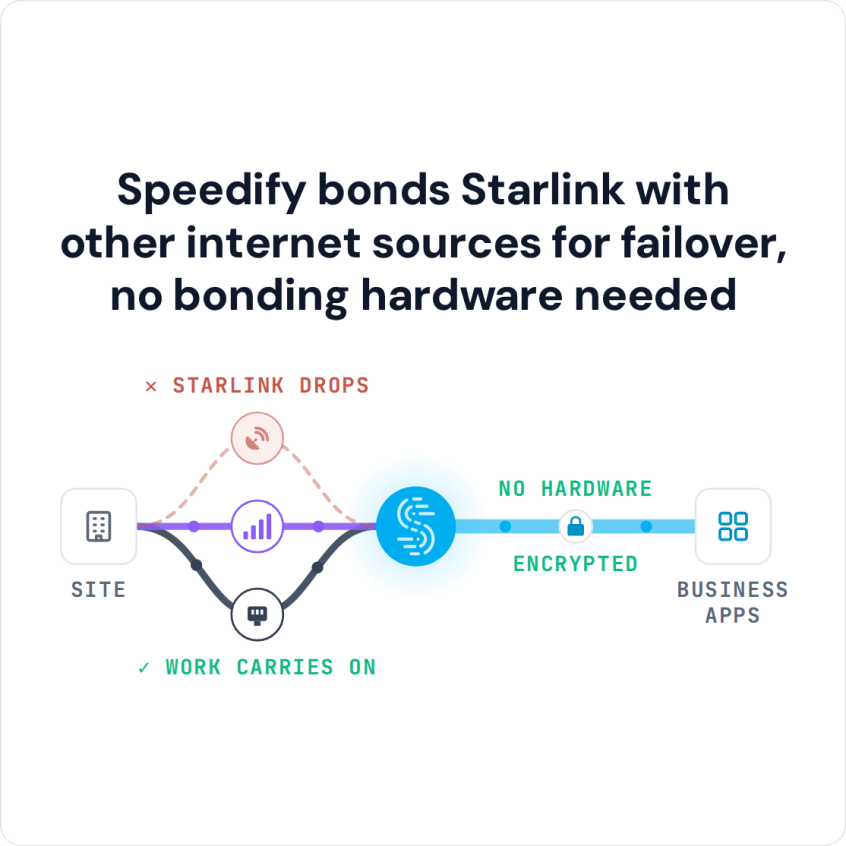
Speedify Combines Your Starlink Internet Connection and 5G for Faster Upload and Download Speeds and Better Reliability for Your Business Does Starlink use 5G? No. Starlink is satellite internet: your Starlink dish connects to satellites, not to 5G cell towers. That’s what makes Starlink plus 5G such a strong pair for business internet. The two run on separate networks and … Read More
Starlink WAN Bonding vs. Load Balancing Explained
Speedify Gets You Faster Upload and Download Speeds on Starlink than a Router That Splits Traffic Between Connections Load balancing and bonding both use Starlink and a second internet connection, like 4G/5G cellular, at the same time, but they split the work differently. Load balancing, which most routers with several internet ports do, puts each app or download on one … Read More
Starlink Failover Bonding for Business: Keep Calls Connected When Starlink Internet Drops
Speedify Keeps Your Business Online When Starlink Drops by Switching to Your Backup Internet Connection Starlink failover means your business internet switches automatically to a second internet connection, like 4G/5G cellular, a wired line or a second Starlink dish, when Starlink drops. Speedify makes that switch in software, in the middle of whatever your team is doing, so video calls, … Read More
Speedify Dedicated Server vs. Shared and Self-Hosted: Server Options for Business
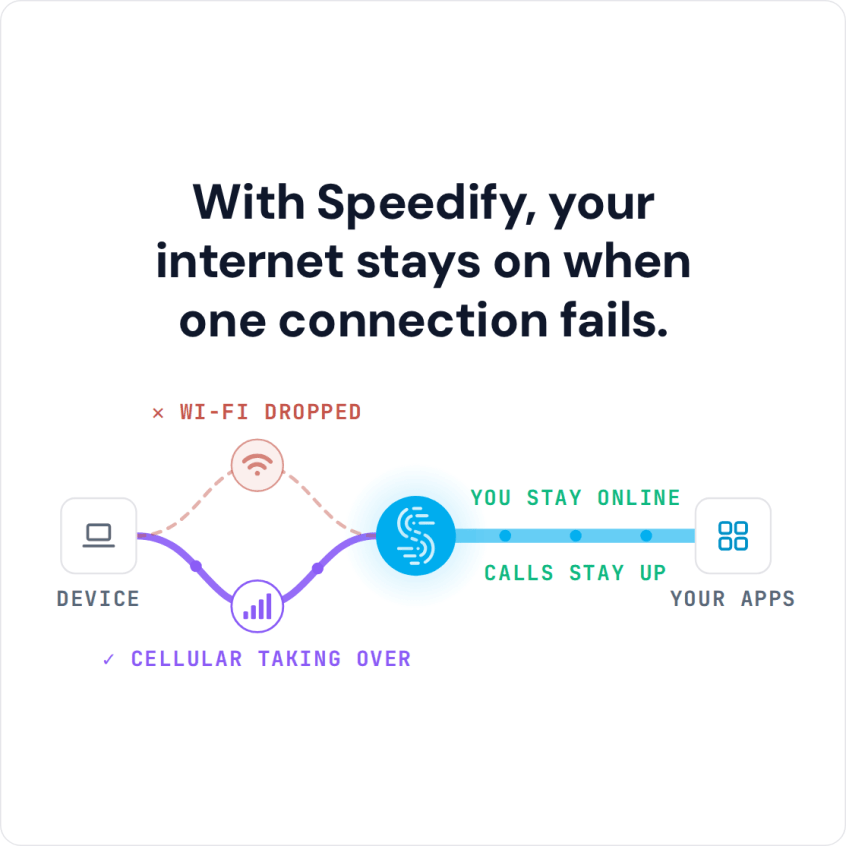
Speedify gives you three ways to configure the server side of your combined internet connection. The differences between them matter for performance, control, and cost. The right choice depends on what you’re actually trying to accomplish. This article covers the 3 types of Speedify servers: public servers, Speedify Dedicated Servers and Speedify Self-Hosted Servers. Speedify Public Servers When you install … Read More